

RTX 5070 Cyberpunk 2077 at 1440p: FPS Benchmark & Optimal Settings
RTX 5070 Cyberpunk 2077 at 1440p: FPS Benchmark. Real-world benchmark data, FPS numbers & performance analysis. What SA gamers can actually expect.
Read moreDiscover why gaming laptop cooling in South Africa is non-negotiable for peak performance. 🔥 Learn how to prevent thermal throttling, boost your FPS, and extend your laptop's life in our hot climate. Don't let heat ruin your game—master your temps with our expert guide! 💻
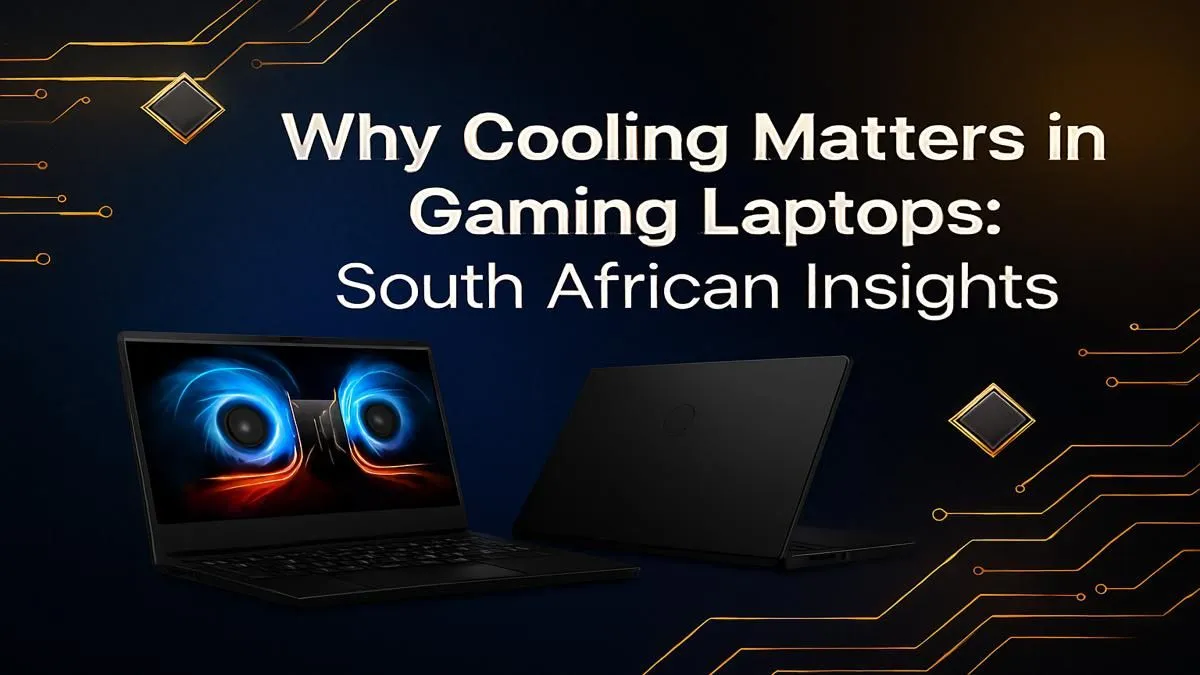
It’s a sweltering Saturday afternoon in Jozi. You’re deep in a final-circle clutch in Warzone, the storm closing in... and suddenly, your frames drop to a stuttering mess. Your R15,000 gaming rig is performing like a potato. The culprit? Heat. In South Africa's climate, effective gaming laptop cooling isn't a luxury; it's the single most critical factor for maintaining high, stable FPS and securing that win. 🚀
So, what’s actually happening when your laptop gets too hot? It’s a self-preservation mechanism called thermal throttling.
Think of it like this: your laptop's brain (the CPU and GPU) senses it's reaching dangerous temperatures. To prevent permanent damage, it intentionally slows itself down. It reduces its clock speed, consuming less power and generating less heat. The unfortunate side effect for you? A massive drop in performance. That smooth 120 FPS you were enjoying plummets, leading to input lag, stuttering, and a one-way ticket back to the lobby.
Effective gaming laptop cooling is the only way to fight this. By efficiently moving heat away from critical components, a good cooling system allows your hardware to run at its peak potential for longer, even during intense, marathon gaming sessions.
Let's be honest, South Africa is not a cold country. From Durban's humidity to a Highveld heatwave, our high ambient temperatures put a massive strain on any PC's cooling system. Your laptop is already starting at a disadvantage, trying to dissipate heat into an environment that's already warm.
This is why investing in a laptop designed with a robust thermal solution is non-negotiable. Modern machines are engineered with this in mind, featuring multi-fan setups, extensive heat pipes, and intelligent airflow designs. The latest generation of MSI gaming laptops, for example, often incorporate advanced cooling technology specifically to handle the demands of high-performance components in any environment.
A weak cooling system in our climate means you're simply not getting the performance you paid for.
Even the best-designed laptop needs a little help to perform optimally. Improving your gaming laptop cooling doesn't always require a new purchase. Here are a few simple but powerful habits you can adopt right now to lower temperatures and boost your FPS.
The most common mistake gamers make is playing on a soft surface like a bed or a couch. This blocks the air intake vents on the bottom of the laptop, effectively suffocating it. Always play on a hard, flat surface like a desk. For an extra boost, use a laptop stand to elevate the machine, dramatically improving airflow underneath. Many high-performance machines, like the powerful MSI Raider gaming laptops, have sophisticated cooling systems that benefit immensely from unrestricted airflow.
A simple laptop stand can lower your CPU and GPU temperatures by 5-10°C. This small change can be the difference between a smooth 90 FPS and a throttling, stuttery 50 FPS in demanding titles. It's one of the most cost-effective performance upgrades you can make.
Dust is the arch-nemesis of cooling. Over time, it clogs heatsinks and suffocates fans, trapping heat inside your machine. Every few months, use a can of compressed air to (carefully!) blow dust out of the vents. If you're comfortable doing so, opening the back panel for a more thorough clean can make a world of difference.
Many gaming laptops come with software that allows you to control fan speeds. Setting a more aggressive fan curve tells the fans to spin up earlier and faster, keeping temperatures in check before they become a problem. It might be a bit louder, but the stable performance is well worth it.
When you're ready to upgrade, make the cooling system a top priority. Look for features like:
Laptops in series like the MSI Vector are often praised for balancing powerful components with thermal designs that can keep up. Don't just look at the CPU and GPU specs; a laptop that can't cool those parts properly is a waste of money.
Ready to Beat the Heat? A hot laptop means lower FPS, period. For peak performance in the South African climate, you need a machine built to stay cool under pressure. Explore our massive range of gaming laptop specials and find the perfect rig to dominate the competition.
In South Africa's warmer climate, gaming laptops are prone to overheating. Proper cooling prevents thermal throttling, which reduces FPS and can damage components over time.
You can improve gaming laptop temperature by cleaning fans, using a quality cooling pad, applying new thermal paste, and ensuring good airflow around the device.
Yes, by preventing thermal throttling. A cooling pad helps maintain lower temperatures, allowing your CPU and GPU to run at maximum speed for longer, thus sustaining higher FPS.
Thermal throttling is a safety feature where a laptop intentionally slows down its CPU and GPU to reduce heat when it gets too hot, causing major performance drops in games.
For optimal performance in South Africa's often dusty conditions, it's best to clean your gaming laptop's fans and vents every 6 to 12 months to prevent buildup.
Common signs include very loud fan noise, a hot-to-the-touch chassis, sudden frame rate drops (stuttering), and unexpected shutdowns during intense gaming sessions.
Yes, prolonged exposure to high temperatures can degrade components like the CPU, GPU, and battery, shortening the overall lifespan of your gaming laptop.
RTX 5070 Cyberpunk 2077 at 1440p: FPS Benchmark. Real-world benchmark data, FPS numbers & performance analysis. What SA gamers can actually expect.
Read more
RTX 3060 Crimson Desert at 1080p: FPS Benchmark. Real-world benchmark data, FPS numbers & performance analysis. What SA gamers can actually expect.
Read more
RTX 5060 Ti Starfield at 1080p: FPS Benchmark. Real-world benchmark data, FPS numbers & performance analysis. What SA gamers can actually expect.
Read more
Intel Arc B580 Assassins Creed Shadows at 1440p. Real-world benchmark data, FPS numbers & performance analysis. What SA gamers can actually expect.
Read more
RX 9070 Avowed at 4K: FPS Benchmark & Optimal. Real-world benchmark data, FPS numbers & performance analysis. What SA gamers can actually expect.
Read more
RX 9070 XT Linux Support: Benchmark & Real-World. Real-world benchmark data, FPS numbers & performance analysis. What SA gamers can actually expect.
Read more
Top Valorant Settings for RTX 5070: FPS Optimisation picks evaluated on performance, value & SA availability with current Rand pricing from Evetech.

RDNA 3.5 Graphics in Ryzen AI 400? Can You Game. Plain-English explanation of what it means, why it matters & how it affects your buying decisions in SA.

GPU Price Index : December Report. Current stock data & price tracking for SA buyers. See what is available and where prices are heading.

RX 9070 XT Elden Ring Nightreign at 4K: FPS. Real-world benchmark data, FPS numbers & performance analysis. What SA gamers can actually expect.

Core i5-14600K + B760 + RTX 5060 Build Under. Full parts list, Rand pricing & expected performance. Build confidently with SA-available components.

RX 7600 Apex Legends at 4K: FPS Benchmark. Real-world benchmark data, FPS numbers & performance analysis. What SA gamers can actually expect.

RX 7900 XTX GTA 6 at 4K: FPS Benchmark & Optimal. Real-world benchmark data, FPS numbers & performance analysis. What SA gamers can actually expect.

Head-to-head comparison of RTX 5070 vs RX 9070 XT: Gaming Performance for SA gamers. Performance benchmarks, Rand pricing & which delivers better value.

Top RTX 5070 Under R25,000 picks evaluated on performance, value & SA availability with current Rand pricing from Evetech.
Core i5-14600K + B760 + RTX 5060 Build Under. Full parts list, Rand pricing & expected performance. Build confidently with SA-available components.

Top Monitor for RX 9070: Resolution & Refresh Rate picks evaluated on performance, value & SA availability with current Rand pricing from Evetech.

Valorant Settings on RX 9060 XT: Performance. Real-world benchmark data, FPS numbers & performance analysis. What SA gamers can actually expect.