

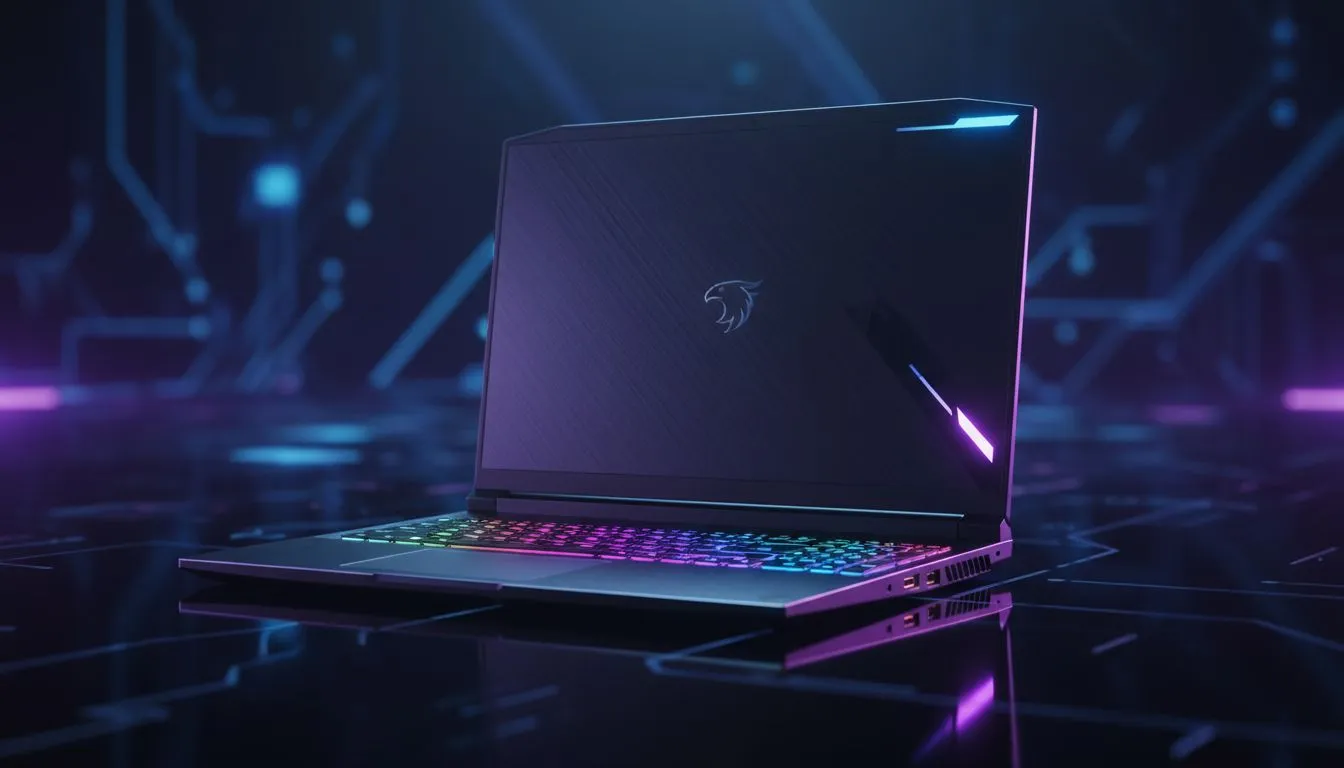
Finding the Balance: Gaming Laptop FPS Optimization
Stuck in a loadshedding slot or heading to a friend's place for a LAN? Every South African gamer knows the struggle of balancing raw power with battery life. Whether you are chasing high refresh rates in CS2 or trying to finish a quest before the lights go out, mastering gaming laptop FPS optimization is the key to a better experience. It is all about knowing when to unleash the beast. ⚡
Prioritising Raw Performance for Competitive Play
When you are plugged into the wall, your priority is simple: maximum frames. To get the most out of GeForce RTX gaming laptops on special, you must ensure your machine is set to "Best Performance" mode in Windows. This allows the GPU to pull maximum wattage, ensuring those intense firefights stay fluid.
Many modern machines also feature a MUX switch... a hardware toggle that allows the dedicated GPU to send frames directly to the display. This bypasses the integrated graphics, often resulting in a 5% to 10% performance boost. If you are looking for peak power, checking out the latest Intel laptops on special is a great starting point, as their high clock speeds excel in frame-heavy scenarios.
The MUX Switch Secret 🔧
Check your laptop's proprietary software (like Armoury Crate or Vantage) for a 'Discrete GPU only' or 'Ultimate' mode. Enabling this requires a restart but eliminates the bottleneck caused by integrated graphics, giving you a direct line to your GPU's full potential for gaming laptop FPS optimization.
Maximising Battery Life Without Sacrificing Playability
Sometimes, you just need your machine to last. If you are gaming on the go, efficiency becomes your best friend. Many gamers prefer Ryzen laptop deals because of the excellent power-per-watt efficiency offered by Zen architecture. To save battery, consider capping your frame rate to 60 FPS. There is no point in your GPU churning out 144 frames if it drains your battery in forty minutes.
Lowering the screen brightness and turning off RGB keyboard lighting can also buy you precious extra minutes of playtime. Windows "Battery Saver" mode should be used with caution, as it often throttles the CPU too aggressively for a smooth gaming experience... try creating a custom power plan instead.
Smart Hardware Choices for Every Budget
You do not need to spend a fortune to get a machine that handles both worlds well. You can often buy gaming laptops under R20k that feature modern "Efficiency Cores" or smart battery management. These mid-range champions are perfect for students or professionals who need a workhorse by day and a gaming rig by night.
Regular maintenance is also vital for gaming laptop FPS optimization. Dust buildup in the fans causes thermal throttling, which forces your laptop to work harder and consume more power just to stay cool. A quick blast of compressed air every few months can keep your thermals in check and your frame rates stable. 🚀
Final Tweaks for the Ultimate Experience
Before you launch your next session, check for driver updates. Both NVIDIA and AMD release "Game Ready" drivers that include specific optimisations for the latest titles. If you are still hunting for the right hardware, browsing the best gaming laptop deals will help you find a machine with the cooling capacity and battery tech suited to the South African climate.
Remember, the goal is not always the highest number on the FPS counter... it is about the most consistent experience for your specific situation. ✨
Ready to Find Your Perfect Match? Balancing performance and portability is easier with the right hardware. Whether you need a high-end beast or a budget-friendly powerhouse, we have you covered. Explore our massive range of laptop specials and find the perfect machine to conquer your world.











