

The Portability Factor in South African Gaming
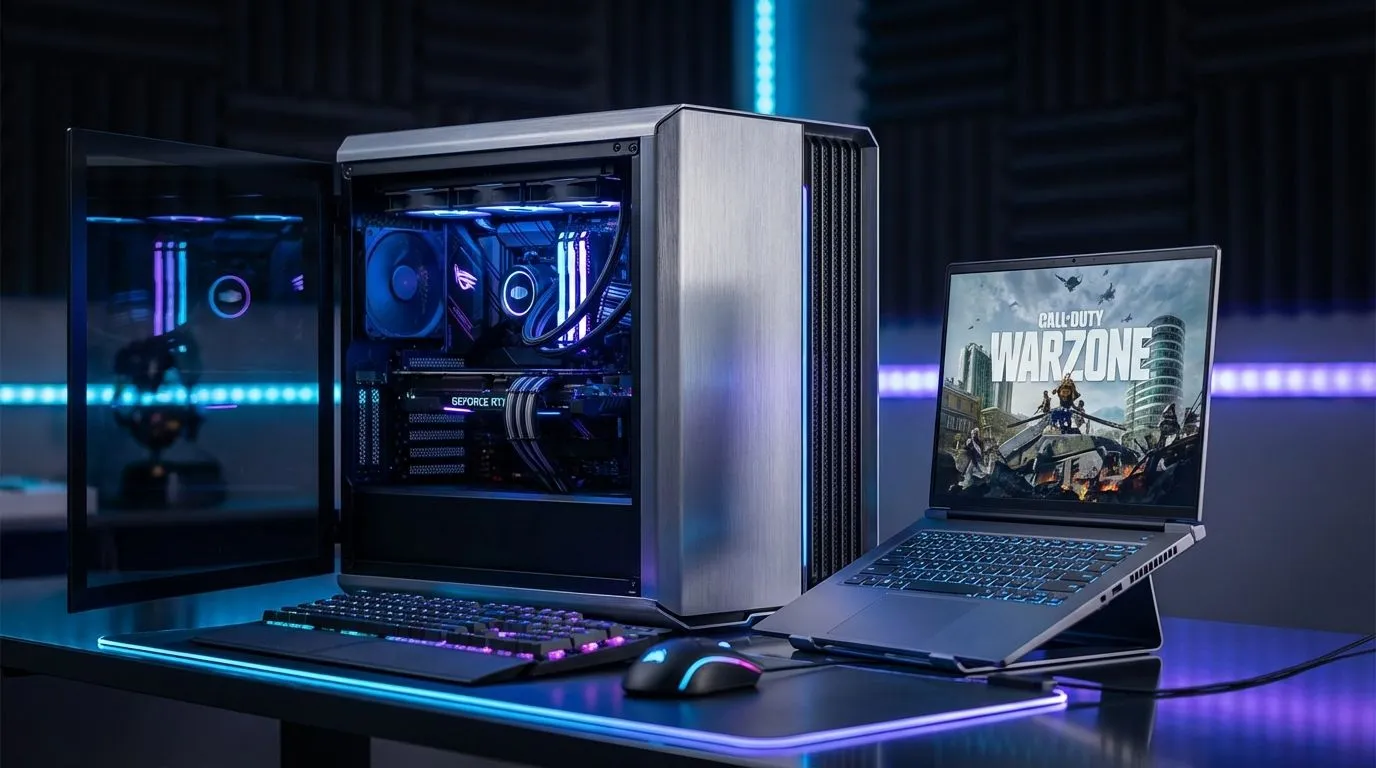
Dropping into a high-stakes Warzone match requires more than just skill... it requires the right hardware. Whether you are holding an angle in Urzikstan or rushing a squad, the Gaming Laptop vs Desktop: Warzone Setup Pros & Cons debate is one every South African gamer faces. Choosing between a portable powerhouse and a stationary beast depends on your lifestyle, budget, and how much you value every single frame. ⚡
For many in SA, space is a luxury. A laptop allows you to clear your desk for work during the day and dominate the lobby at night. If you are frequently moving between home and a friend's place for a LAN, checking out the latest Intel laptops on special reveals how far mobile processing has come. Modern mobile CPUs can now maintain high clock speeds without immediately hitting thermal limits.
Raw Power and Thermal Management for Warzone
Warzone is notoriously unoptimised and CPU-intensive. While a desktop offers superior cooling and the ability to overclock, high-end laptops have narrowed the gap significantly. The main trade-off remains heat. A desktop's larger footprint allows for massive heatsinks and multiple fans... keeping your components cool during those intense final circles.
However, if you need a machine that can survive a stage 2 loadshedding block, a laptop’s built-in battery provides a vital safety net that a desktop lacks without an expensive UPS. You can find competitive performance by looking at Ryzen laptop deals which offer incredible power efficiency, helping your battery—and your components—last longer under pressure.
Warzone Performance Tip ⚡
To squeeze every frame out of your setup, ensure 'On-demand Texture Streaming' is turned off in the graphics settings. This reduces packet burst and stutters, especially if your South African fibre line is having a bad day. Also, always use DLSS or FSR set to 'Quality' for a free FPS boost without losing clarity.
Balancing Your Budget and Performance Needs
Budget is often the deciding factor. Historically, desktops offered better value per Rand, but the current market has shifted. When you factor in the cost of a high-refresh-rate monitor, a mechanical keyboard, and a webcam, the "all-in-one" nature of a laptop becomes very attractive. 🚀
If you are working with a tighter budget, searching for gaming laptops under R20k can land you a machine capable of handling Warzone at 1080p with respectable frame rates. For those who want to push 144Hz or higher, it is worth browsing the best gaming laptop deals to find a system with a balanced spec sheet.
Why Graphics Cards Matter for Battle Royale
The GPU is the heart of your Warzone experience. To see enemies clearly at a distance, you need high-resolution textures and stable frame delivery. Modern GeForce RTX gaming laptops on special give you access to features like NVIDIA Reflex... which reduces system latency so your shots register faster. Whether you choose the modularity of a desktop or the convenience of a laptop, ensuring your GPU can handle the massive scale of a Battle Royale map is non-negotiable. ✨
Ready to Find Your Perfect Match? The Gaming Laptop vs Desktop: Warzone Setup Pros & Cons debate often comes down to your personal grind, but having the right gear is the first step to victory. Explore our massive range of laptop specials and find the perfect machine to conquer your world.











