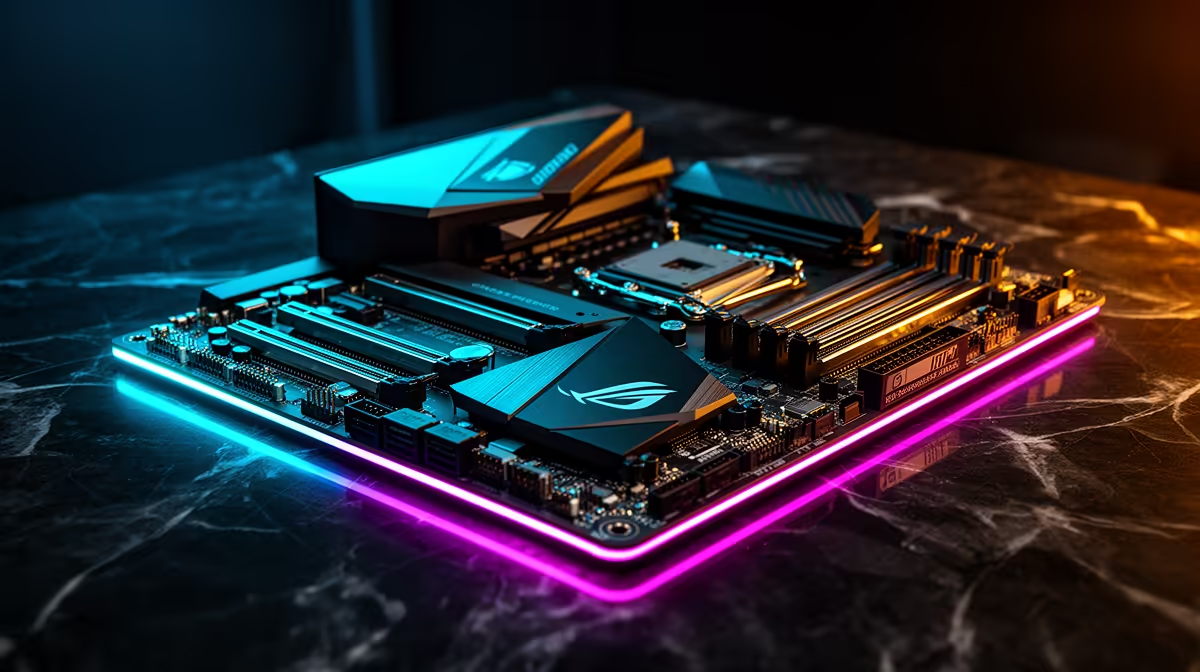
Is your gaming rig starting to sound like a jet engine during a Durban summer heatwave? We've all been there. While your CPU and GPU coolers get all the glory, a critical component is often left sweating: your motherboard. Overheating VRMs can throttle your CPU, killing performance when you need it most. So, we're diving into the world of gaming motherboard cooling benchmarks to see which boards truly keep their cool under pressure. ⚡
Why Motherboard Thermal Performance is Crucial
Before we get into the numbers, let's quickly cover why this matters. It’s not just about bragging rights; effective motherboard cooling directly impacts your PC's stability and sustained performance.
The VRM Hot Zone
The Voltage Regulator Module (VRM) is a collection of tiny components that deliver clean, stable power to your CPU. When you're pushing your processor hard—whether gaming or rendering—the VRM works overtime and generates a significant amount of heat. Without proper cooling, it can overheat and force your CPU to slow down (throttle) to protect itself. This is why robust gaming motherboard cooling benchmarks almost always focus on VRM temperatures.
Chipset and M.2 Cooling
It's not just the VRM. The chipset (the motherboard's central traffic controller) also needs cooling, which is why you'll see a dedicated heatsink on it. Furthermore, modern NVMe M.2 SSDs can get incredibly hot and will throttle their read/write speeds without a heatsink. A good gaming motherboard often includes M.2 heatsinks to ensure your storage stays lightning-fast.
Understanding the Benchmarks: What to Look For
When experts test motherboard thermal performance, they aren't just playing a quick round of Warzone. They use intense stress tests like Prime95 or Cinebench to push the CPU to its absolute limit for an extended period, generating the maximum possible heat load on the VRMs.
They measure temperatures using thermal sensors or infrared cameras to see which boards can sustain that load without throttling. Key design features that lead to better cooling performance include:
- Heatsink Size & Mass: Bigger is often better. A larger, denser heatsink has more surface area to dissipate heat.
- Heatpipes: Higher-end boards use copper heatpipes to transfer heat away from the VRM more efficiently.
- Active Cooling: Some premium motherboards even include small, dedicated fans for the VRM or chipset.
Case Airflow is King 🌬️
Your motherboard's impressive heatsinks can't work miracles in a hotbox. Ensure your PC case has good airflow, with at least one intake fan at the front and one exhaust fan at the rear. A positive pressure setup (more intake than exhaust) can also help keep dust out and components cool. A well-ventilated case is the foundation of any good cooling strategy.
Cooling Performance: Intel vs. AMD Platforms
So, who wins the cooling war? It’s less about the brand and more about the tier. Both Intel and AMD have motherboards with fantastic thermal designs.
For Team Blue, the Z-series boards are built for overclocking and performance, meaning manufacturers invest heavily in VRM cooling. When you browse the latest Intel motherboards, you’ll notice the top-end models from brands like ASUS ROG, MSI, and Gigabyte AORUS feature massive, interconnected heatsinks.
Similarly, for Team Red, the X-series and high-end B-series boards are designed to handle the multi-core might of Ryzen CPUs. The best AMD motherboards come equipped with equally impressive thermal solutions, ensuring your Ryzen 7 or Ryzen 9 can boost to its maximum potential without being held back by heat. The results from motherboard temperature benchmarks show that premium boards from both camps perform exceptionally well.
Bang for Your Buck: Finding Great Cooling on a Budget
You don't need to spend R10,000 on a motherboard to get good thermal performance. Many mid-range B-series (for both Intel and AMD) boards offer a fantastic balance of features and cooling, making them the sweet spot for most South African gamers.
When you're looking for great value, ignore the flashy RGB for a moment and focus on the hardware. Look for boards with solid, chunky aluminium heatsinks covering the VRMs. Even without heatpipes, a well-designed heatsink can make a world of difference. When you're comparing affordable Intel and AMD based motherboards, a quick visual inspection of the VRM area can tell you a lot about its potential cooling capabilities. A board with a bare VRM is a red flag for any performance-oriented build. 🚀
Ultimately, the best motherboard is the one that provides stable power and reliable cooling for your chosen CPU, ensuring you get every drop of performance you paid for.
Ready to Build a Cooler, Faster PC?
A motherboard with solid thermal performance is the foundation of a stable and powerful gaming rig. Explore our massive range of PC components and find the perfect board to keep your build running cool and fast.