

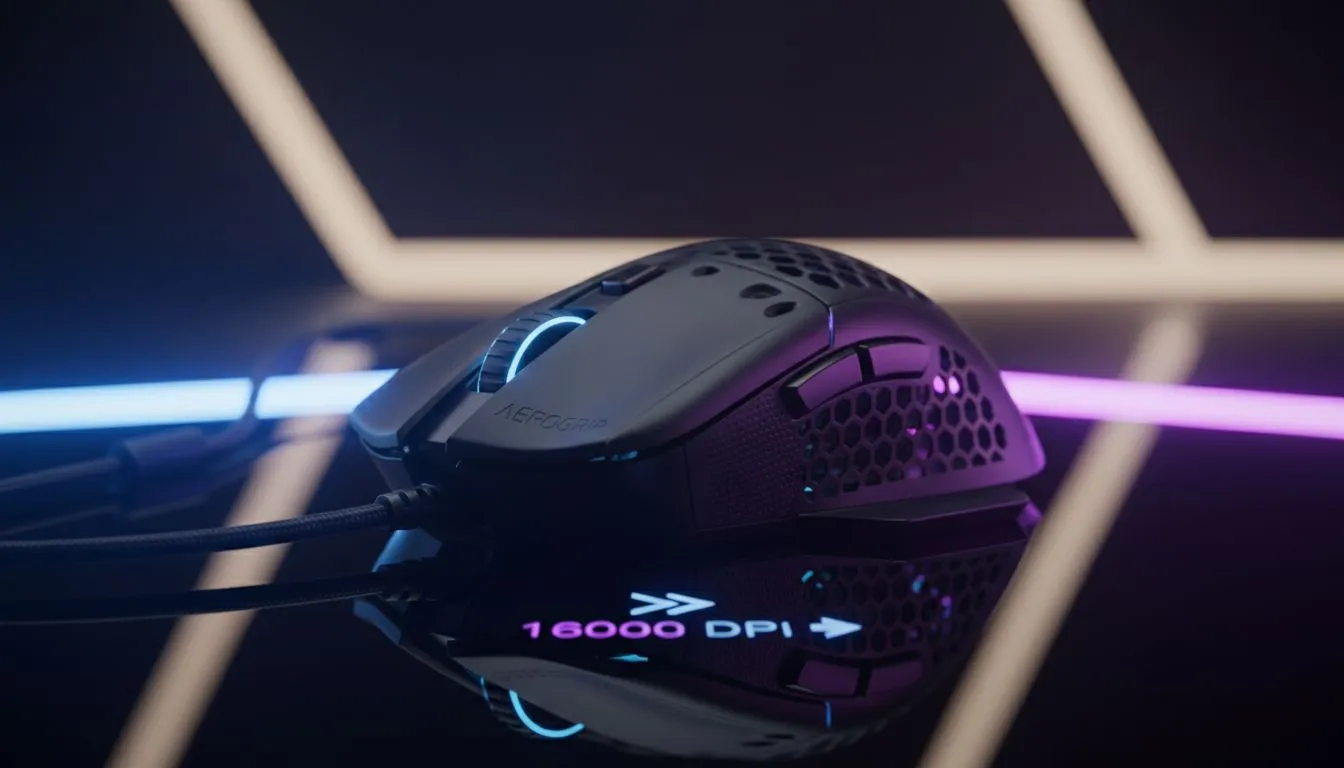
What Exactly is Gaming Mouse DPI?
Ever missed a clutch headshot because your cursor flew across the screen? Or maybe you are tired of dragging your hand across the entire desk just to turn around. Understanding Gaming Mouse DPI: What It Means & How to Find Perfect Sensitivity is the secret to consistent performance. Whether you are a high-sens flick-shotter or a low-sens arm aimer, getting your settings right changes everything.
At its core, DPI stands for Dots Per Inch. It measures how sensitive your mouse sensor is to physical movement. If you set your gaming mouse to 800 DPI, moving it one inch will move the cursor 800 pixels on your screen. A higher DPI makes the cursor move faster with less effort... while a lower DPI requires more physical movement for the same distance. 🔧
High DPI vs Low DPI: Which Should You Choose?
There is a common myth in the gaming world that a higher DPI is always better. While modern sensors can reach staggering numbers like 25,000 DPI, most professional esports players stay between 400 and 1,600. Finding the best gaming mouse deals in South Africa often means looking for a sensor that tracks accurately, rather than just chasing the highest number.
High DPI is excellent for high-resolution 4K monitors or productivity tasks where you need to navigate large screens quickly. However, in competitive shooters like Valorant or Apex Legends, lower sensitivity offers better precision. It allows you to use your whole arm for large turns and your wrist for micro-adjustments. ⚡
The 180-Degree Test ⚡
To find your base sensitivity, try to do a complete 180-degree turn in-game using one full, comfortable swipe across your mouse pad. If you over-rotate and end up facing backwards, your DPI is likely too high. If you cannot complete the turn, it is time to bump those numbers up slightly.
Wired vs Wireless: Does It Affect Sensitivity?
A few years ago, gamers avoided cord-free options due to input lag. Today, the landscape has changed. A high-quality wireless mouse now offers the same polling rates and response times as traditional versions. Polling rate is often confused with DPI... but it actually refers to how many times per second your mouse reports its position to your PC.
If you prefer the peace of mind that comes with a physical connection, a premium wired mouse remains a fantastic, cost-effective choice. Whether you go wired or wireless, the key is consistency. Changing your DPI frequently will ruin your muscle memory, so find a setting that feels natural and stick with it. 🚀
Optimising Your Setup for Peak Precision
Hardware is only half the battle. To truly master your sensitivity, you need a surface that complements your sensor. High-quality mouse accessories, such as specialised cloth or hard-surface pads, provide the right amount of friction. Without a good pad, even a R2,000 mouse will feel "floaty" or inconsistent. ✨
Remember to disable "Mouse Acceleration" in your Windows settings. This feature changes your sensitivity based on how fast you move the mouse, which is a nightmare for building muscle memory. Once your Windows settings are flat, you can fine-tune your in-game "sensitivity multiplier" to get that pixel-perfect feel.
Ready to Find Your Perfect Match? Finding the right DPI is easier when you have the right hardware in your hand. From ultra-lightweight shells to ergonomic masterpieces, we have the gear you need to climb the ranks. Explore our massive range of gaming mouse deals and find the perfect tool to dominate your next match.











