

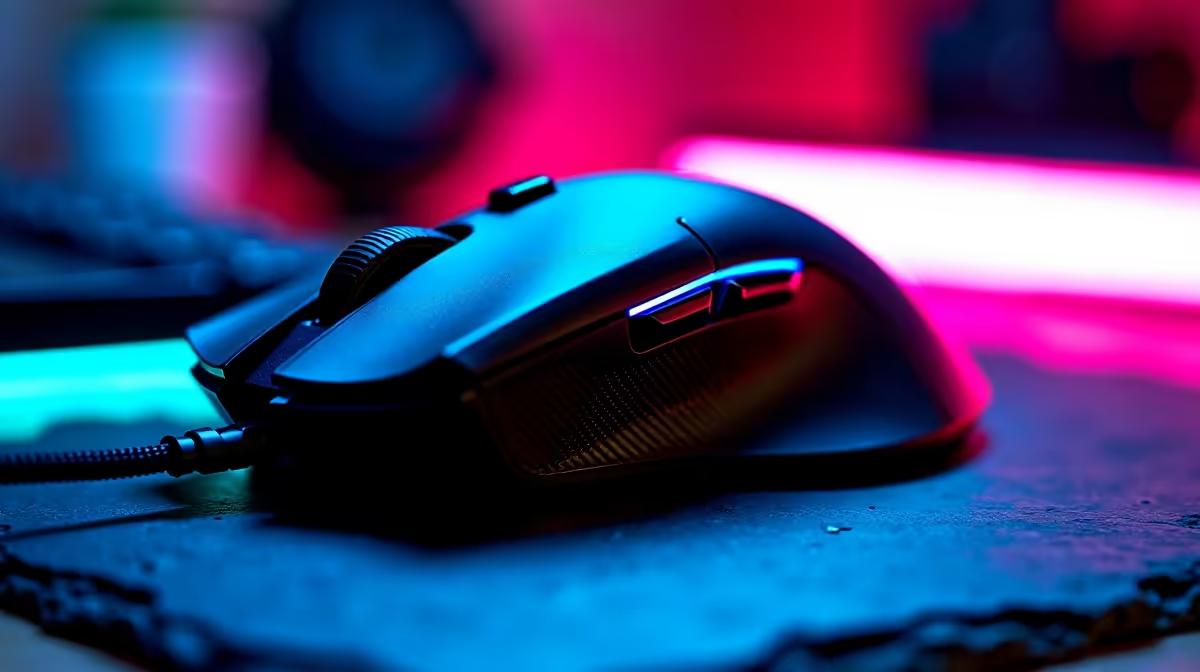
You are in the middle of a tense clutch... and suddenly your screen stutters. You check your stats and realise your rig is running below expected FPS. Before you blame your graphics card or your fibre connection, look at the device in your hand. Believe it or not, your high-end peripheral might be the secret culprit behind those frustrating frame drops.
When you search for a gaming mouse running below expected FPS diagnosis and fixes, you might think the concept sounds crazy. How can a mouse lower your frames per second? The answer usually lies in the polling rate. Modern mice can report their position to your computer up to 8000 times a second. This is brilliant for responsiveness but terrible for older processors.
If your processor cannot keep up with that flood of data, your CPU usage spikes to maximum capacity. This starves your game of processing power... causing your frame rate to plummet. If your system is struggling with this heavy data load, it might be time to browse some modern pre-built PCs to eliminate those frustrating hardware bottlenecks.
Diagnosing Polling Rate Problems ⚡
To test if your mouse is the problem, simply move it rapidly in circles while in-game. If your FPS drops significantly while moving the cursor but stays high when standing still, you have found the issue.
Open your peripheral software and drop the polling rate from 4000Hz or 8000Hz down to a standard 1000Hz. For most South African gamers, 1000Hz offers the perfect balance of smooth aiming and low CPU overhead. This simple tweak is especially useful if you are gaming on older laptops where system resources are tightly constrained.
Optimisation Pro Tip 🔧
Always disable "Enhance pointer precision" in your Windows mouse settings. This hidden acceleration feature messes with your muscle memory and can cause erratic tracking that feels exactly like game stutter.
Fixing Sensor and Wireless Interference 🖱️
Sometimes the issue is not your frame rate at all. Wireless interference from your router or dust on your optical sensor can cause tracking skips. These micro-stutters trick your brain into thinking your game is running below expected FPS.
Always plug your wireless receiver into a USB port as close to your mousepad as possible. If you clean the sensor and still experience skipping, the hardware might be failing. Upgrading to a reliable gaming mouse with a flawless optical sensor will instantly restore your smooth aiming. Pairing a high-quality sensor with our best gaming PC deals ensures you never miss a crucial flick shot again.
Keeping Drivers Updated 🚀
Outdated USB drivers or clashing peripheral software can also cause severe input lag. Make sure your motherboard chipset drivers and your mouse firmware are completely up to date. A clean software environment translates to better performance and more stable frame rates.
If you are using a wired mouse, carefully check the cable for kinks or internal breaks. A damaged cable will constantly disconnect and reconnect to Windows. This rapid hardware polling forces your operating system to pause... creating massive stuttering in your favourite titles.
While you are tweaking your setup and optimising your system, keep an eye on our latest specials to stretch your ZAR further. A few simple adjustments can save you from unnecessary lag... letting you get back to dominating the lobby.
Ready to Find Your Perfect Match? The hardware debate is complex, but for maximum power, choice, and value in South Africa, Evetech is hard to beat. Explore our massive range of specials and find the perfect machine to conquer your world.











