

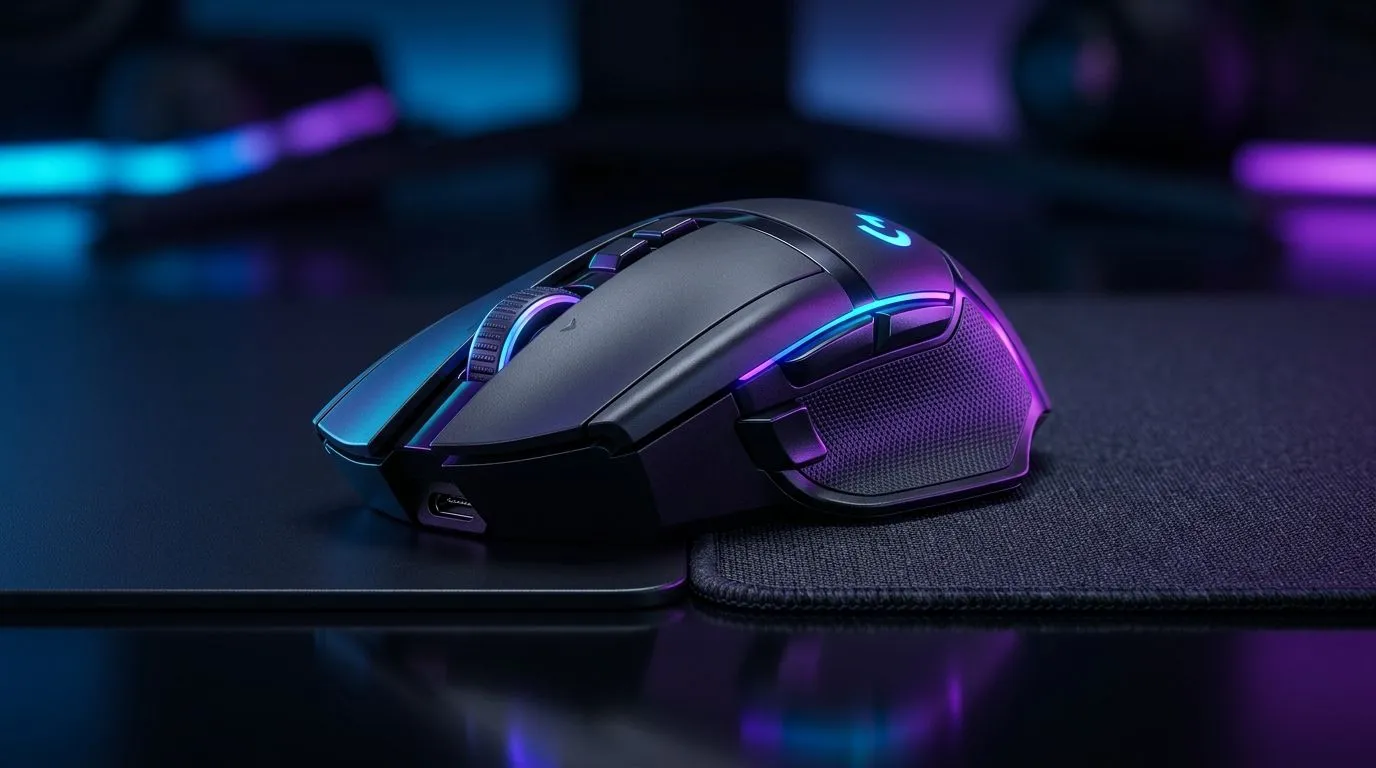
Gaming Mouse Skips Tracking? Start with the Surface Under Your Hand
Nothing kills a clutch moment faster than a mouse that suddenly drifts, stutters, or refuses to track properly. If your aim feels “off” on a cloth pad, don’t panic just yet. In many cases, the problem isn’t the sensor itself... it’s the combo of pad texture, dirt, settings, and wear. The good news? Most tracking issues are fixable at home, and usually without spending a lot of rand 🔧
Gaming Mouse Skips Tracking on Cloth Pads: What’s Actually Happening
A mouse sensor reads tiny changes as it moves. On a cloth pad, that reading can get confused when the surface is too worn, too dusty, or too soft for the sensor’s calibration. Optical sensors generally perform well on cloth, but not every sensor likes every weave.
That’s why one mouse feels perfect on a smooth weave, while another starts skipping after a few months. The issue can show up more often on older pads, shiny patches from palm contact, or low-quality cloth mats that have flattened over time.
If you want a quick replacement reference point, Evetech’s mouse accessories range is a useful place to compare pads, skates, and small add-ons before buying a whole new mouse.
Common causes to check first
- Dust, crumbs, or skin oils on the pad
- A frayed or glossy patch on the cloth
- Dirty mouse feet
- Too-low lift-off tolerance for your grip style
- Surface calibration that no longer matches the pad
- A failing cable or loose wireless connection
Gaming Mouse Skips Tracking: Fix Sensor Issues in a Few Simple Steps
Start with the easiest wins. Clean the mouse feet and the pad. Use a dry microfibre cloth first. If needed, lightly dampen it with water and let everything dry fully. Avoid harsh cleaners. They can damage the pad coating.
Next, test the mouse on another surface. A clean desk, a hard pad, or even a fresh sheet of paper can help isolate the problem. If the mouse works perfectly elsewhere, the cloth pad is likely the culprit.
Then check your DPI and polling settings in the mouse software. Extreme settings won’t cause every skip, but they can make a weak setup feel worse. If the mouse offers surface tuning or calibration, run it again after cleaning the pad.
Quick Tracking Fix ⚡
Before replacing your mouse, clean the sensor lens area, wipe the pad, and test on a fresh cloth surface. If the issue disappears, you’ve probably saved yourself an unnecessary upgrade.
Gaming Mouse Skips Tracking: When the Mouse, Not the Pad, Is at Fault
Sometimes the cloth pad gets blamed unfairly. A damaged sensor, worn cable, or unstable wireless link can create the same symptoms. If you’re using a wired mouse, inspect the cable near the USB end and the mouse body. A tiny internal break can cause intermittent input.
If you’re using wireless, battery health matters. Low power can lead to lag, skips, or random dropouts. For players who want to rule that out fast, Evetech’s wireless mouse selection and wired mouse options make it easier to compare which connection style suits your setup.
For a fresh comparison on models and pricing in rands, the best gaming mouse deals page is worth a look. If your current mouse is clearly struggling, it can be smarter to upgrade than to keep fighting bad tracking during competitive sessions.
Gaming Mouse Skips Tracking: Best Long-Term Habits for South African Gamers
South African homes can be dusty, warm, and full of power interruptions. That combo is rough on peripherals. Keep your desk clean, store your mouse away from direct sunlight, and avoid eating over the pad. Tiny habits make a big difference.
Also, rotate your mouse pad every so often. If one area gets polished by repeated movement, the sensor may behave differently there. A small change in position can extend the useful life of a cloth pad.
If you’re shopping for a more reliable replacement, Evetech’s broader gaming mouse category is a solid starting point for comparing shapes, sensor types, and grip-friendly designs.
Gaming Mouse Skips Tracking: Know When to Replace vs Repair
If the issue only appears on one cloth pad, cleaning and recalibration usually solve it. If the problem follows the mouse across multiple surfaces, replacement is the more practical fix. That’s especially true when the mouse is old, the feet are worn thin, or the cable feels inconsistent.
A decent mouse doesn’t need to cost a fortune in ZAR. But a bad sensor can cost you ranked progress, tournament composure, and a lot of frustration. Sometimes the smartest spend is the one that restores confidence every time you flick, track, and spray.
Ready to Find Your Perfect Match? The Mac vs Windows debate is complex, but for maximum power, choice, and value in South Africa, Windows is hard to beat. Explore our massive range of laptop specials and find the perfect machine to conquer your world.











