

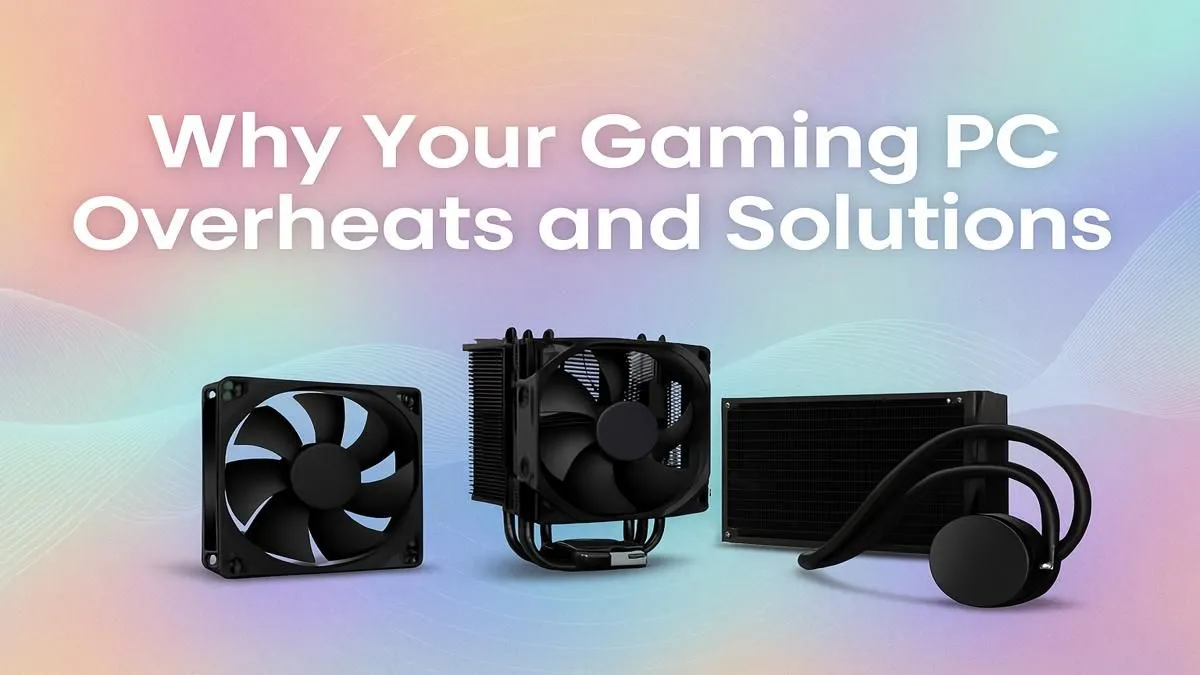
You’re in the final circle, victory is moments away... and then it happens. Your frames drop, your PC sounds like a jet engine, and everything stutters. A gaming PC overheating is more than just an annoyance; it’s a performance killer, especially in the South African heat. It can even damage your precious components. But don’t stress, we’ve got the easy fixes to get your machine running cool and quiet again. 🚀
Why is My Gaming PC Overheating? The Usual Suspects
Before you can solve the problem, you need to understand the cause. More often than not, a gaming PC overheating comes down to one of three culprits. Identifying the issue is the first step toward a cooler, faster rig.
The #1 Enemy: Dust and Grime
Dust is the silent assassin of PC performance. Over time, it blankets your components, clogs your fans, and insulates everything in a layer of heat-trapping fluff. Your PC’s cooling system is designed to pull cool air in and push hot air out. When dust blocks the heatsinks and filters, that entire process grinds to a halt, causing your computer to overheat.
Poor Case Airflow
How air moves through your PC case is critical. If cables are a tangled mess or the case itself has a restrictive design, you create hot spots where heat has nowhere to go. Even the best budget gaming PCs need room to breathe. Placing your PC in a tight cabinet or against a wall can also severely restrict airflow, leading to higher temperatures.
Old or Dried Thermal Paste
Between your CPU and its cooler is a crucial layer of thermal paste. This compound fills microscopic gaps to ensure efficient heat transfer from the processor to the heatsink. After a few years, this paste can dry out and lose its effectiveness. When this happens, heat gets trapped in the CPU, causing dangerous temperature spikes and thermal throttling.
Your Action Plan: Easy Fixes for a Cooler PC
Ready to fight back against the heat? These practical steps can solve most common overheating issues and restore your PC's performance.
The Great Dust-Off 🧹
The most effective fix is often the simplest: give your PC a thorough clean.
- Power Down: Completely shut down and unplug your PC.
- Get Outside: Take your PC to a well-ventilated area, preferably outdoors.
- Open Up: Remove the side panel of your case.
- Blast It: Use short, controlled bursts from a can of compressed air to blow dust out of your fans, heatsinks, and case crevices. Never use a vacuum cleaner, as it can create static electricity that damages components.
- Wipe Down: Clean your case's dust filters with a soft cloth.
Maintenance Master Tip 🔧
For most South African homes, a thorough internal PC clean every 6 to 8 months is ideal. If you have pets or live in a particularly dusty area, consider a quicker clean every 3 months. Set a calendar reminder! A little bit of maintenance goes a long way in preventing your gaming PC from overheating and extending its lifespan.
Optimise Your Airflow
A clean PC with bad airflow is still an overheating risk. Check your cable management; use zip ties to tuck stray cables away from the main airflow paths. You'll see this principle in action across well-designed PCs under R20k, where every cable is neatly tucked away. Also, ensure your fans are configured correctly—typically with intake fans at the front/bottom and exhaust fans at the back/top.
Re-Applying Thermal Paste
If your PC is a few years old and still running hot after a good clean, it might be time to replace the thermal paste. This is a more hands-on job that involves removing your CPU cooler, cleaning off the old paste with isopropyl alcohol, and applying a new, pea-sized amount. If that sounds too technical, exploring our professionally assembled pre-built PC deals is a stress-free alternative with fresh paste applied perfectly. ✨
When Simple Fixes Aren't Enough
Sometimes, a gaming PC overheating is a sign that your hardware is simply outmatched. An old case with poor ventilation or a stock cooler struggling with a powerful processor can't be fixed with a simple cleaning. This is especially true for modern, power-hungry components found in top-tier PCs above R20k that demand robust cooling solutions. Upgrading your case, fans, or the entire system might be the best long-term solution for a stable, high-performance gaming experience.
Ready for a Cooler, Faster Gaming Experience? A gaming PC overheating can be a sign that your rig is struggling to keep up. If cleaning and tweaks aren't enough, it might be time for an upgrade. Explore our best gaming PC deals and find a professionally built system with optimised airflow from the start.





