

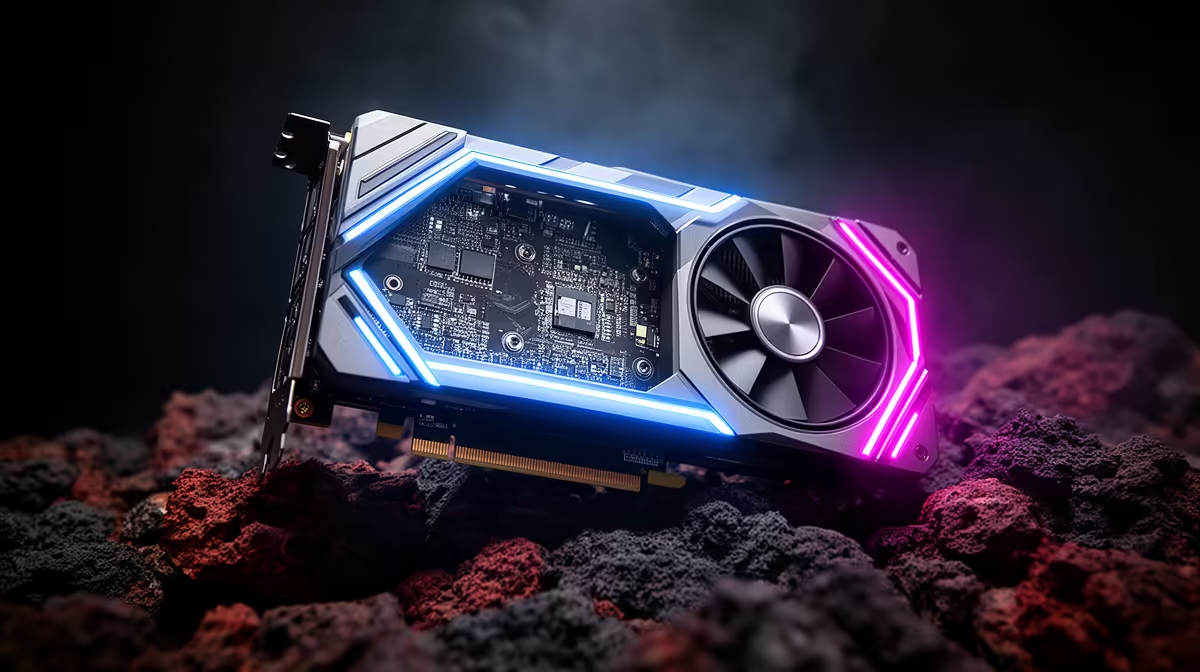
So, you’ve just unboxed that glorious new high-refresh-rate monitor. The colours pop, the pixels are sharp, and you’re ready for some buttery-smooth gameplay. But when you launch into your favourite title, something’s... off. The action feels stuttery, and your frame counter isn't hitting the numbers you paid for. What gives? You might be facing a classic GPU bottleneck at high refresh rates, a common headache for many South African gamers after a monitor upgrade.
What is a GPU Bottleneck with High Refresh Rate Monitors?
Think of your gaming PC as a team. For silky-smooth gameplay on a 144Hz, 165Hz, or even 240Hz screen, your Graphics Processing Unit (GPU) needs to draw frames just as fast as your monitor can display them. A GPU bottleneck at high refresh rates happens when your graphics card can't keep up with your speedy new display. 🚀
Essentially, your monitor is asking for 144 new pictures (frames) every second, but your GPU can only produce 80. The result? You’ve paid for premium performance, but you're leaving over 60 frames on the table every single second. This often occurs when pairing a brand-new display from all our gaming monitors with an older or mid-range graphics card.
Diagnosing the Bottleneck: Are You Leaving Frames on the Table?
Before you start worrying about a pricey upgrade, let's confirm if your GPU is the culprit. Identifying a graphics card bottleneck is surprisingly straightforward. Here’s how to check:
Check Your GPU Utilisation
The easiest method is to use a monitoring tool like MSI Afterburner with the RivaTuner Statistics Server overlay, or even your graphics driver's built-in performance overlay (NVIDIA's GeForce Experience or AMD's Adrenalin Software).
Jump into a demanding game and look at your stats. If your GPU usage is consistently stuck at 99-100% while your CPU usage is much lower (e.g., 40-60%), it’s a clear sign your graphics card is working as hard as it can and holding your system back. This problem becomes even more noticeable on graphically intense displays, like stunning 4K monitors, where the GPU has to push millions more pixels.
Quick Diagnostic Trick 🔧
Lower your game's resolution significantly—for example, from 1440p down to 1080p. If your frame rate (FPS) shoots up dramatically, you've just confirmed your GPU was the limiting factor at the higher resolution. It simply couldn't render the frames fast enough.
How to Fix a GPU Bottleneck for Smoother Gameplay
So you've confirmed a bottleneck. Don't stress! You have several options, from free tweaks to strategic upgrades, to get those frames flowing.
1. Optimise Your In-Game Settings
This is your first and most important step. You don't always need max settings to have a great experience. Lowering a few graphically-intensive options can give your GPU the breathing room it needs to pump out more frames.
Start by targeting these settings:
- Shadow Quality: Often the biggest performance hog.
- Anti-Aliasing: Techniques like MSAA are very demanding. Try a less intensive option like FXAA or TAA.
- Texture Quality: If your GPU has limited VRAM, dropping this can help.
- Ray Tracing: A notorious frame-killer. Turn it off unless you have a high-end RTX or RX card.
2. Consider Your Component Balance
A balanced PC is a happy PC. If you're using a top-tier 240Hz monitor, it needs a powerful GPU to match. Finding the sweet spot across all PC monitors and components is key. Even for LAN party setups using compact portable monitors, a balanced rig prevents frustrating performance dips. Sometimes, the best fix for a GPU bottleneck at high refresh rates is a hardware upgrade. ✨
3. Plan Your Upgrade Path
If software tweaks aren't enough, it might be time for a new graphics card. The goal is to match your GPU to your monitor's resolution and refresh rate. For example:
- 1080p @ 144Hz+: An NVIDIA GeForce RTX 4060 or AMD Radeon RX 7600 is a fantastic starting point.
- 1440p @ 144Hz+: Step up to an RTX 4070 SUPER or RX 7800 XT for a smooth experience, especially with immersive curved monitors.
Keep an eye on the best PC monitor deals in South Africa, as you can often find a great bundle or save enough on a screen to put towards a better GPU.
Ultimately, a high-refresh-rate monitor is one of the best upgrades a gamer can make, but only if the rest of your system can keep up. By understanding and addressing a potential GPU bottleneck, you ensure every rand you spent translates into a tangible, super-smooth competitive advantage.
Ready to Banish Bottlenecks? A high-refresh-rate monitor is only half the battle. To truly unlock buttery-smooth frames, you need a balanced rig. Explore our massive range of PC components and build the perfect setup to conquer your favourite games.











