

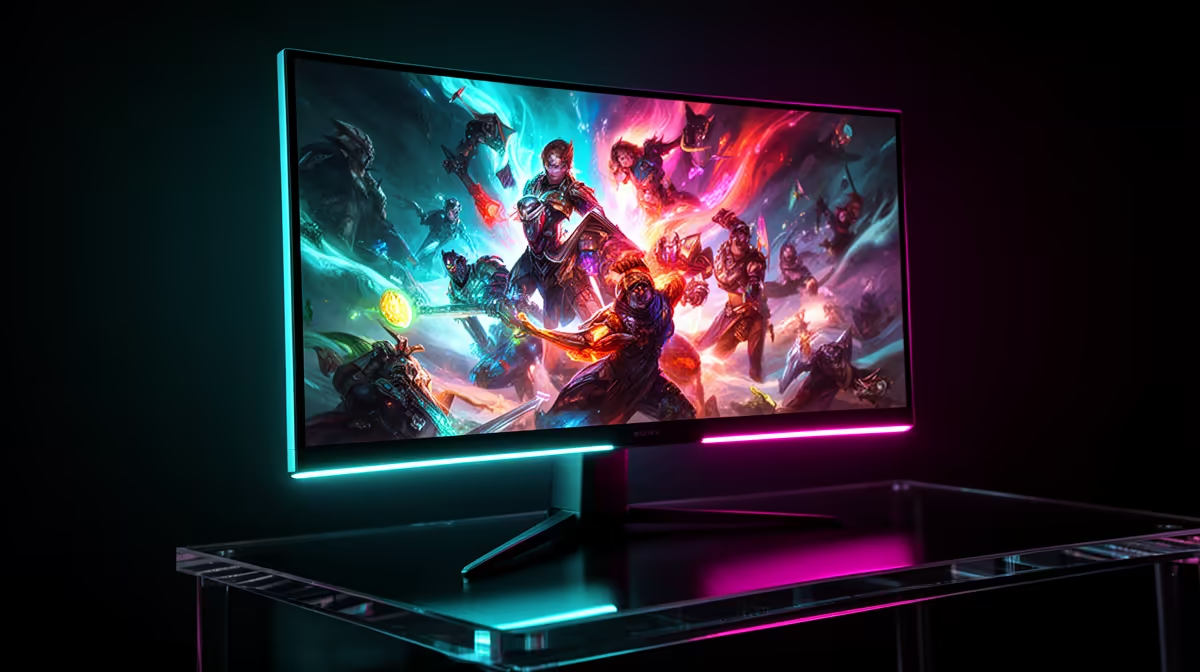
Stuttering gameplay, jagged lines tearing across your screen... sound familiar? For South African gamers, squeezing every drop of performance from our hardware is crucial. You've likely heard of NVIDIA's G-Sync as the ultimate fix, but with premium price tags, the big question remains: is it actually worth the investment here in SA? This isn't just about specs on a box; it's about real-world feel. Let's run a practical G-Sync benchmark for South Africa and find out.
What Is Screen Tearing and How Does G-Sync Fix It?
Before we dive into whether G-Sync is worth it, let's quickly cover what it does. Your graphics card (GPU) renders frames at a variable rate, while a standard monitor refreshes its screen at a fixed rate (e.g., 60Hz, 144Hz). When your GPU sends a new frame mid-refresh, you see a "tear" – a horrible horizontal line where two different frames are displayed at once. It's distracting and breaks immersion.
NVIDIA G-Sync is a hardware and software solution that synchronises your monitor's refresh rate directly to your GPU's frame output. If your GPU is pushing 87 frames per second, your monitor refreshes at exactly 87Hz. The result? 🚀 Incredibly smooth, tear-free visuals. This technology is a key feature to look for across a wide range of modern PC monitors.
The Different Flavours of G-Sync
It's not a one-size-fits-all tech. NVIDIA has three main tiers:
- G-Sync Compatible: These are adaptive-sync monitors (often FreeSync panels) that NVIDIA has tested and certified to provide a baseline G-Sync experience. They're a great entry point.
- G-Sync: These monitors contain a dedicated NVIDIA G-Sync hardware module. This offers a wider variable refresh rate range and more rigorous testing for superior performance and image quality.
- G-Sync Ultimate: The best of the best. These feature the latest G-Sync processors and are required to have top-tier features like advanced HDR (HDR1000) and ultra-low latency, often found on stunning 4K monitors.
The South African G-Sync Benchmark: Performance vs. Price
So, what does this mean for your wallet and your gameplay in South Africa? A dedicated G-Sync module adds to the cost of a monitor. The real question is whether the performance uplift justifies the extra ZAR.
For competitive players in games like CS:GO, Valorant, or Apex Legends, smooth motion and clarity are non-negotiable. Here, the benefit of G-Sync is massive. Eliminating tearing and stutter without the input lag of traditional V-Sync can give you a tangible edge. When the difference between winning and losing a round is milliseconds, seeing your target clearly without any visual distraction is a huge advantage.
For those who love visually rich, single-player titles like Cyberpunk 2077 or Starfield, G-Sync is more about immersion. When your frame rates fluctuate in demanding scenes, G-Sync smooths out the experience, preventing jarring stutters that pull you out of the game world. The difference is a buttery-smooth cinematic feel. If you're looking for value, it's always worth keeping an eye on the best PC monitor deals to see if a G-Sync model falls within your budget.
Quick Tip: How to Enable G-Sync 🔧
Once your G-Sync monitor is connected via DisplayPort, right-click your desktop and open the NVIDIA Control Panel. Navigate to "Set up G-SYNC" on the left pane. Tick the "Enable G-SYNC, G-SYNC Compatible" box. Choose whether to enable it for full-screen mode only or for windowed mode too. Click Apply, and you're ready to go!
Verdict: Who Really Needs G-Sync in SA?
Let’s break it down by gamer type to see if a G-Sync monitor is the right call for you.
The Competitive Esports Player
Is it worth it? Absolutely, 100%. For you, G-Sync isn't a luxury; it's a core component. The flawless motion tracking and elimination of distracting tears are vital for peak performance. This is where the investment pays off in tangible results and higher K/D ratios.
The AAA Visual Enthusiast
Is it worth it? Highly recommended. You've spent a fortune on a powerful GPU to run games at high settings. G-Sync ensures you see that investment beautifully rendered on screen. It makes sprawling open worlds feel more fluid and cinematic, especially on immersive curved monitors that pull you into the action.
The Budget-Conscious Builder
Is it worth it? It depends. If your budget is tight, a high-refresh-rate "G-Sync Compatible" monitor is your sweet spot. It gives you most of the benefits without the premium cost of the dedicated hardware module. Prioritise your GPU first, but if you can stretch the budget for a G-Sync Compatible screen from our selection of all gaming monitors, you won't regret it.
Beyond the Panel: What Else You Need ✨
Remember, G-Sync isn't a standalone feature. To use it, you need a compatible NVIDIA GeForce graphics card (GTX 10-series or newer) and a DisplayPort cable. While HDMI 2.1 now supports variable refresh rate, DisplayPort is still the most reliable connection for G-Sync. Making sure you have the right monitor accessories is a small but crucial step. This ecosystem of tech is even expanding, with display technologies improving across the board, affecting everything down to even some portable monitors used for multi-tasking.
Ultimately, the G-Sync benchmark for South Africa comes down to personal value. It's a premium technology that delivers a genuinely superior gaming experience. If you value smooth, tear-free immersion and competitive clarity, then yes, G-Sync is absolutely worth it.
Ready to Banish Screen Tearing Forever? Whether you're a competitive pro or a story-driven adventurer, a smooth display is key. The performance boost from G-Sync is real. Explore our massive range of G-Sync and gaming monitors and find the perfect screen to elevate your game.











