

RTX 5060 Ti vs RX 9070: Gaming Performance Compared in South Africa 2026
Head-to-head comparison of RTX 5060 Ti vs RX 9070: Gaming Performance for SA gamers. Performance benchmarks, Rand pricing & which delivers better value.
Read moreDiscover the reality of **handheld gaming PC video editing** in 2025. 🎬 We test the ROG Ally X, Steam Deck OLED, and Legion Go to see if these portable rigs can handle 4K cuts and rendering on the fly. 🚀 Perfect for creators needing a mobile workflow.
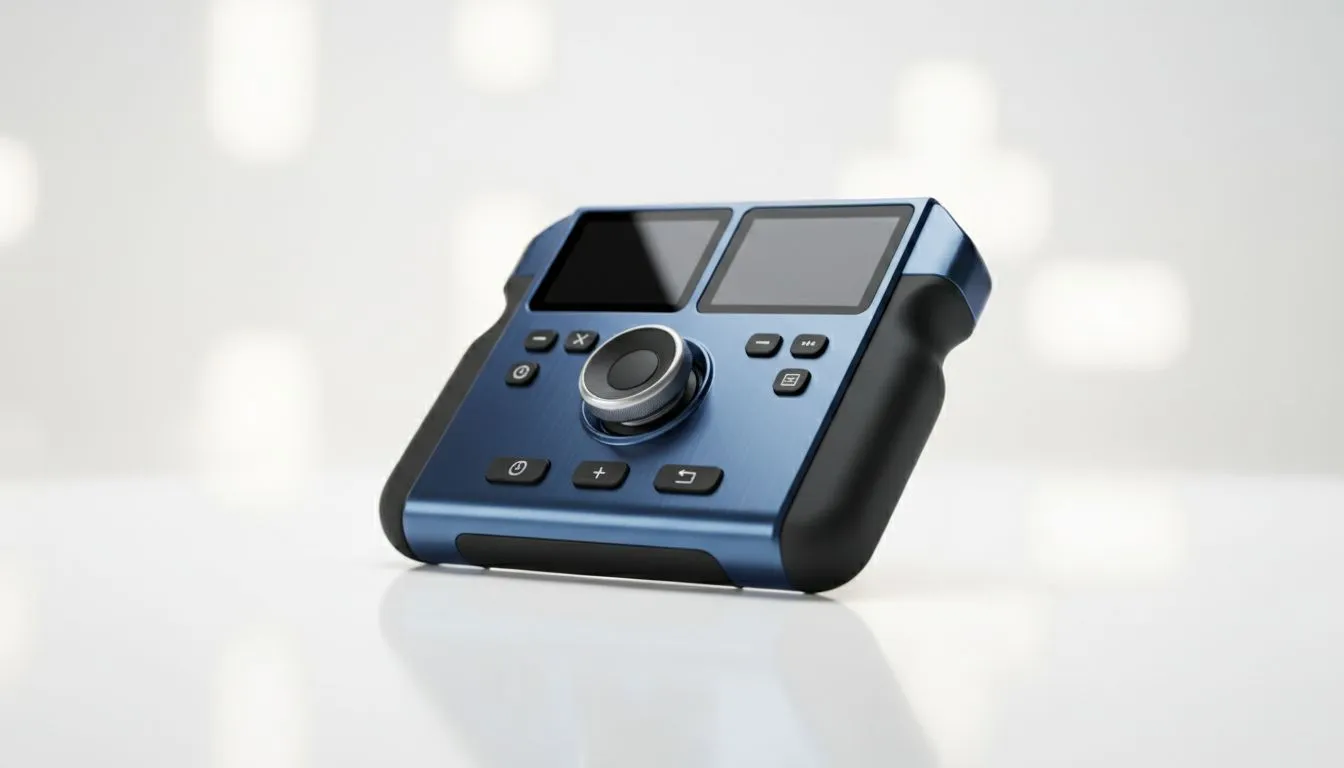
Imagine editing a 4K vlog while waiting for a flight at OR Tambo or finalising a social media clip during Stage 4 load shedding… without a bulky laptop. It sounds like a dream, but in 2025, the gap between "gaming toy" and "creative workstation" has vanished. Handheld gaming PCs are now genuine tools for South African creators on the move. Let's explore how portable creation has evolved. 🚀
A few years ago, the idea of running Adobe Premiere Pro or DaVinci Resolve on a handheld device was laughable. You would crash the system before you could even import your footage. However, the introduction of the AMD Ryzen Z1 Extreme processor changed the landscape entirely.
These chips offer multi-core performance that rivals desktop CPUs from just a few years ago. When paired with fast LPDDR5X RAM, modern dedicated handheld gaming consoles can handle scrubbing through 1080p and even 4K timelines with surprising smoothness. It isn't just about high frame rates in Call of Duty anymore; it is about rendering capability in your backpack.
Not all handhelds are created equal when it comes to content creation. The form factor and specific specs matter immensely when you swap a controller for a creative workflow.
If your primary focus is visual accuracy and timeline management, the screen size is critical. The Lenovo options, specifically the Legion Go, boast a massive 8.8-inch display. This extra space makes dragging and dropping clips far less fiddly than on smaller screens. Plus, the detachable controllers feature an "FPS mode" that doubles as a vertical mouse… a massive win for precise editing without carrying extra peripherals.
Video editing eats RAM for breakfast. While 16GB is the standard, newer iterations in the ASUS ROG Ally series (like the Ally X) have bumped memory up to 24GB. This shared memory architecture allows you to allocate more resources to the GPU, significantly speeding up render times and playback smoothness.
While AMD dominates this space, the MSI Claw brings Intel’s Core Ultra architecture to the table. For creators who rely on software optimised specifically for Intel Quick Sync Video, this can offer a distinct advantage in export speeds, making it a worthy contender for specific workflows.
Handhelds share system RAM with the graphics processor. For video editing, enter your device's BIOS or control software (like Armoury Crate) and increase the 'UMA Frame Buffer' or VRAM allocation to at least 6GB or 8GB. This prevents stuttering when applying heavy effects or colour grading.
Can you replace a high-end desktop totally? No. But you can replace the need to be tethered to one. Here is how to make it work in a South African context:
The versatility of these devices is unmatched. You play AAA titles during your downtime and cut content when inspiration strikes. For the ZAR price point, you are effectively getting two devices in one. ✨
Ready to Create Anywhere? Whether you need the massive screen of the Legion Go or the raw power of the ROG Ally X, the future of portable computing is in your hands. Shop our full range of Handheld Gaming PCs and start your creative journey today.
Yes, Windows-based handhelds like the ROG Ally and Legion Go run Adobe Premiere Pro smoothly, though complex 4K timelines may require proxies for the best performance.
The Steam Deck can handle basic cuts, especially with DaVinci Resolve on Linux, but Windows handhelds generally offer better driver support for creative applications.
The Lenovo Legion Go is often cited as the best handheld for content creation due to its larger screen, higher resolution, and detachable controllers for mouse mode.
While not strictly required, a USB-C dock is highly recommended for handheld video editing to connect a mouse, keyboard, and external monitor for a faster workflow.
Modern handheld PCs can render 4K video, but expect slower export times compared to desktops. Using hardware acceleration on the Z1 Extreme chip helps significantly.
For portable editing, 16GB is the minimum, but newer 2025 handheld models with 24GB or 32GB LPDDR5X RAM are ideal for multitasking and smoother timeline playback.
Head-to-head comparison of RTX 5060 Ti vs RX 9070: Gaming Performance for SA gamers. Performance benchmarks, Rand pricing & which delivers better value.
Read more
RTX 5090 Star Wars Outlaws at 1440p: FPS. Real-world benchmark data, FPS numbers & performance analysis. What SA gamers can actually expect.
Read more
RTX 5060 Star Wars Outlaws at 4K: FPS Benchmark. Real-world benchmark data, FPS numbers & performance analysis. What SA gamers can actually expect.
Read more
Head-to-head comparison of RTX 5060 vs RX 7700 XT: Price-to-Performance for SA gamers. Performance benchmarks, Rand pricing & which delivers better value.
Read more
RTX 3060 Red Dead Redemption 2 FPS: Performance. Real-world benchmark data, FPS numbers & performance analysis. What SA gamers can actually expect.
Read more
Head-to-head comparison of RTX 5060 Benchmarks vs Real Gaming Performance for SA gamers. Performance benchmarks, Rand pricing & which delivers better value.
Read more
When Will the RTX 6090 Launch in South Africa Detailed answer with SA data, expert analysis & practical recommendations for local buyers.

Top Valorant Settings for RTX 5070: FPS Optimisation picks evaluated on performance, value & SA availability with current Rand pricing from Evetech.

RDNA 3.5 Graphics in Ryzen AI 400? Can You Game. Plain-English explanation of what it means, why it matters & how it affects your buying decisions in SA.

GPU Price Index : December Report. Current stock data & price tracking for SA buyers. See what is available and where prices are heading.

Core i5-14600K + B760 + RTX 5060 Build Under. Full parts list, Rand pricing & expected performance. Build confidently with SA-available components.

RX 7600 Apex Legends at 4K: FPS Benchmark. Real-world benchmark data, FPS numbers & performance analysis. What SA gamers can actually expect.

RX 7900 XTX GTA 6 at 4K: FPS Benchmark & Optimal. Real-world benchmark data, FPS numbers & performance analysis. What SA gamers can actually expect.

Head-to-head comparison of RTX 5070 vs RX 9070 XT: Gaming Performance for SA gamers. Performance benchmarks, Rand pricing & which delivers better value.

Starfield Max Settings on RTX 5070. Tested & verified settings for best FPS and visual quality on SA hardware budgets.

Top RX 7800 XT Model Under R8,000 picks evaluated on performance, value & SA availability with current Rand pricing from Evetech.

RTX 5070 Valorant Optimised Settings: Graphics. Real-world benchmark data, FPS numbers & performance analysis. What SA gamers can actually expect.

Top Laptop with Core i7 + RX 7700S: Picks picks evaluated on performance, value & SA availability with current Rand pricing from Evetech.