


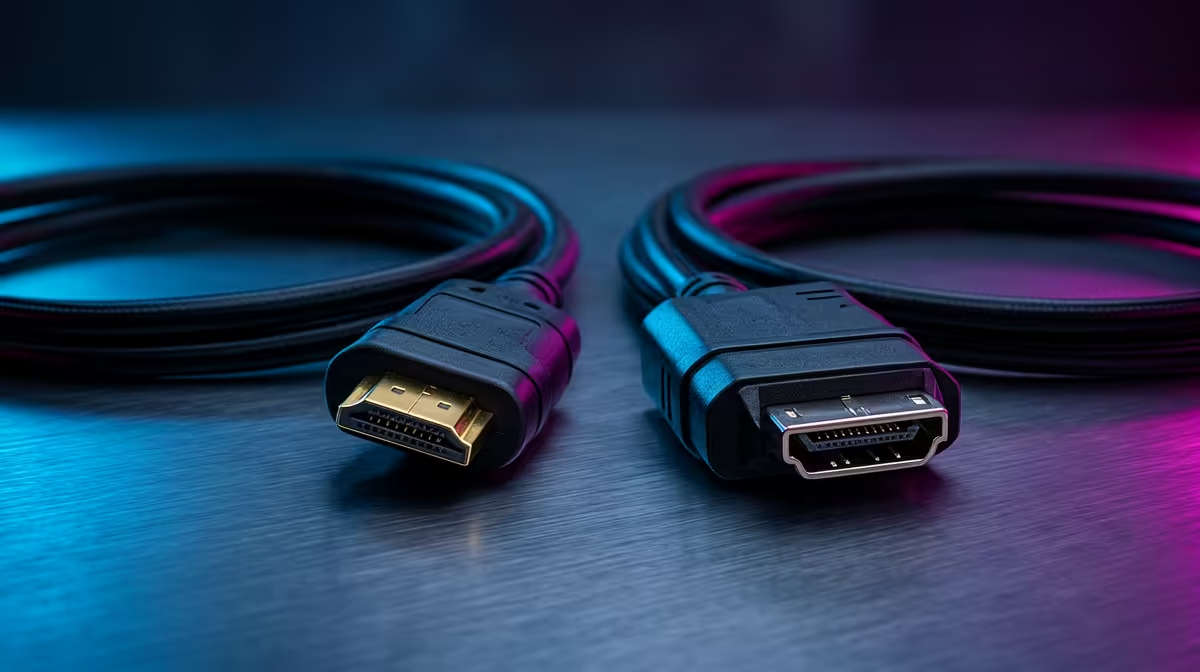
So, you’ve just unboxed a shiny new 240Hz gaming monitor. The excitement is real! But wait... which cable do you use? The included HDMI or that DisplayPort cable you have lying around? This isn't just a trivial choice, Mzansi. Picking the right connection is the final step to unlocking the buttery-smooth frame rates you paid for. Let's settle the HDMI 2.1 vs DisplayPort 1.4 debate once and for all, so you can get back to climbing those leaderboards. 🚀
Understanding the Contenders: HDMI vs. DisplayPort
Before we dive into the high-refresh-rate showdown, let's get the basics straight. Think of HDMI (High-Definition Multimedia Interface) as the versatile all-rounder. It started in the home theatre world, connecting TVs and Blu-ray players, but with version 2.1, it's become a serious gaming powerhouse.
DisplayPort, on the other hand, was born for the PC. It was designed from the ground up to connect computers to monitors, focusing purely on delivering the highest possible video data for demanding tasks and gaming.
HDMI 2.1 vs DisplayPort 1.4: The Bandwidth Battle
When it comes to high-refresh-rate gaming, it all boils down to one thing: bandwidth. This is the amount of data a cable can carry per second. More bandwidth means higher resolutions and faster refresh rates.
- DisplayPort 1.4: Offers a very respectable 32.4 Gigabits per second (Gbps) of bandwidth. This is more than enough to run a 1440p monitor at a blistering 240Hz, or even 4K at 120Hz. For most competitive PC gamers, this is the sweet spot.
- HDMI 2.1: This is the new heavyweight champion, boasting a massive 48 Gbps. This extra muscle allows it to push 4K at 144Hz (or higher with compression) and even 8K at 60Hz.
The right choice often depends on the screen you're powering. The debate over HDMI 2.1 or DisplayPort 1.4 becomes clearer when you browse the specs on modern gaming monitors and match them to your GPU's output.
Smooth Gameplay: Adaptive Sync Technology
What’s the point of high refresh rates if you’re getting nasty screen tearing? That's where Adaptive Sync (like NVIDIA's G-Sync and AMD's FreeSync) comes in, matching your monitor's refresh rate to your GPU's frame output. ⚡
The good news? Both standards handle it well.
- DisplayPort has been the go-to for G-Sync for years and has wide compatibility.
- HDMI 2.1 has its own built-in Variable Refresh Rate (VRR) feature, which works brilliantly with the latest consoles (PS5, Xbox Series X) and modern graphics cards.
Ultimately, the performance is similar on both. The key is to ensure your monitor supports it over your chosen connection. Whether you're eyeing up immersive curved monitors or a flat esports panel, always check the spec sheet for VRR compatibility.
Pro Tip: Check Your Monitor's Ports
Always check the monitor's product page! Some monitors might support their max refresh rate only over DisplayPort, while others might reserve features like VRR for their HDMI 2.1 port. Don't get caught out.
Beyond Refresh Rates: Extra Features to Consider
The DisplayPort 1.4 vs HDMI 2.1 comparison isn't just about pixels per second. Each cable has a few unique tricks.
HDMI 2.1 is the undisputed king of the living room. Features like eARC (Enhanced Audio Return Channel) let you send high-quality audio to your sound system with one cable, and ALLM (Auto Low Latency Mode) automatically switches your TV to its 'game mode'. This makes it essential for next-gen console gamers.
DisplayPort 1.4 has a killer feature for productivity gurus: Multi-Stream Transport (MST). This allows you to daisy-chain multiple monitors together from a single DisplayPort output on your graphics card. It's a clean and efficient way to build a multi-monitor setup for work or streaming. 🖥️ When you're selecting from a range of PC monitors, considering these extra features can make a big difference.
The Verdict: Which Cable for Your Mzansi Rig?
So, after this connection showdown, which cable gets the trophy? It honestly depends on your setup.
- For the Competitive PC Gamer (1080p/1440p at 240Hz): DisplayPort 1.4 is likely your best bet. It has all the bandwidth you need, is widely supported, and gets the job done perfectly without any fuss.
- For the High-Fidelity PC & Console Gamer (4K @ 120Hz+): HDMI 2.1 is the clear winner. Its superior bandwidth is essential for pushing those high resolutions and refresh rates, and its console-friendly features are non-negotiable for PS5 and Xbox Series X owners.
- For the Multi-tasking Professional: If you're planning a multi-monitor empire, DisplayPort 1.4 and its daisy-chaining capability might just seal the deal.
The final decision in the HDMI 2.1 vs DisplayPort 1.4 battle comes down to matching the cable to your specific hardware and gaming goals.
Ready to Upgrade Your View? Now that you know which cable to use, make sure you have a monitor that can keep up. Check out our best PC monitor deals for performance that leaves lag in the dust.











