

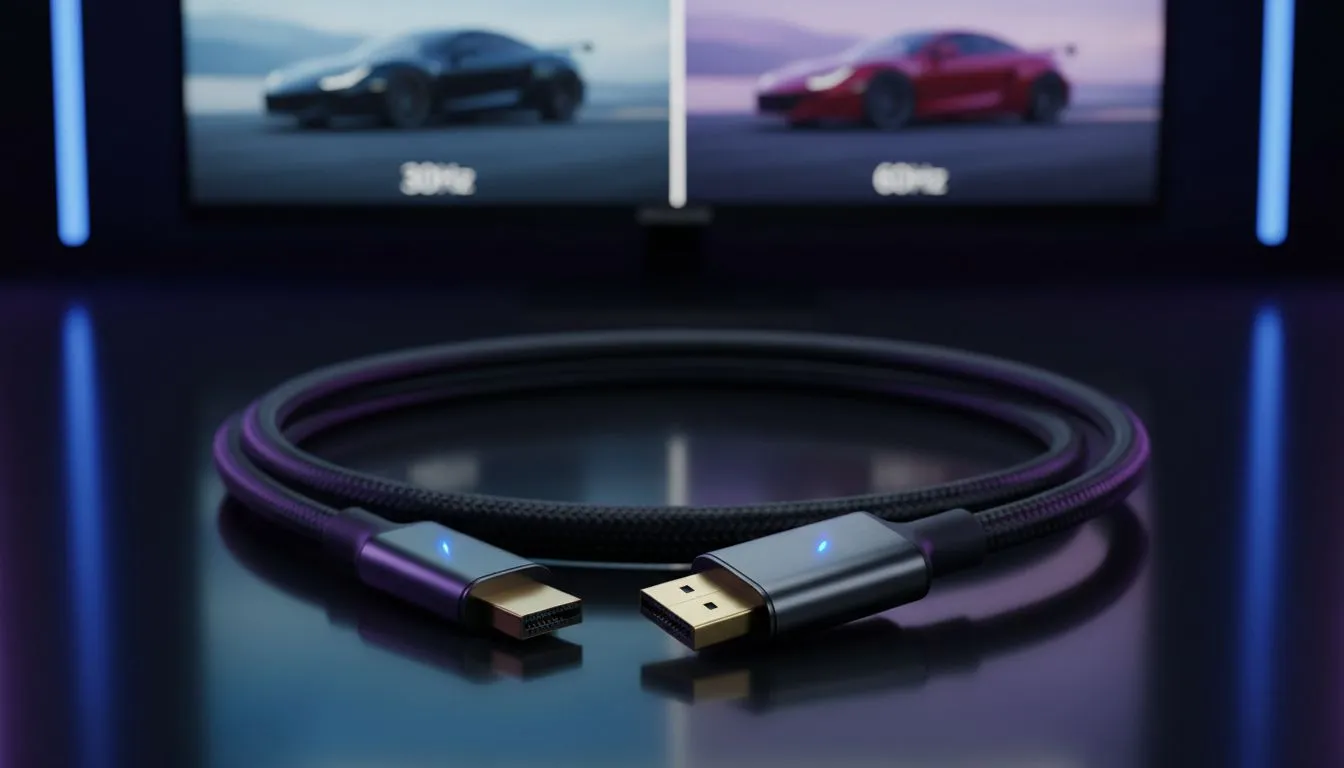
Understanding the Impact of HDMI 30Hz vs 60Hz on Visual Fidelity
Ever plugged your laptop into a gorgeous 4K screen only to find your mouse cursor feels like it is dragging through thick mud? You are likely experiencing the massive gap between HDMI 30Hz vs 60Hz. Understanding this difference in visual fidelity is vital for any South African professional or gamer looking to get the best out of their setup. Let's look at why 60Hz is the gold standard. 🚀
Why Refresh Rates Matter for Your Eyes
The "Hz" or Hertz in your display settings refers to the refresh rate... the number of times your screen updates the image every second. When comparing HDMI 30Hz vs 60Hz, the difference is literally double the information being sent to your eyes. At 30Hz, motion can look choppy or jittery, which often leads to quicker eye fatigue during long work sessions. If you are on a tight budget, you can find entry-level docking stations under R1000 that handle standard HD refresh rates perfectly for basic office tasks.
However, once you move to 4K resolutions, the bandwidth requirements spike. Many older cables or cheaper hubs default to 30Hz at 4K. This results in a "ghosting" effect where windows seem to trail behind as you move them. To avoid this, many locals opt for reliable brands like Promate docking stations which are designed to handle higher data throughput for clearer, more stable output. 🔧
Visual Fidelity Pro Tip ⚡
Always check your display settings in Windows under 'Advanced Display Settings'. Even if your hardware supports 60Hz, Windows might default to 30Hz to save power or bandwidth. Manually toggling this to 60Hz can instantly make your R15,000 monitor feel like a brand new device.
The Technical Hurdle of 4K at 60Hz
The real challenge with HDMI 30Hz vs 60Hz: Seeing the Difference in Visual Fidelity becomes apparent when you use external peripherals. To achieve a smooth 60Hz at 4K resolution, your hardware needs to support HDMI 2.0 or DisplayPort 1.2 at the very least. If your current hub is bottlenecking your performance, upgrading to high-performance docking stations under R2000 is often the most cost-effective way to unlock that fluid motion without replacing your entire PC.
For gamers, 30Hz is almost unplayable for fast-paced titles. The input lag... the delay between clicking your mouse and seeing the action on screen... is significantly higher at lower refresh rates. Even for creative professionals in Cape Town or Jozi editing video, 60Hz is non-negotiable for accurate timeline scrubbing and colour grading.
Finding the Right Connection for Your Setup
Choosing the right gear ensures you aren't leaving performance on the table. Whether you are connecting a MacBook, a gaming laptop, or a workstation, your docking station acts as the bridge. If that bridge is too narrow, your visual fidelity suffers. You can browse our comprehensive range of docking stations to find a solution that supports the specific resolution and refresh rate your monitor demands. ✨
Don't settle for "choppy" when "silky smooth" is just one cable or hub away. Prioritising 60Hz will not only make your games look better but will make every minute you spend in front of your screen more comfortable and productive.
Ready to Find Your Perfect Match? The HDMI 30Hz vs 60Hz debate is simple: for the best visual fidelity and smoothest performance in South Africa, 60Hz is the clear winner. Explore our massive range of docking stations and find the perfect hub to unlock your monitor's full potential.











