

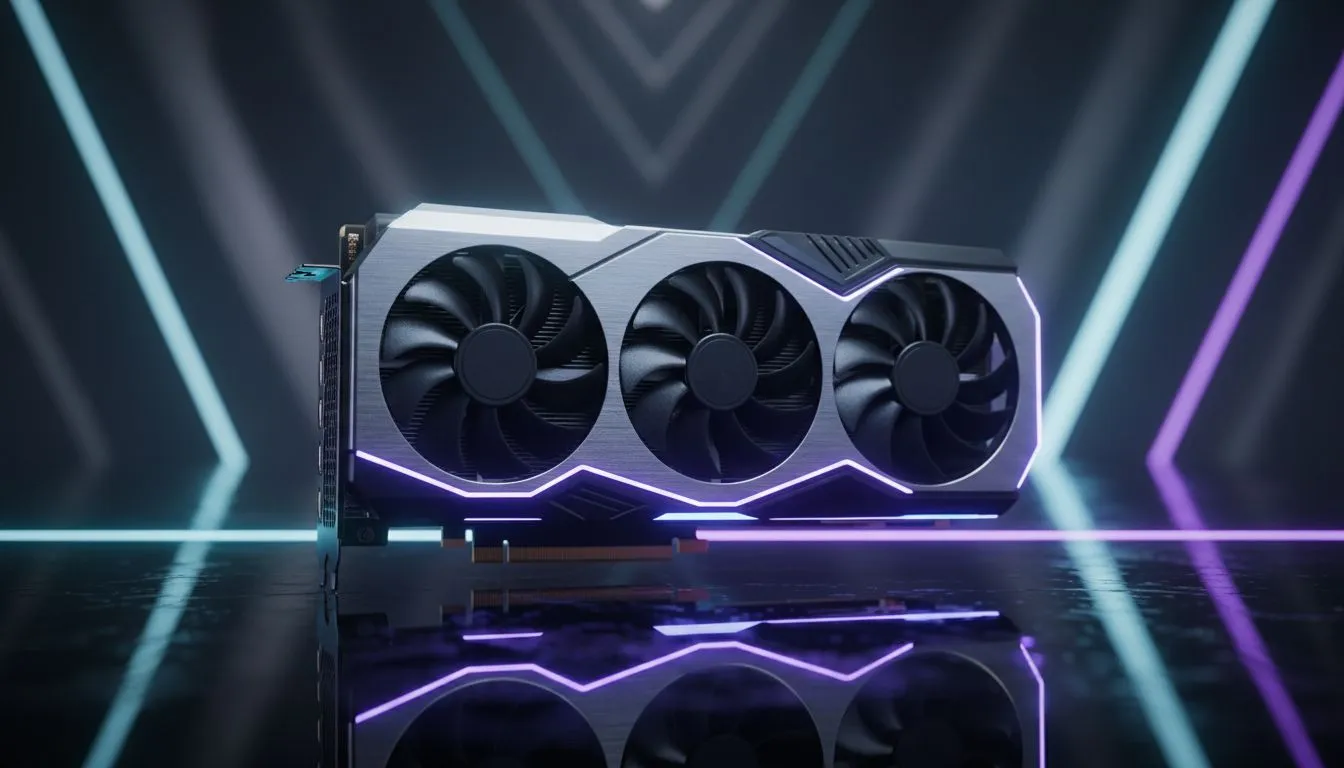
Struggling to climb the ranks in Valorant or Apex Legends? In the competitive world, your hardware often dictates your skill ceiling. Using a High Clock Speed GPU: Maximize FPS in Competitive Games is the secret to high refresh rates. If you want to reduce input lag, understanding clock cycles is the first step. Every megahertz counts when holding a tight angle in a local lobby.
Why MHz Matters for Competitive Gaming
Modern games demand rapid calculations. A GPU with a high clock speed handles these tasks efficiently. This results in smoother visuals on your screen. Look at the boost clock specs when browsing graphics cards. These numbers represent peak performance during intense gaming.
Clock speed refers to how many cycles the core completes per second. Higher speeds mean the GPU processes data faster. For South African gamers on 144Hz monitors, this is vital. It ensures your hardware can keep up with your display. If your GPU is slow, you might see stuttering. This can cost you the match during a crucial firefight.
Balancing Boost Clocks and Architecture
NVIDIA is a leader in this space. Their GeForce Graphics Cards offer impressive frequencies. They use advanced tech to help maintain these speeds. Many local gamers favour NVIDIA for its driver stability. However, AMD provides stiff competition.
Their Radeon Graphics Cards often feature very high base clocks. This gives you great performance without needing manual tweaks. Choosing between them depends on your specific game library. Some engines prefer raw speed, while others like memory bandwidth. Both brands offer fantastic options for the ZAR price point.
Cooling for High Clock Speed GPU Performance
Heat is the enemy of speed. If a card gets too hot, it will downclock... this lowers your FPS. Premium brands like MSI focus on cooling. Their advanced fan designs keep temperatures low. This allows the GPU to stay at its limit.
You get consistent frames even during long sessions. Whether you are in Cape Town or Johannesburg, summer heat is a factor. High-quality heatsinks ensure your clock speed does not drop. This prevents sudden lag spikes when the action gets intense. Always check the thermal benchmarks before you buy.
Performance Pro Tip ⚡
Always optimise your Windows power settings for maximum performance. Set your GPU to prefer maximum performance in its control panel. This ensures your clock speed does not dip during quiet moments. It keeps your frame times consistent when the action picks up suddenly.
Ready to Dominate the Lobby? High clock speeds are the key to victory in the South African competitive scene. For the best prices in ZAR and the widest selection, we have you covered. Explore our massive range of graphics cards and find the perfect hardware to boost your FPS today.








