

Is Overclocking TKL keyboard Worth It in SA?
Is Overclocking TKL keyboard Worth It in SA Detailed answer with SA data, expert analysis & practical recommendations for local buyers.
Read moreHigh FPS in LoL unlocks smoother frame generation and lower input lag, improving micro-mechanics, aiming, and reaction windows ⚡ Learn why FPS matters and how to optimize it.
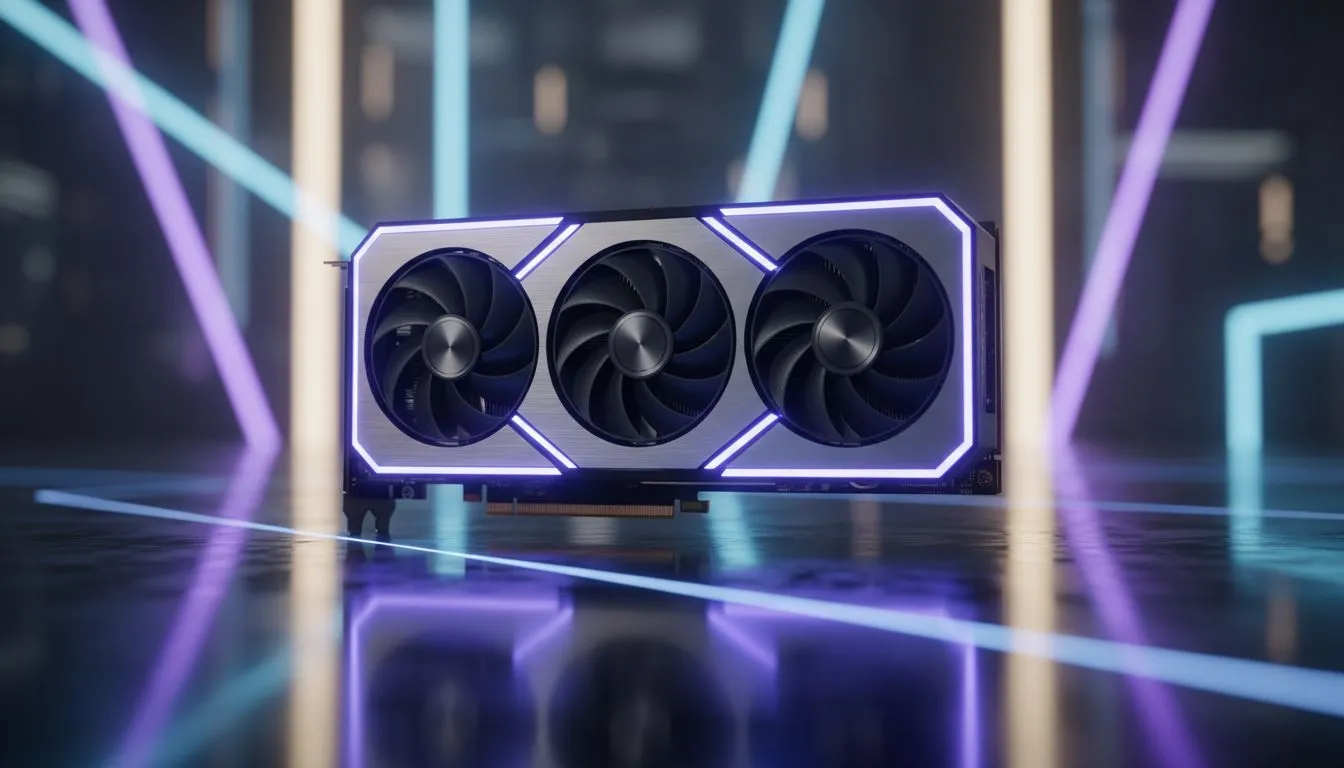
In the heat of a chaotic teamfight at Dragon, a single stutter often means a missed Flash-Q combo. For South African League of Legends players, every millisecond counts. Achieving High FPS in LoL isn't just about smooth visuals. It's about how frame gen boosts mechanical play by reducing input latency and sharpening animations. Let's look at how modern hardware keeps your combos crisp and your climb to Challenger alive. ⚡
League of Legends might look simple, but the mechanical floor rises every season. High frame rates reduce the delay between your brain and what happens on the screen. If you're using one of the latest NVIDIA or ATI graphics cards, you'll notice Lee Sin's ward hops feel significantly more fluid. When your monitor refreshes faster, you receive visual information sooner. This allows for quicker reactions to skillshots... potentially saving your bounty in a 1v2 situation.
Frame generation technology, like DLSS 3 or FSR 3, creates intermediate frames using AI. This is a massive boost for those pushing high-refresh-rate monitors at 1440p or 4K. Many MSI graphics cards leverage these technologies to ensure your animations remain buttery smooth during intense ultimate rotations. By increasing the frame count, the motion of enemy projectiles becomes clearer. You can track a Nidalee spear or a Lux binding with far more precision... making your side-stepping look like a script.
Always enable NVIDIA Reflex or AMD Anti-Lag in your LoL settings. These features work alongside high frame rates to further reduce the "click-to-photon" delay. It ensures your inputs register exactly when you press the key... giving you the edge in tight duels.
You don't need to break the bank to see an improvement in your rank. Even affordable options like Intel Arc graphics cards are making high-refresh gaming accessible to the local market. For those who want raw, unfiltered power, the high VRAM counts found in AMD Radeon graphics cards offer incredible value for money in South Africa. 🚀
Not every Summoner is just a gamer, though. If you spend your day rendering video and your nights in the mid-lane, workstation graphics cards provide the stability needed for professional tasks while still delivering excellent performance in LoL. Balancing work and play has never been easier with modern GPU architectures. ✨
With our unique connectivity challenges to international servers, local players must optimise every variable within their control. While we can't always fix the ping to EUW, we can ensure our local hardware isn't the bottleneck. Maintaining High FPS in LoL ensures that when the server sends you data, your PC processes it instantly. It turns a "maybe" into a "definitely" when you're diving under the turret. 🔧
Ready to Dominate the Rift? Improving your mechanical play starts with the right hardware. For maximum performance and the best value in South Africa, upgrading your GPU is the most effective move. Explore our massive range of graphics card specials and find the perfect component to carry your team to victory.
Frame generation creates smooth frames between rendered frames to reduce stutter and perceived input lag, helping actions feel more responsive.
Yes. Higher FPS and frame generation reduce input lag and increase frame advantage, sharpening aim, animation cancels, and reaction timing.
Aim for stable 120+ FPS if your monitor supports it; higher stable FPS gives clearer frame advantage and smoother micro-mechanics.
FPS is how many frames your PC outputs; refresh rate is the monitor's display capacity. Match high FPS to a high refresh rate for best results.
Proper frame generation can smooth perceived motion and lower effective input lag, but it works best with high native FPS and low display latency.
Lower nonessential graphics, update GPU drivers, enable performance mode, and cap background apps to boost FPS and improve skillshot consistency.
60 FPS can be playable, but many high-level mechanics benefit from 120+ FPS where frame advantage and input responsiveness increase.
Is Overclocking TKL keyboard Worth It in SA Detailed answer with SA data, expert analysis & practical recommendations for local buyers.
Read more
Geekbench Keyboard Benchmarks: Rankings. Real-world benchmark data, FPS numbers & performance analysis. What SA gamers can actually expect.
Read more
Head-to-head comparison of Keyboard Prices: Online vs Physical Stores for SA gamers. Performance benchmarks, Rand pricing & which delivers better value.
Read more
Head-to-head comparison of Apple Magic Keyboard vs Third-Party: Is It Worth for SA gamers. Performance benchmarks, Rand pricing & which delivers better value.
Read more
Snapdragon X2 NPU Explained: How 80 TOPS Changes. Plain-English explanation of what it means, why it matters & how it affects your buying decisions in SA.

HBM? High Bandwidth Memory Used in GPUs and AI. Plain-English explanation of what it means, why it matters & how it affects your buying decisions in SA.

How much should you spend on sim racing accessories in South Africa for a realistic setup? We break down budgets by quality tiers, so you buy smart gear and avoid overspending 🎮💸

G-Sync and FreeSync? Variable Refresh Rate. Plain-English explanation of what it means, why it matters & how it affects your buying decisions in SA.

AMD Laptop: Value. SA-focused analysis with local pricing data, real-world insights & actionable buying advice.

How MacBook Neo Handles 30+ Chrome Tabs with Only. SA-focused analysis with local pricing data, real-world insights & actionable buying advice.

Why Apple Put 8GB RAM in MacBook Neo: The A18 Pro. SA-focused analysis with local pricing data, real-world insights & actionable buying advice.

Upgrade your work laptop with a New Motherboard. Step-by-step instructions with SA-specific tips, common pitfalls to avoid & expert recommendations.

Glorious Keyboard Switches Explained: Which. Plain-English explanation of what it means, why it matters & how it affects your buying decisions in SA.

Winter Keyboard Buying Guide. Everything you need to know with SA pricing, step-by-step instructions & expert recommendations.

Keyboard Buying Guide. Everything you need to know with SA pricing, step-by-step instructions & expert recommendations.

LGBTQ+ Gamers Keyboard Guide: January Edition. Everything you need to know with SA pricing, step-by-step instructions & expert recommendations.