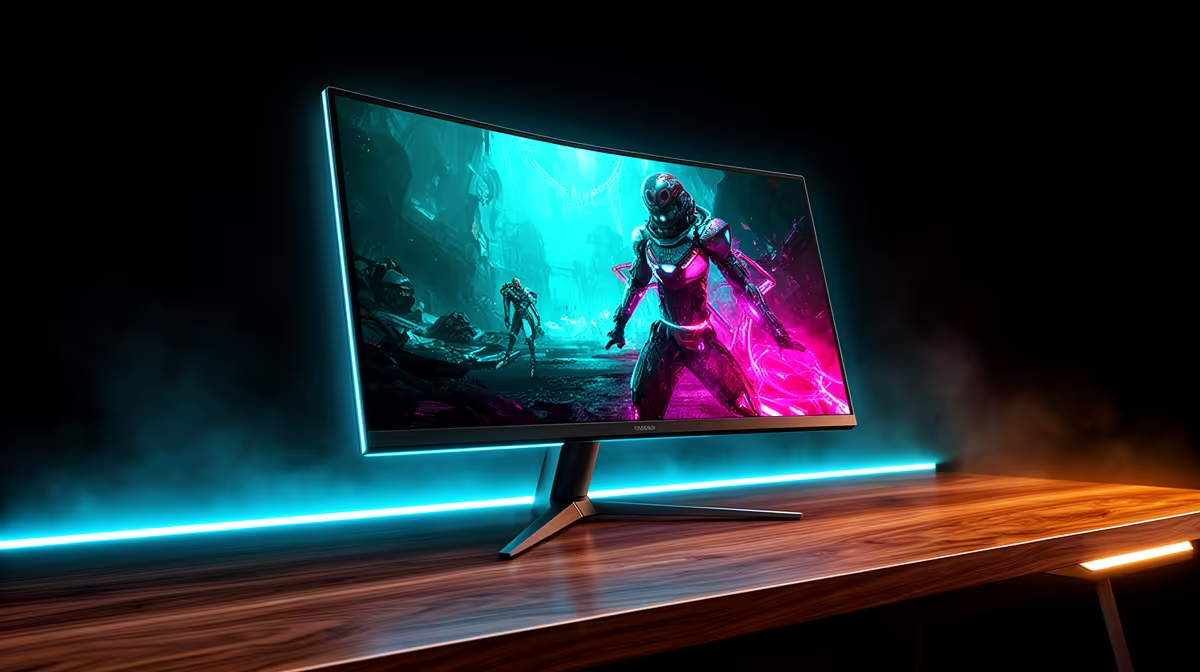
You’ve dialled in your settings, your GPU is purring, and that 144Hz+ refresh rate feels like pure magic. But with outage schedules more reliable than a PUG teammate, have you ever wondered about the hidden cost of that buttery-smooth gameplay? Understanding your high refresh rate monitor power consumption isn't just for tech nerds... it's a crucial part of being a savvy gamer in South Africa. Let's break down what your screen is really costing you. ⚡
Does a Higher Refresh Rate Mean Higher Power Consumption?
The short answer is yes, but it’s not as dramatic as you might think. Pushing more frames per second requires the monitor's internal processor (the scaler) to work harder. Think of it like an engine... higher RPMs use more fuel. Similarly, refreshing the screen 144 or 240 times a second demands more electricity than doing it just 60 times.
This principle applies across the board, from entry-level displays to the most premium options you'll find when browsing through all our gaming monitors. The key takeaway is that performance has an energy cost, but refresh rate is only one piece of the puzzle.
Key Factors Influencing Your Monitor's Power Usage
Your monitor's electricity draw isn't just about its Hz. Several other factors play a massive role in the overall power consumption of a high refresh rate monitor.
Screen Brightness
This is the big one. Your monitor's backlight is one of its most power-hungry components. Running your screen at 100% brightness can often use significantly more power than at a more comfortable 50-60%. Lowering it is the single easiest way to reduce your monitor's power usage without sacrificing performance.
Resolution and Size
More pixels require more power to light up and manage. A 27-inch 1440p monitor will naturally use more energy than a 24-inch 1080p model, and jumping up to the incredible detail of stunning 4K monitors comes with a corresponding increase in power draw. The same logic applies to the immersive experience of curved monitors, where larger panel sizes are common.
Panel Technology & Features
Modern features add to the experience but also to the power bill.
- HDR (High Dynamic Range): To achieve those dazzlingly bright highlights, HDR temporarily boosts the backlight to its maximum, causing significant spikes in power consumption.
- Panel Type: OLED panels can be more efficient in dark scenes since individual pixels can be turned off completely, but for bright, colourful scenes, a modern LED-backlit LCD might be more efficient.
- Adaptive Sync: G-Sync and FreeSync modules require a small amount of power to operate.
Check Your Windows Settings! 🔧
Windows 11 has a great feature called Dynamic Refresh Rate (DRR). If your monitor supports it, you can find it under System > Display > Advanced display. This allows Windows to automatically switch between a low refresh rate for normal tasks (like browsing) and your high refresh rate for gaming, saving power without you having to do a thing.
Practical Tips for SA Gamers to Optimise Power
Being mindful of your gaming monitor's electricity cost doesn't mean you have to sacrifice your competitive edge. Here are a few practical ways to keep your consumption in check, which is especially useful when you're running on an inverter or UPS.
- Lower Brightness for Desktop Use: You don't need 350 nits of brightness to read an email. Create a custom profile for gaming and another, dimmer one for everything else.
- Enable Power Saving Modes: Most displays have an 'Eco' mode. While you wouldn't use it for a ranked Valorant match, it's perfect for when you're just watching YouTube or working.
- Don't Forget to Turn It Off: A monitor in standby still draws a small amount of power. Turning it off at the wall or unplugging it completely saves a few watts, which adds up over time.
- Consider Efficiency When Upgrading: Newer tech is often more energy-efficient. When you're looking at various PC monitors, check for an Energy Star rating. An efficient new monitor could be kinder to your wallet in the long run. These tips are also golden for users of portable monitors, where every watt saved extends your battery life. ✨
The Rand and Cent Reality: Does It Really Matter?
So, what does this all mean for your electricity bill? A modern 27-inch 144Hz gaming monitor might use around 30-50 watts during typical gameplay. The difference between running at 60Hz and 144Hz might only be 10-15 watts.
While that doesn't sound like much, let's do some quick maths. An extra 15 watts running for 5 hours a day is 75 watt-hours daily. Over a month, that's about 2.25 kWh. At current Eskom rates, that's only a few extra Rands.
The real story isn't the monthly cost... it's the total load on your system. That 15W, combined with an extra 100W from your GPU and 50W from your CPU when gaming, adds up. For those of us battling an unexpected outage with inverters or UPS systems, every single watt counts. Optimising your high refresh rate monitor's power consumption helps extend your gaming time when the lights go out. And if you're looking to upgrade, finding an efficient screen at a great price is always a win... you can always find some of the best PC monitor deals to get the best of both worlds. 🚀
Ready to Find Your Perfect Display?
Balancing silky-smooth frames with smart power usage is the key to elite gaming in SA. Whether you need an efficient daily driver or a high-performance beast, we've got the screen for you. Explore our massive range of gaming monitors and find the perfect display to conquer your world.