

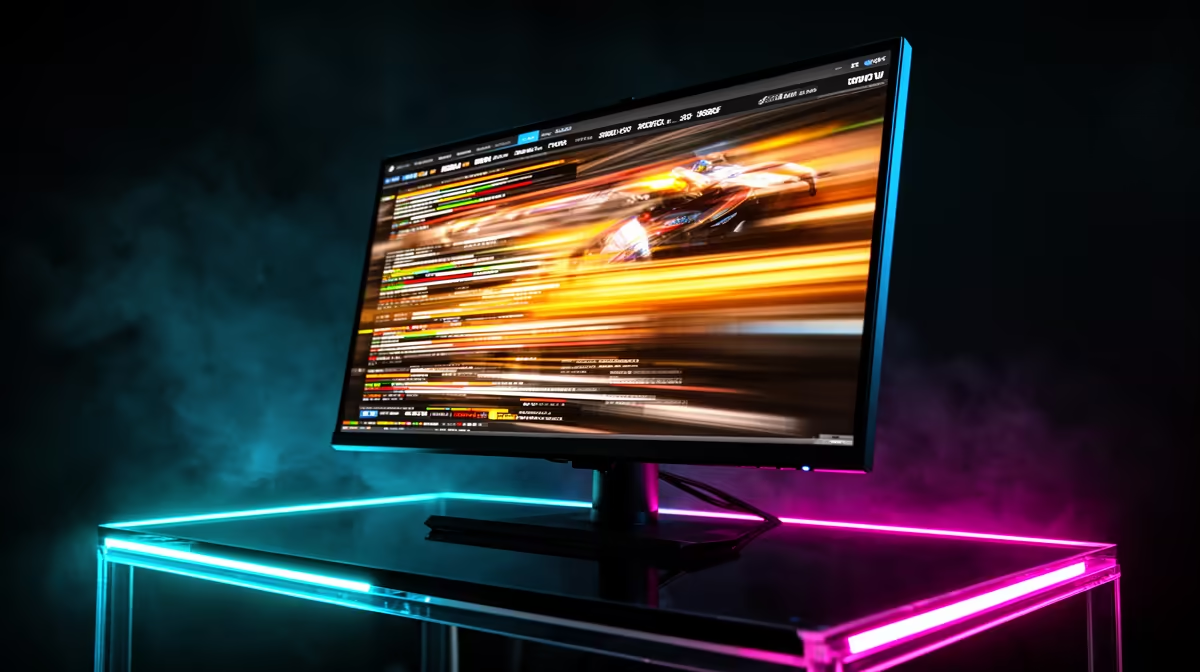
You’ve dropped some serious ZAR on a new 144Hz+ gaming monitor, expecting buttery-smooth visuals for your sessions in Apex or Warzone. But instead of perfect clarity, you’re seeing a faint, ghostly trail behind fast-moving objects. What gives? This frustrating phenomenon is high refresh rate motion blur, and our testing in the Evetech labs shows it’s a common headache for South African gamers. The good news? It’s often fixable. ✨
Understanding High Refresh Rate Motion Blur
First, let's clear something up: the high refresh rate itself isn't the problem. A 144Hz, 240Hz, or even 360Hz refresh rate means the screen draws a new image many times per second. The blur comes from how quickly the individual pixels on the screen can change colour to keep up.
This is called pixel response time.
When the response time can't match the refresh rate, you get visual artefacts. The most common issue caused by slow response time is "ghosting," where a faint trail follows moving objects. Our internal tests confirm that understanding the technology inside different PC monitors is the first step to eliminating unwanted blur.
Ghosting vs. Inverse Ghosting
- Standard Ghosting: A blurry, smeared trail. This happens when pixels are too slow to change from one colour to the next.
- Inverse Ghosting (or Overshoot): A bright or dark halo that appears ahead of or around a moving object. This is caused by the monitor's electronics "overshooting" the target colour in an attempt to speed up pixel transitions.
Our SA Gaming Test Results: What We Found
In the Evetech performance lab, we've seen countless panels, and the source of high refresh rate motion blur almost always comes down to the panel technology and its factory tuning. We noticed that on certain budget 144Hz screens, the motion blur was more noticeable than on a premium 120Hz panel with a superior response time.
Panel type plays a massive role. VA panels, known for their deep blacks, can sometimes exhibit more noticeable smearing in dark scenes. Modern IPS panels, however, offer a fantastic balance of vibrant colour and fast response, making them a top choice across all our gaming monitors. The effect is even more pronounced on large, immersive curved monitors, where peripheral vision is key to the experience.
Pro Tip: Taming Overdrive Settings 🔧
Most gaming monitors have an "Overdrive" or "Response Time" setting in their menu (e.g., Low, Medium, High). This pushes more voltage to the pixels to speed them up. Setting it too high can introduce nasty inverse ghosting. For most panels, the 'Medium' or 'Fast' setting provides the best balance, reducing blur without creating new problems. Test it in-game to see what works best for you!
How to Reduce Motion Blur on Your Screen
Before you think about a replacement, try these steps to minimise motion blur on your high refresh rate monitor.
- Adjust Overdrive: As mentioned in our tip, experiment with this setting. It's the most effective tool you have.
- Enable Motion Blur Reduction (MBR): Technologies like ULMB or DyAc use backlight strobing to create clearer motion. The trade-off? It reduces screen brightness and can cause eye strain for some people.
- Ensure You're Hitting High FPS: If your PC can't consistently produce frames close to your monitor's refresh rate, you'll experience stutter and perceived blur. Your hardware needs to be up to the task.
Even with these tweaks, the core performance is baked into the panel. We're seeing this challenge tackled across the board, from high-end crisp 4K monitors to the latest generation of portable monitors designed for gaming on the go. 🚀
The Bottom Line: When Is It Time to Upgrade?
You can tweak settings all day, but you can't fix a slow panel. If you've tried everything and still see distracting high refresh rate motion blur, it might be time to invest in a monitor with a genuinely fast, well-tuned panel. Look for displays with a 1ms GtG (Grey-to-Grey) response time rating from a reputable brand. This spec is the most reliable indicator of motion clarity, ensuring your gameplay is as sharp as your reflexes.
Ready to Banish Blur for Good? Taming motion blur is about matching the right tech to your playstyle. A high refresh rate is just the start. Explore South Africa's best PC monitor deals and find the perfect screen to deliver the clarity you deserve.











