

Intel Arc B580 Fable FPS: Performance Benchmark & Best Settings
Intel Arc B580 Fable FPS: Performance Benchmark. Real-world benchmark data, FPS numbers & performance analysis. What SA gamers can actually expect.
Read moreHow many fans should a gaming case have — practical guide to ideal intake vs exhaust setups, fan placement, and airflow to lower temps and keep noise down. 🔧❄️
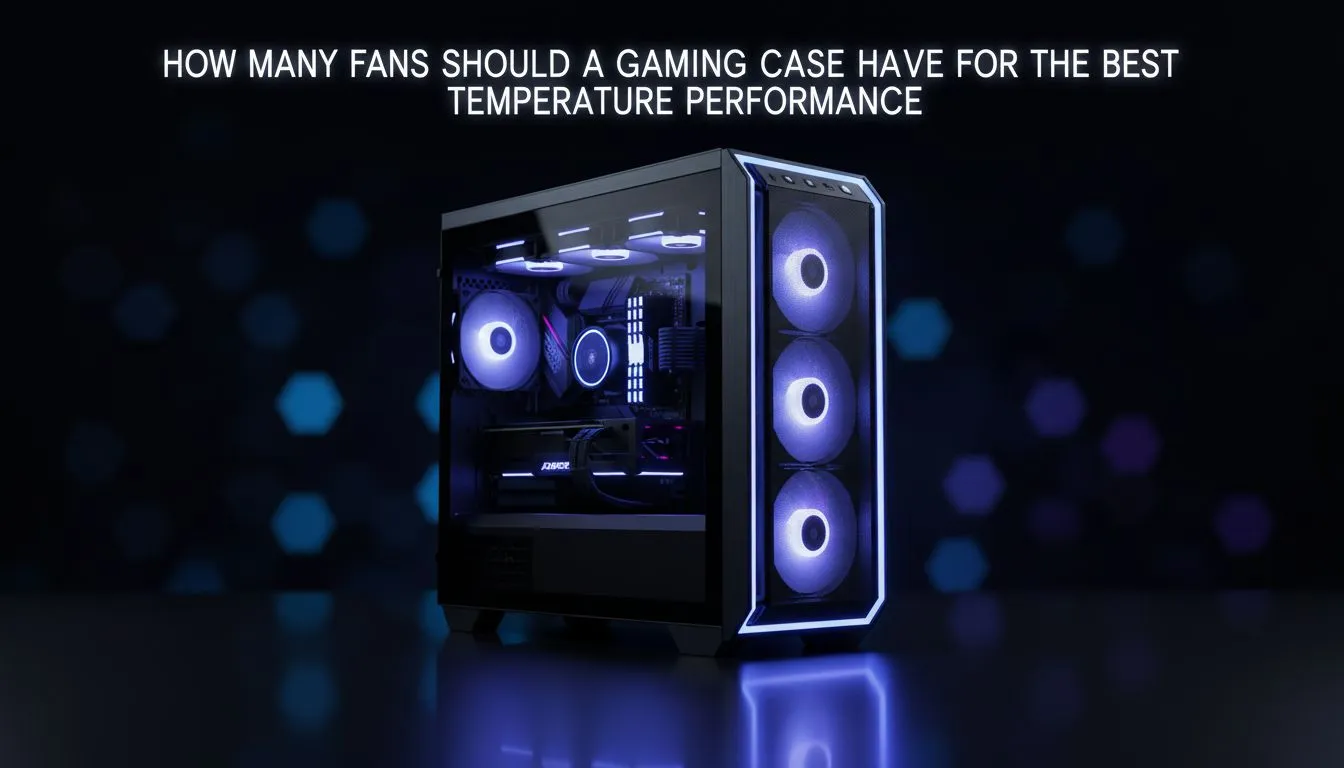
Is your gaming PC sounding more like a jet engine during a heated Apex Legends match in the middle of a Durban summer? You're not alone. Keeping your components cool is crucial for performance and longevity. This brings up the big question for every PC builder in South Africa: how many fans should a gaming case have to keep things chilly without sounding like a wind tunnel? Let's dive in and find the cool, quiet sweet spot. 🌬️
For most gaming rigs, the magic number to start with is three. Typically, this means two intake fans at the front pulling cool air in, and one exhaust fan at the back pushing hot air out. This configuration creates a basic airflow path that effectively cools the majority of components in a standard build.
This simple setup is often enough to prevent thermal throttling, where your CPU or GPU slows down to avoid overheating. Many modern computer cases come with two or three fans pre-installed, giving you a great foundation to build upon.
Before you rush out and buy every fan you can find, it's vital to understand a core concept: airflow pressure. The goal is to create a smooth, uninterrupted path for air to travel through your case. Simply adding more fans without a plan can create turbulence and dead spots where hot air gets trapped.
A key consideration is achieving "positive pressure." This happens when you have slightly more air being pulled into your case (intake) than being pushed out (exhaust). Why is this good? It helps prevent dust from being sucked in through unfiltered gaps and vents, keeping your rig cleaner for longer. High-end chassis like those from Fractal Design are often engineered specifically to maximise this kind of efficient, quiet airflow.
Aim for positive pressure by setting your intake fans to spin slightly faster than your exhaust fans, or by simply having more intake fans. This forces air out of every unfiltered crack and crevice, significantly reducing dust build-up inside your PC. Less dust means better cooling and less cleaning!
The ideal number of PC case fans really depends on your specific hardware. Let's break it down.
If you're running a mid-range setup with something like a Ryzen 5 CPU and a GeForce RTX 4060, three to four fans are perfect. Two or three intakes at the front and one exhaust at the back will provide more than enough cooling without breaking the bank. You can find excellent, stylish options like these Gamdias gaming cases under R1500 that offer great airflow from the get-go.
Are you pushing the limits with a Core i9 and an RTX 4080 or 4090? These components generate serious heat. Here, you'll want to look at five or more fans. A common high-performance setup includes:
This ensures a constant cycle of cool air bathing your power-hungry components. Brands like Gamdias offer chassis with ample room for these more complex cooling solutions, often including mesh fronts for maximum air intake.
Ultimately, the answer to "how many fans should a gaming case have?" is about balance. Start with a solid foundation of three quality fans, and add more only if your temperatures demand it. Focus on creating a clear airflow path, and your PC will thank you with cool, quiet, and consistent performance. ✨
Ready to Find Your Perfect Airflow? Whether you need a budget-friendly chassis or a high-end enclosure, the right case is the foundation of a cool and powerful PC. Explore our massive range of computer cases and find the perfect home for your components.
Most mid-towers perform best with 3–5 fans (2–3 intake, 1–2 exhaust). This optimal fan count balances airflow and noise.
Not always — too many fans can disrupt airflow and raise noise. Focus on balanced intake vs exhaust and proper placement.
Prioritize balanced intake vs exhaust: slightly positive pressure with one extra intake reduces dust while maintaining airflow.
Full towers often need 5–7 fans depending on hardware: multiple intakes and one or two top exhausts for GPU and CPU heat.
Yes — larger fans (140mm) can move more air at lower RPMs. Combining fan size and optimal fan count yields better cooling.
RGB lighting doesn't impact airflow. Choose fans with good CFM and static pressure for cooling over purely aesthetic models.
Place front and bottom fans as intake and rear/top as exhaust. Keep unobstructed paths and tidy cables for efficient fan airflow.
Intel Arc B580 Fable FPS: Performance Benchmark. Real-world benchmark data, FPS numbers & performance analysis. What SA gamers can actually expect.
Read more
RTX 5080 for Photogrammetry: Professional. Real-world benchmark data, FPS numbers & performance analysis. What SA gamers can actually expect.
Read more
Head-to-head comparison of RTX 5050 vs RTX 3050: Price-to-Performance Gamers for SA gamers. Performance benchmarks, Rand pricing & which delivers better value.
Read more
RTX 3060 AI Features: Benchmark & Real-World Test. Real-world benchmark data, FPS numbers & performance analysis. What SA gamers can actually expect.
Read more
Benchmark Your RTX 5060 to Check Performance. Step-by-step instructions with SA-specific tips, common pitfalls to avoid & expert recommendations.
Read more
RTX 3050 DaVinci Resolve Performance: Benchmark. Real-world benchmark data, FPS numbers & performance analysis. What SA gamers can actually expect.
Read more
When Will the RTX 6090 Launch in South Africa Detailed answer with SA data, expert analysis & practical recommendations for local buyers.

Top Valorant Settings for RTX 5070: FPS Optimisation picks evaluated on performance, value & SA availability with current Rand pricing from Evetech.

RDNA 3.5 Graphics in Ryzen AI 400? Can You Game. Plain-English explanation of what it means, why it matters & how it affects your buying decisions in SA.

GPU Price Index : December Report. Current stock data & price tracking for SA buyers. See what is available and where prices are heading.

Core i5-14600K + B760 + RTX 5060 Build Under. Full parts list, Rand pricing & expected performance. Build confidently with SA-available components.

RX 7600 Apex Legends at 4K: FPS Benchmark. Real-world benchmark data, FPS numbers & performance analysis. What SA gamers can actually expect.

RX 7900 XTX GTA 6 at 4K: FPS Benchmark & Optimal. Real-world benchmark data, FPS numbers & performance analysis. What SA gamers can actually expect.

Head-to-head comparison of RTX 5070 vs RX 9070 XT: Gaming Performance for SA gamers. Performance benchmarks, Rand pricing & which delivers better value.

GPU Setup Guide Gamers. Clear setup instructions with SA-specific considerations, troubleshooting tips & recommended components.

Top RTX 5090 Under R12000 picks evaluated on performance, value & SA availability with current Rand pricing from Evetech.

Call of Duty Warzone 2 Settings on RX 7600. Real-world benchmark data, FPS numbers & performance analysis. What SA gamers can actually expect.

GTA 6 Settings on RTX 5070 Ti: Performance. Real-world benchmark data, FPS numbers & performance analysis. What SA gamers can actually expect.