

Intel Arc B580 Fable FPS: Performance Benchmark & Best Settings
Intel Arc B580 Fable FPS: Performance Benchmark. Real-world benchmark data, FPS numbers & performance analysis. What SA gamers can actually expect.
Read morehow much RAM do I need for everyday computing — quick, practical guidance to pick 8GB, 16GB or more for browsing, office apps, streaming and light gaming. ⚡💡
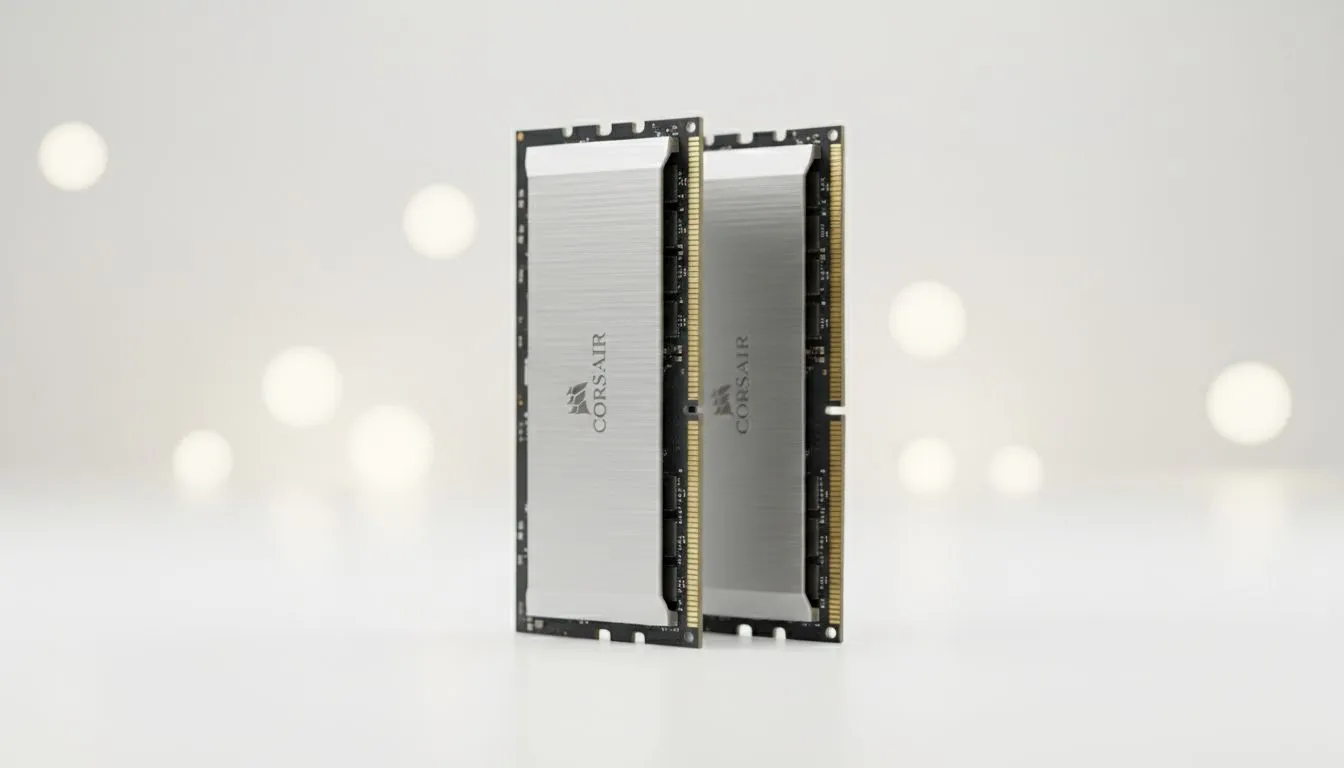
Ever sat staring at a spinning wheel while trying to open a simple Chrome tab? We have all been there. Choosing the right memory can feel like a minefield with so many options available. If you are wondering how much RAM do I need for everyday computing, the answer depends on your specific daily habits... ⚡
For basic web browsing and word processing, 8GB is the modern standard. While 4GB used to suffice, modern operating systems are hungry for resources. If you are looking for a budget-friendly machine for school work, checking out Intel laptops on special is a great starting point. These devices handle emails and video calls without breaking a sweat. You will notice a smoother experience when navigating through multiple browser tabs or working on basic spreadsheets.
If you tend to keep twenty tabs open while streaming music, 16GB is your best friend. It ensures your system stays responsive even under pressure. Many users find that Ryzen laptop deals offer incredible value for this level of performance. This amount of memory allows you to jump between apps instantly... no more waiting for programs to reload. It provides enough breathing room for Windows 11 to operate at its peak efficiency.
Keep an eye on your Task Manager by pressing Ctrl + Shift + Esc. If your memory usage is constantly above 80 percent, it is time for an upgrade. Closing unnecessary startup apps can also free up valuable resources for your daily tasks.
Are you planning to edit high-resolution photos or play the latest titles? You might need a bit more muscle. Browsing the best gaming laptop deals will show you machines designed for heavy lifting. Even if you are on a budget, you can find great gaming laptops under R20k that pack enough punch for modern workloads. These systems usually come with 16GB or 32GB of RAM to handle complex assets and high-speed data transfers.
It is also worth noting that your GPU often needs its own dedicated memory. For those who want to future-proof their setup for AI tasks or heavy rendering, looking at GeForce RTX gaming laptops on special is a smart move. This ensures your main system RAM is not bogged down by visual processing tasks. By separating these workloads, your laptop can maintain high frame rates and snappy response times during intensive sessions. ✨
Ready to Find Your Perfect Match? The RAM debate is complex, but for maximum power, choice, and value in South Africa, Evetech is hard to beat. Explore our massive range of laptop specials and find the perfect machine to conquer your world.
Yes. 8GB usually handles browsing, email and streaming. Upgrade to 16GB for heavy multitasking, many browser tabs or light video editing.
Most office tasks run fine on 8GB, but 16GB improves responsiveness with multiple apps, virtual meetings and dozens of browser tabs.
Aim for 16GB for smooth light gaming plus streaming. 8GB may work but can cause stutters in modern titles and background apps.
On Windows open Task Manager > Performance > Memory. On macOS open Activity Monitor > Memory. Watch real-time usage and swap activity.
Upgrade if RAM use regularly exceeds ~80%, your system slows during multitasking, or you run VMs, heavy editing or large datasets.
Not always. More RAM helps multitasking, but beyond 16GB most everyday tasks see diminishing returns without faster CPU or storage.
Windows 11 runs on 8GB, but 16GB gives a noticeably smoother experience if you keep many apps or browser tabs open.
Intel Arc B580 Fable FPS: Performance Benchmark. Real-world benchmark data, FPS numbers & performance analysis. What SA gamers can actually expect.
Read more
RTX 5080 for Photogrammetry: Professional. Real-world benchmark data, FPS numbers & performance analysis. What SA gamers can actually expect.
Read more
Head-to-head comparison of RTX 5050 vs RTX 3050: Price-to-Performance Gamers for SA gamers. Performance benchmarks, Rand pricing & which delivers better value.
Read more
RTX 3060 AI Features: Benchmark & Real-World Test. Real-world benchmark data, FPS numbers & performance analysis. What SA gamers can actually expect.
Read more
Benchmark Your RTX 5060 to Check Performance. Step-by-step instructions with SA-specific tips, common pitfalls to avoid & expert recommendations.
Read more
RTX 3050 DaVinci Resolve Performance: Benchmark. Real-world benchmark data, FPS numbers & performance analysis. What SA gamers can actually expect.
Read more
When Will the RTX 6090 Launch in South Africa Detailed answer with SA data, expert analysis & practical recommendations for local buyers.

Top Valorant Settings for RTX 5070: FPS Optimisation picks evaluated on performance, value & SA availability with current Rand pricing from Evetech.

RDNA 3.5 Graphics in Ryzen AI 400? Can You Game. Plain-English explanation of what it means, why it matters & how it affects your buying decisions in SA.

GPU Price Index : December Report. Current stock data & price tracking for SA buyers. See what is available and where prices are heading.

Core i5-14600K + B760 + RTX 5060 Build Under. Full parts list, Rand pricing & expected performance. Build confidently with SA-available components.

RX 7600 Apex Legends at 4K: FPS Benchmark. Real-world benchmark data, FPS numbers & performance analysis. What SA gamers can actually expect.

RX 7900 XTX GTA 6 at 4K: FPS Benchmark & Optimal. Real-world benchmark data, FPS numbers & performance analysis. What SA gamers can actually expect.

Head-to-head comparison of RTX 5070 vs RX 9070 XT: Gaming Performance for SA gamers. Performance benchmarks, Rand pricing & which delivers better value.

GPU Setup Guide Gamers. Clear setup instructions with SA-specific considerations, troubleshooting tips & recommended components.

Top RTX 5090 Under R12000 picks evaluated on performance, value & SA availability with current Rand pricing from Evetech.

Call of Duty Warzone 2 Settings on RX 7600. Real-world benchmark data, FPS numbers & performance analysis. What SA gamers can actually expect.

GTA 6 Settings on RTX 5070 Ti: Performance. Real-world benchmark data, FPS numbers & performance analysis. What SA gamers can actually expect.