

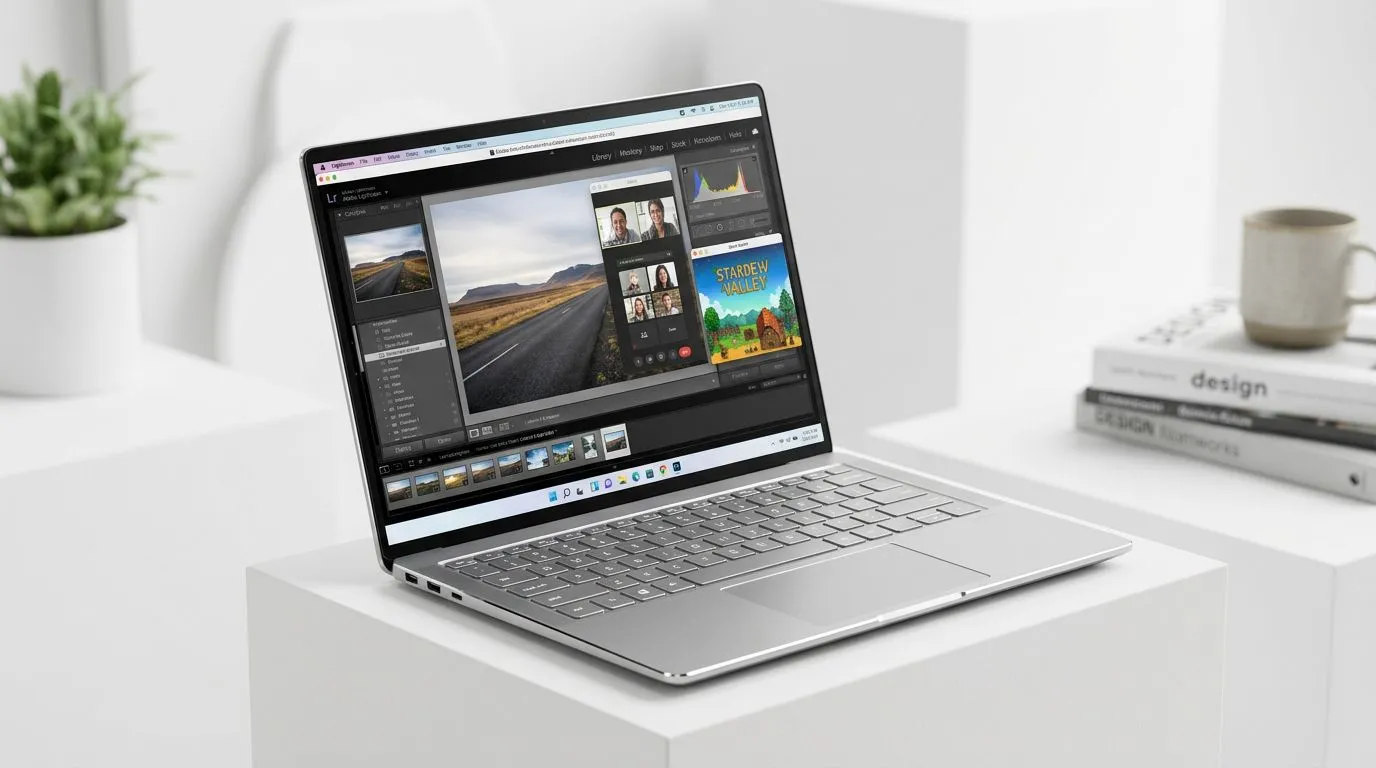
Integrated Graphics Laptops: Can They Handle Editing and Gaming? (The Real-World Answer)
If you’re a South African gamer with a tight budget, integrated graphics laptops can feel like a gamble… until you know where they shine. The big question is simple: can they handle editing and gaming, or will you end up watching your FPS crawl like a slow download? 😅
Here’s the honest take. Integrated GPUs are fine for everyday creative work and older/less demanding games. But for modern AAA titles, editing workloads, and smoother gameplay, you’ll usually want a laptop with dedicated graphics. Still, not all “integrated” setups are equal, and you can make smart choices.
Integrated Graphics Laptops: Can They Handle Editing and Gaming? (What to Expect From Integrated GPUs)
Integrated graphics share system memory and run within power limits. That affects both performance and stability, especially during long edits.
In practice, you can expect:
- Editing: Smooth timelines for light-to-moderate projects. Faster exports happen when your CPU is strong and your RAM is enough.
- Gaming: Older games and esports titles can work, especially at 720p or 900p with reduced settings. Newer games will often demand more compromises.
If you’re buying for both, focus on CPU strength and RAM first, then decide whether you can tolerate the graphics limitations.
What Specs Matter Most for Editing + Gaming
When browsing Evetech deals, prioritise:
- RAM: Aim for 16GB if possible. More RAM gives the system breathing room for editing and background apps.
- Storage: SSDs reduce load times and improve scrubbing in many editors.
- CPU: A capable multi-core CPU helps during rendering/export, even when graphics are integrated.
Evetech’s laptop deal pages are the best place to start because the pricing is local and updated regularly.
Integrated Graphics Laptops: Can They Handle Editing and Gaming? (How to Buy Smarter in SA)
Start with your workload reality. Are you editing 1080p footage, or are you doing heavy 4K timelines? Are you playing Fortnite, Rocket League, or Warzone? Your game and editor will decide what’s “good enough”.
For a budget-friendly route, consider these deal categories and shortlist based on the CPU + RAM combos:
- Intel laptop specials on Evetech can be a solid starting point if you want strong everyday performance. 🔧 Link: Intel laptops on special
- Ryzen laptop deals often pair nicely with productivity workloads when paired with the right RAM. ⚡ Link: Ryzen laptop deals
If your gaming expectations are higher, don’t ignore the dedicated GPU option. Evetech also tracks strong value picks in their curated ranges:
- Grab a look at their overall gaming laptop deal selection if you want better frame rates without going ultra-premium. 🚀 Link: Best gaming laptop deals
- If you’re trying to stay under R20k, this collection helps you avoid the “surprise tax” at checkout. ✨ Link: Buy gaming laptops under R20k
And if you want gaming to feel more consistent for modern titles, dedicated NVIDIA graphics can make the difference:
Integrated Graphics Laptops: Can They Handle Editing and Gaming? (Setup Tips That Actually Help)
Buying a good spec is step one… but setup changes can unlock more performance for the integrated graphics.
Productivity Pro Tip ⚡
Productivity Pro Tip ⚡
On Windows, use the PowerToys FancyZones utility to create custom snap layouts for your windows. It's a lifesaver for managing multiple apps on an ultrawide monitor, letting you organise your timeline, preview window, and asset folders perfectly for video editing.
Small Tweaks for Better Integrated Graphics Performance
- Use performance mode in Windows when editing or gaming. It can help sustained clock speeds.
- Lower resolution and reduce shadow quality first. Those settings often deliver noticeable gains without ruining the whole look.
- Close background apps while exporting. Browsers with many tabs can steal RAM and slow exports.
A quick micro-story from real life: if you’ve ever edited on a laptop, watched the preview stutter, and blamed your software… it might have been RAM pressure. The timeline always “feels” worse when the system is juggling too many tasks at once.
Integrated Graphics Laptops: Can They Handle Editing and Gaming? (So… Should You Choose One?)
Choose an integrated graphics laptop if:
- You mainly edit lighter projects (like 1080p work) and want a portable daily machine.
- Your gaming is mostly esports or older titles.
- You’re comfortable adjusting settings for smoother play.
Consider a laptop with dedicated graphics if:
- You want more consistent FPS in modern games.
- Your editing projects are longer, heavier, or regularly export large files.
- You want less compromise when multitasking (editor + browser + chat + downloads).
If you’re unsure, browse Evetech’s categories and compare deals side-by-side. The best “integrated” choice is usually the one with the strongest CPU and enough RAM at the price you can actually afford in ZAR.
Ready to Find Your Perfect Match? The Mac vs Windows debate is complex, but for maximum power, choice, and value in South Africa, Windows is hard to beat. Explore our massive range of laptop specials and find the perfect machine to conquer your world.











