

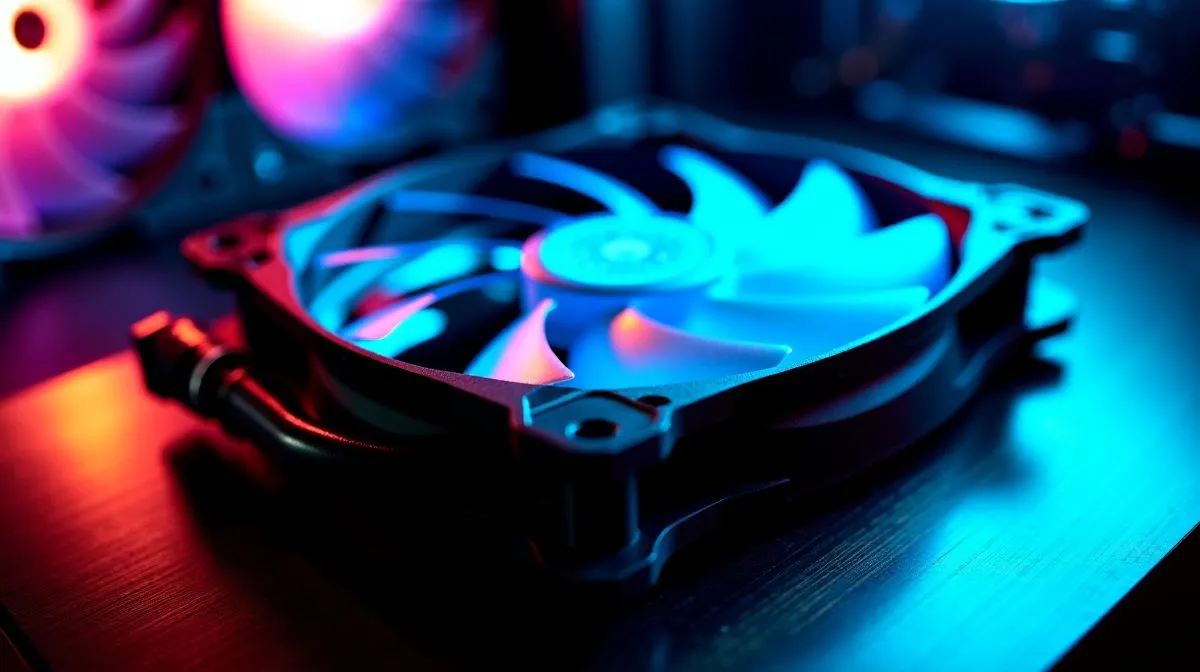
Integrated Radiator Fans Optimisation for Maximum PC Cooling
South African summers do not play fair... and neither do modern CPUs and GPUs 🔥 If your PC starts sounding like a small jet during a Fortnite session or a long render, the problem is often airflow, not raw power. With the right radiator fan setup, you can shave off heat, lower noise, and keep boost clocks steadier. That means smoother gaming, calmer streaming, and fewer thermal headaches.
Integrated Radiator Fans Optimisation for Maximum PC Cooling in Real Builds
When people talk about cooling, they often focus on the radiator size first. That matters, but fan setup matters just as much. A well-mounted fan can improve pressure, reduce turbulence, and help an AIO cooler breathe properly. Evetech’s PC cooler range shows just how much choice there is for different cases and budgets.
If you are building around an AIO, start by matching the fan and radiator to the case layout. A Liquid Cooler AIO selection gives you a cleaner view of the options. For tighter mid-towers, a 240mm radiator AIO is often the easier fit. If your case has the space, a 360mm radiator AIO can offer more cooling surface for hotter CPUs.
How Fan Direction Changes Cooling Results
This is where many builds lose efficiency. Pulling cool air through the radiator usually helps CPU temperatures, but it can also warm the inside of the case. Exhaust mounting can support overall case airflow, yet it may slightly raise coolant temperatures. The best choice depends on your case and how your other fans are arranged. For guidance on liquid cooling basics, see Corsair’s official AIO support resources and DeepCool’s product documentation for installation advice on their cooler lines.
Integrated Radiator Fans Optimisation for Maximum PC Cooling with Less Noise 🔧
Noise often comes from fans working too hard at the wrong RPM. A balanced curve helps. Let the fans ramp up gradually instead of jumping straight to full speed. That keeps noise down during desktop use and light gaming. In a real-world setup, you want the fans to respond to temperature changes smoothly, not nervously.
Silent Cooling Pro Tip ⚡
Use your motherboard fan curve in BIOS or software to tie radiator fan speed to CPU temperature. Start with a gentle curve, then test under load. If the PC stays cool at lower RPM, you get quieter performance without sacrificing stability. }
Also, make sure the radiator is free of dust. South African dust builds up fast, especially in open-plan rooms and homes near busy roads. A dusty radiator can lose airflow quickly, which makes even premium hardware work harder.
Choosing the Right Brand and Size for Your Build
If you prefer premium flair and strong ecosystem support, browse CORSAIR AIO options. If you want solid value and a popular local favourite, check DeepCool liquid coolers. Both brands are widely used in performance builds, and the right pick depends on case clearance, radiator size, and how much noise you can tolerate.
Integrated Radiator Fans Optimisation for Maximum PC Cooling and Better Value 🚀
The smartest cooling upgrade is not always the biggest one. It is the one that fits your case, your heat load, and your budget. A well-optimised radiator fan setup can extend the life of components by keeping temperatures under control. It can also make your machine feel faster, because thermal throttling becomes less likely during long gaming or productivity sessions.
For South African buyers, that matters. You want cooling that works in summer, runs quietly, and makes sense in rand. So before you spend on a bigger cooler, think about airflow paths, fan curves, and radiator placement first.
Ready to Find Your Perfect Match? The Mac vs Windows debate is complex, but for maximum power, choice, and value in South Africa, Windows is hard to beat. Explore our massive range of laptop specials and find the perfect machine to conquer your world.











