

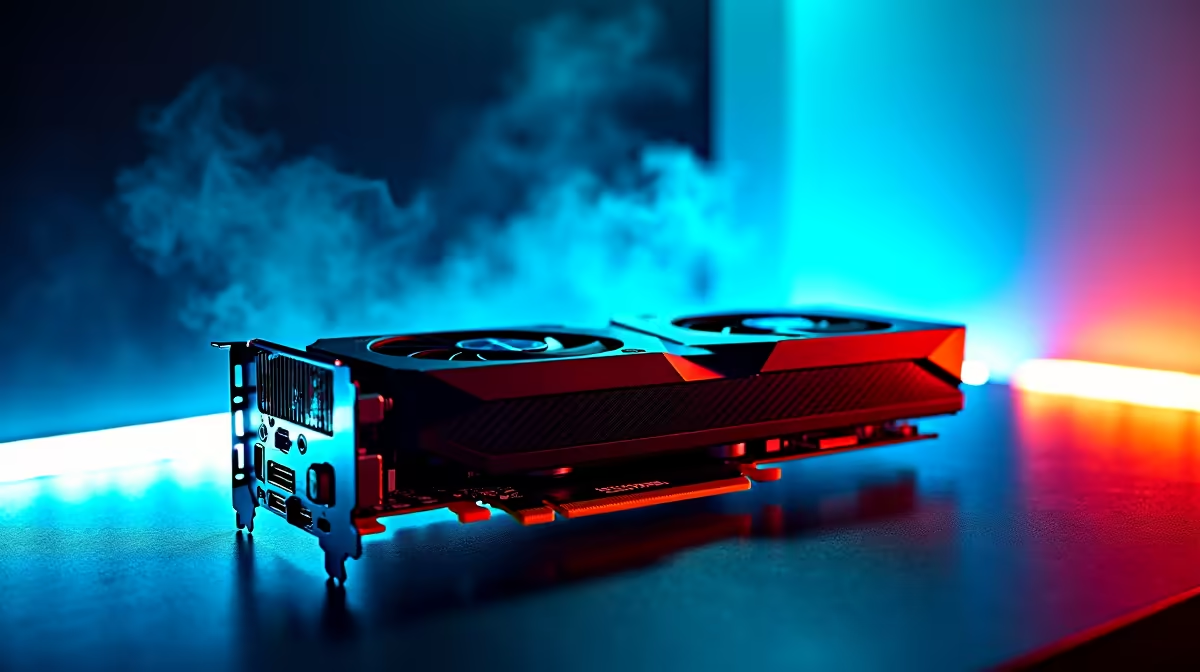
Civilization VII is finally here, and South African strategy fans are already losing sleep. "Just one more turn" is back... but is your rig ready? If you are eyeing Intel's new budget warrior, you are probably wondering about the Intel Arc B580 Civilization VII FPS numbers. Let us look at how this affordable GPU handles massive empires, along with the best settings to keep your gameplay buttery smooth.
Intel Arc B580 Civilization VII FPS Explained 🚀
The Intel Arc B580 is proving to be a serious contender in the local market. Built on the new Battlemage architecture, it delivers fantastic value for your hard-earned ZAR. For a visually rich strategy title like Civ VII, frame rates become crucial when the map gets crowded with units and sprawling cities.
At 1080p High settings, the Intel Arc B580 Civilization VII FPS hovers comfortably around the 65 to 75 mark. Pushing your resolution to 1440p with medium settings? You will still see a respectable 45 to 55 FPS... which is perfectly playable for turn-based domination. If you are looking to step into the Battlemage ecosystem, checking out the latest graphics cards is your best starting point.
However, Civ VII relies heavily on system resources beyond just graphical grunt. Late-game turns are notoriously CPU-heavy. Pairing your Arc GPU with a modern, capable processor ensures that AI calculations process in seconds rather than minutes.
Best Settings for Maximum Performance ⚙️
To squeeze every drop of performance out of the B580, you need to optimise your settings. The goal is to maintain vibrant colours and sharp textures without crippling your frame rate during the modern era.
- Shadow Quality: Drop this to Medium. Shadows eat up VRAM, and lowering them gives a massive FPS boost with barely noticeable visual loss.
- Anti-Aliasing: Set this to TAA. Intel's XeSS upscaling is brilliant for demanding titles, but native TAA at 1080p keeps UI text perfectly crisp.
- Unit Animation: Keep this on High. You want to see those glorious combat animations in full detail.
Late-Game FPS Pro Tip ⚡
When you reach the modern era and the map is fully revealed, turn down "Water Quality" and "Cloud Shadows" to Medium. This simple tweak drastically improves your Intel Arc B580 Civilization VII FPS during those massive, resource-heavy final turns without ruining the aesthetic.
Upgrading Your Setup for the Next Era 👑
Sometimes a GPU upgrade just is not enough. If your motherboard and RAM are showing their age, a complete overhaul might be necessary. Building a custom gaming PC allows you to balance your components perfectly for strategy games, ensuring you never face a bottleneck.
Not keen on building it yourself? Grabbing a powerful pre-built desktop takes all the hassle out of the equation. You get guaranteed compatibility and excellent warranty support right here in South Africa.
Alternatively, if you prefer conquering continents from the comfort of your couch or staying entertained during load shedding, you might want to explore our portable gaming laptops. They offer incredible desktop-level performance in a compact, battery-backed form factor.
Ready to Build Your Empire? Conquering the world requires a machine that will not stutter when the action heats up. Explore Evetech's massive range of gaming components and find the perfect hardware to keep your Civilization VII campaigns running flawlessly.











