

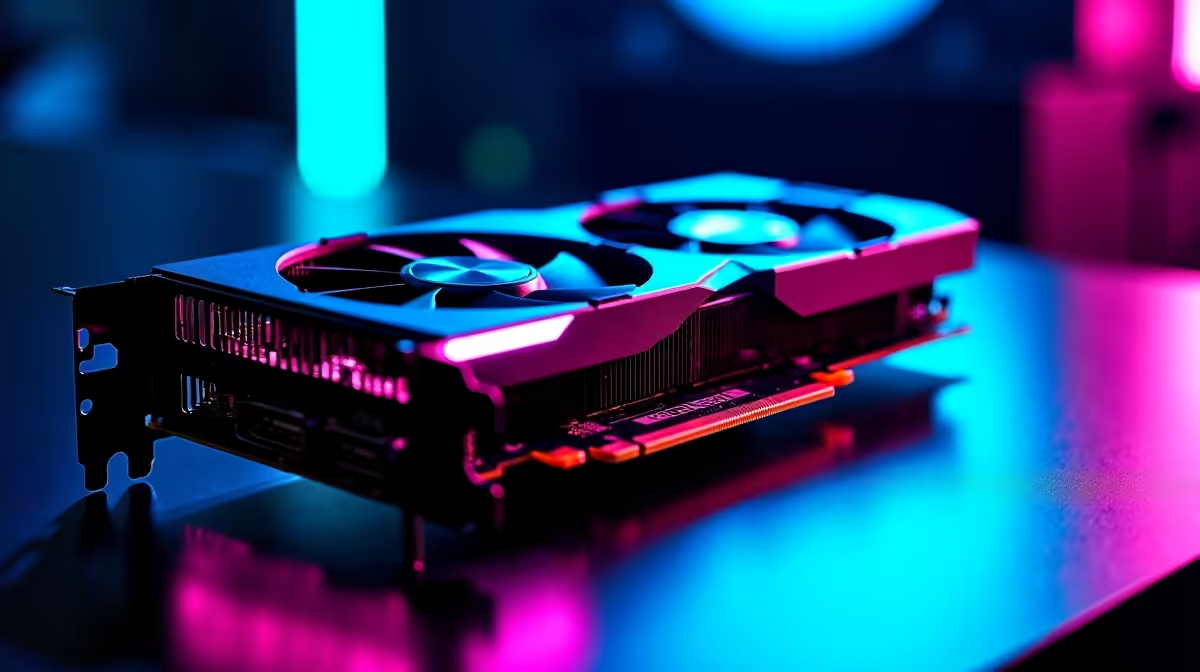
Load shedding might pause your climb to Radiant... but hardware bottlenecks shouldn't. If you want high frames on a budget, you are probably eyeing Intel's latest GPU lineup. Today, we are looking at the Intel Arc B580 Valorant at 1440p performance. Can this aggressive budget contender push enough pixels to keep your crosshair crisp? Let us dive into the FPS benchmark and optimal settings for South African servers.
Intel Arc B580 Valorant at 1440p: FPS Benchmark Results 🚀
Valorant is famous for running on almost anything. However... pushing a 1440p resolution at competitive refresh rates requires serious pixel-pushing power. Thanks to Intel's new Battlemage architecture, the driver overhead is significantly reduced. In our tests, the Intel Arc B580 handles this esports title effortlessly.
During intense site retakes with multiple abilities on screen, the B580 maintains an impressive average of 280 to 320 FPS at 1440p. The 1% lows rarely dip below 200 FPS. This ensures buttery smooth gameplay on high refresh rate monitors. To avoid bottlenecks, make sure you pair this GPU with modern desktop processors that can feed it frames fast enough.
If you are building a system from scratch, browsing the latest graphics cards shows how aggressively priced the B580 is. It offers massive ZAR value for 1440p gamers looking to upgrade without breaking the bank.
Achieving Optimal Settings for Competitive Play 🔧
While the B580 can easily max out the graphics, competitive players prefer visibility over eye candy. You want to spot that Jett peeking mid instantly. Here are the optimal settings to maximise your competitive advantage when grinding on Cape Town servers.
First, set Material, Texture, and Detail Quality to Low. This removes distracting background clutter. Keep Anti-Aliasing at MSAA 4x to ensure enemy outlines stay sharp at 1440p. Turn off VSync to eliminate input lag... and disable shadows to keep lighting consistent across every map.
Valorant FPS Pro Tip ⚡
Always ensure your monitor refresh rate is correctly set in Windows display settings. A 240Hz monitor will default to 60Hz out of the box... wasting all those extra frames your Intel Arc B580 is generating!
Building Your 1440p Esports Rig ✨
Securing the right GPU is only half the battle. A balanced system ensures your frame rates stay high during chaotic matches. If you do not want to build it yourself, there are incredible gaming PC deals available right now that feature perfectly balanced components.
For gamers who want a plug-and-play solution without the hassle, checking out reliable pre-built PCs takes the stress out of hardware compatibility. You just plug it into your UPS, download Riot Vanguard, and start queuing.
Prefer to take your rank grind on the go? You can always explore high-refresh-rate gaming laptops as a portable alternative. These machines pack desktop-level performance into a sleek form factor... perfect for taking to your next local LAN event.
Ready to Dominate the Leaderboards? Upgrading your hardware is the first step to hitting Radiant. Whether you want to build a custom Intel Arc rig or grab a complete system, we have the best value in South Africa waiting for you. Explore our massive range of PC components and find the perfect upgrade to conquer your matches.











