


RX 9070 XT Elden Ring Nightreign at 4K: FPS Benchmark & Optimal Settings
RX 9070 XT Elden Ring Nightreign at 4K: FPS. Real-world benchmark data, FPS numbers & performance analysis. What SA gamers can actually expect.
Read moreWondering if ray tracing on budget GPUs delivers stunning visuals or just kills your FPS? 🎮 We analyze the performance cost on entry-level cards to see if realistic lighting is worth the frame rate drop. Find out if you should turn RTX on or keep it off! 🚀
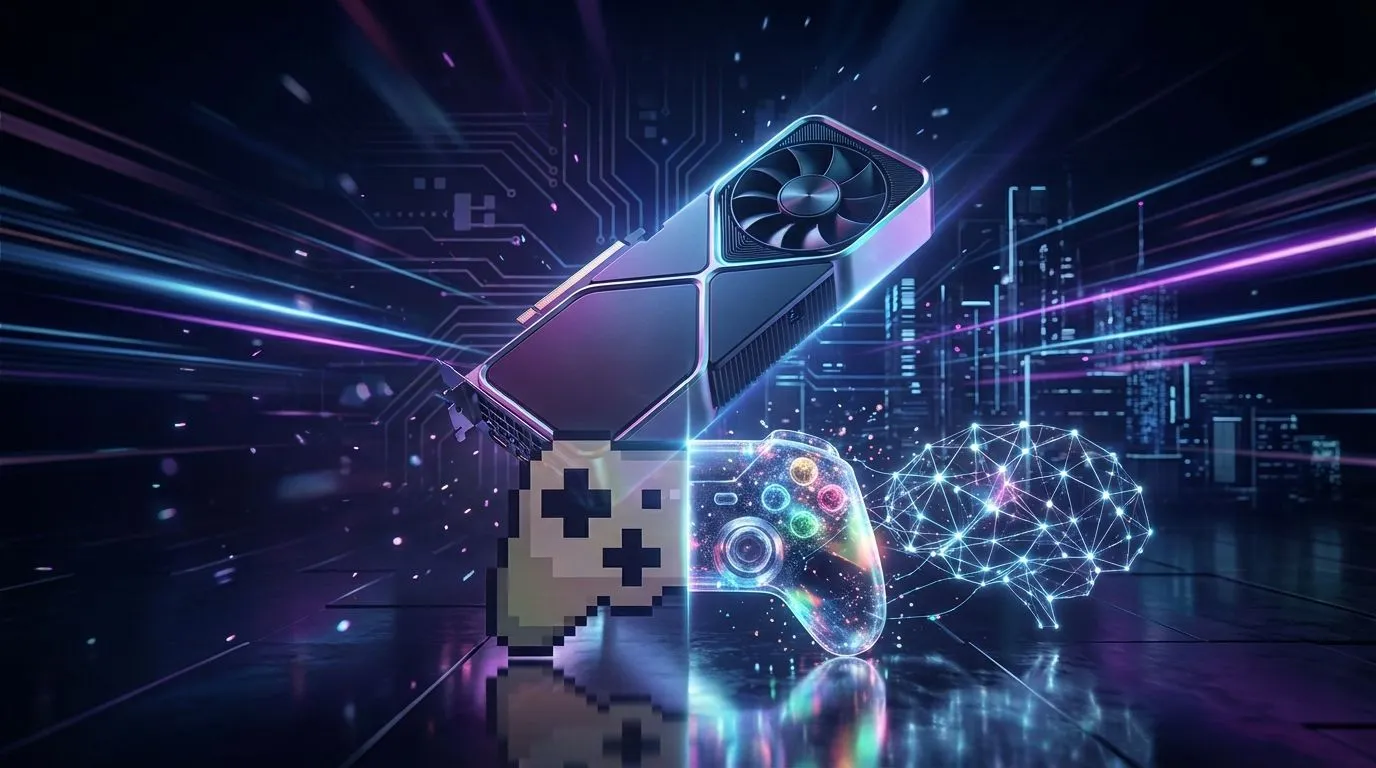
You’ve seen the screenshots… the breathtaking, photorealistic reflections in Cyberpunk 2077 or the stunningly accurate shadows in Alan Wake 2. Ray tracing promises the ultimate visual feast. But for South African gamers on a tight budget, a critical question looms: is ray tracing on budget GPUs worth the performance hit? Is that cinematic eye-candy worth sacrificing precious frames per second (FPS)? Let's dive in and find the real answer.
In simple terms, ray tracing is a sophisticated rendering technique that simulates the physical behaviour of light. Instead of using pre-baked lighting effects, it calculates the path of individual light rays as they bounce around a scene. This creates incredibly realistic reflections, shadows, and global illumination that make games feel more immersive and alive. ✨
Think of the difference between a simple lamp in a room versus how sunlight actually streams through a window, casting soft shadows and bouncing off coloured surfaces. That’s the magic of ray tracing.
This realism comes at a cost… a very high computational cost. Tracing millions of light rays in real-time is one of the most demanding tasks you can ask a graphics card to do. High-end GPUs from NVIDIA (RTX series) and AMD (RX 6000 series and newer) have dedicated hardware—RT Cores—to handle this workload.
Budget GPUs, however, have fewer of these specialised cores or less powerful ones. When you switch on ray tracing, the card has to work overtime, often causing a significant drop in FPS. For many budget gaming PCs, this can turn a smoothly playable game into a frustrating slideshow. The core issue is that ray tracing on a budget GPU often forces a painful choice between visual quality and smooth gameplay.
Here’s where it gets interesting. You don't have to choose between gorgeous visuals and playable frame rates. Technologies like NVIDIA's DLSS (Deep Learning Super Sampling) and AMD's FSR (FidelityFX Super Resolution) are the key to making ray tracing on budget GPUs not just possible, but enjoyable.
These smart upscaling technologies render the game at a lower internal resolution and then use AI to intelligently upscale it to your monitor's native resolution. The result? You get a massive performance boost, often clawing back most of the frames lost to ray tracing, with minimal impact on visual quality. Many modern gaming rigs under R20,000 can deliver a decent ray-traced experience purely because of this tech.
Before you even enable ray tracing, check if your favourite game supports DLSS, FSR, or Intel's XeSS. A game with great upscaling tech can make ray tracing on a budget GPU feel surprisingly smooth. A quick search on the game's official site or Steam page will give you the answer.
So, back to the main question. The answer depends entirely on the type of gamer you are and the games you play.
For slower-paced, single-player cinematic games like Control or Metro Exodus, the answer is a cautious yes. If the game has solid DLSS or FSR support, you can often enable low-to-medium ray tracing settings and still get a playable 40-60 FPS. The enhanced immersion can be well worth the slight performance trade-off. Some of our great pre-built PC deals are perfectly tuned for this kind of balanced experience.
For fast-paced, competitive multiplayer games like Apex Legends, Valorant, or Warzone, the answer is a hard no. In these games, every single frame counts. You need the highest FPS possible for smooth aiming and quick reaction times. Turning on ray tracing, even with upscaling, is a competitive disadvantage. Here, performance is king, and you might find that investing in more powerful PCs above the R20k mark is the better long-term strategy for pure performance.
Ultimately, ray tracing on budget GPUs is a fantastic bonus feature, not a primary selling point. Thanks to DLSS and FSR, it's no longer just a dream for those without a top-tier card. Just be realistic about your expectations and always prioritise smooth gameplay over visual bells and whistles. 🚀
Ready to Balance Power and Price? The ray tracing debate is all about finding the right balance for your budget and playstyle. Whether you're chasing cinematic visuals or pure FPS, we've got the rig for you. Explore our best gaming PC deals in South Africa and find the perfect machine to level up your experience.
Yes, modern budget GPUs support ray tracing, but they often struggle to maintain 60 FPS without using upscaling technologies like DLSS or FSR.
Enabling ray tracing can reduce frame rates by 30% to 50% depending on the game and GPU, making it a heavy tax for entry-level graphics cards.
It is generally only worth it in lighter titles or when using aggressive DLSS/FSR settings, as native performance is usually too low for smooth gameplay.
Absolutely. DLSS (NVIDIA) or FSR (AMD) is essential for budget GPU gaming with ray tracing to boost frame rates back to playable levels.
NVIDIA cards like the RTX 4060 generally handle ray tracing better than AMD equivalents due to dedicated RT cores, though they cost slightly more.
Yes, lighting and reflection improvements are visible at 1080p, but the visual fidelity might be softer if you use upscaling to maintain performance.
RX 9070 XT Elden Ring Nightreign at 4K: FPS. Real-world benchmark data, FPS numbers & performance analysis. What SA gamers can actually expect.
Read more
RTX 5090 Marvel Rivals FPS: Performance Benchmark. Real-world benchmark data, FPS numbers & performance analysis. What SA gamers can actually expect.
Read more
Intel Arc A770 Escape from Tarkov Performance. Real-world benchmark data, FPS numbers & performance analysis. What SA gamers can actually expect.
Read more
Head-to-head comparison of RX 9070 XT vs RTX 6070: Gaming Performance for SA gamers. Performance benchmarks, Rand pricing & which delivers better value.
Read more
Head-to-head comparison of RTX 5060 Ti Mining vs Gaming: Does It Affect for SA gamers. Performance benchmarks, Rand pricing & which delivers better value.
Read more
Ryzen 7 7800X3D Gaming Benchmark: FPS Across 20. Real-world benchmark data, FPS numbers & performance analysis. What SA gamers can actually expect.
Read more
Complete ATX Case Size Guide: Interior Dimensions. Best deals curated with real SA discounts, price history & tips on getting genuine value.

What GPU Do You Need for AI & Machine Learning. Hardware requirements breakdown with recommended specs & SA pricing for each tier.

Top Settings for RTX 4060 at Ultrawide 1440p picks evaluated on performance, value & SA availability with current Rand pricing from Evetech.

Head-to-head comparison of FreeSync vs G-Sync Explained: Which Should Gamers for SA gamers. Performance benchmarks, Rand pricing & which delivers better value.

Every spec on PCIe 5.0 explained in plain English. What matters for gaming and creator work in 2026, what's marketing fluff, and how each number translates to real-world performance.

Every spec on bios explained in plain English. What matters for gaming and creator work in 2026, what's marketing fluff, and how each number translates to real-world performance.

Every spec on gaming setups explained in plain English. What matters for gaming and creator work in 2026, what's marketing fluff, and how each number translates to real-world performance.

Every spec on cooling systems explained in plain English. What matters for gaming and creator work in 2026, what's marketing fluff, and how each number translates to real-world performance.

Every spec on understanding how much vram is needed explained in plain English. What matters for gaming and creator work in 2026, what's marketing fluff, and how each number translates to real-world.

How to pick the right PCIe 5.0 for your build in 2026: the features worth paying for, ZAR value tiers, and the trade-offs between budget, mid-range and flagship picks.

Every spec on gpu explained in plain English. What matters for gaming and creator work in 2026, what's marketing fluff, and how each number translates to real-world performance.

Every spec on gpu explained in plain English. What matters for gaming and creator work in 2026, what's marketing fluff, and how each number translates to real-world performance for SA buyers.