

Marvel Rivals is the hero shooter Mzansi has been waiting for. The vibrant colours and chaotic battles look absolutely stunning. But when you dive into the settings menu, a massive question pops up. Is ray tracing worth it in Marvel Rivals? For competitive gamers, every single frame counts. Let us test the performance impact so you can decide if the extra eye candy justifies the frame drops.
Analysing the Visuals vs Performance Trade-Off ✨
Ray tracing adds incredible depth to the game. You get realistic reflections on shiny surfaces and gorgeous dynamic lighting across the maps. However... this visual flair comes at a heavy cost. Pushing those advanced light rays requires serious hardware muscle. If you are still running an older rig, you might see your frame rate get cut in half.
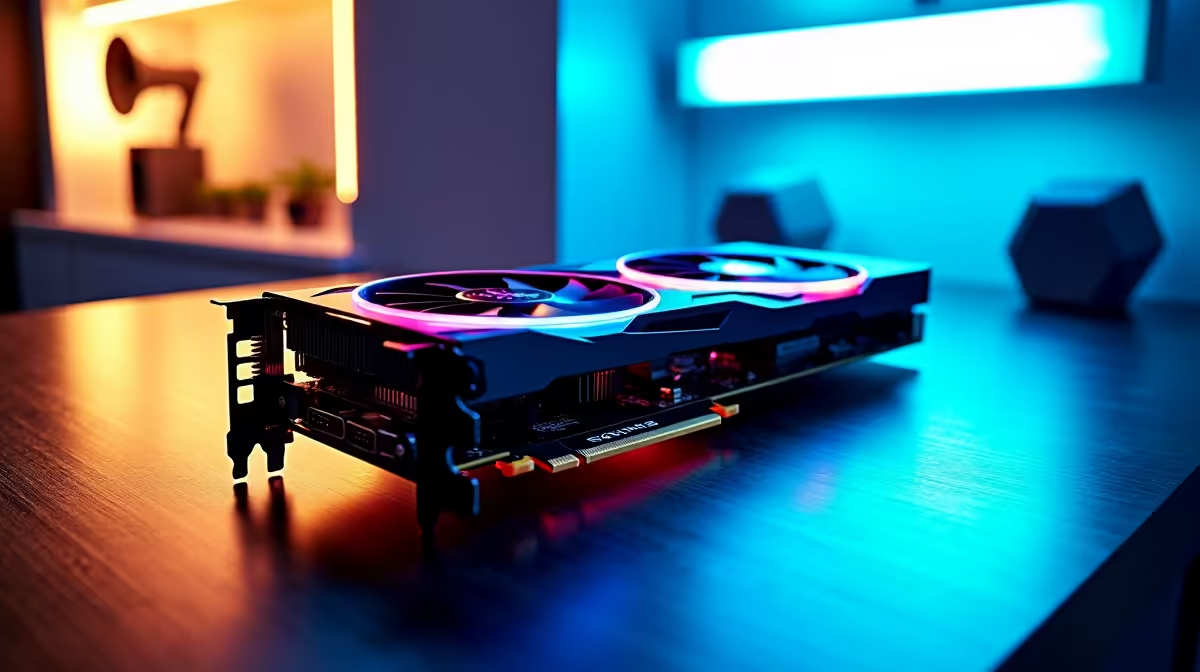
To keep up with the fast-paced action, you need a modern GPU with dedicated cores. You can easily browse our latest graphics cards to see what it takes to run maximum settings without stuttering. Saving up your ZAR for a proper GPU upgrade is often the smartest move for modern titles.
Real-World Performance Impact Tested 🚀
We tested the game in intense team fights. With ray tracing turned off, mid-range systems easily push past 120 FPS. Turning it on drops those numbers significantly. When Iron Man fires his unibeam or Doctor Strange opens a portal, the screen fills with complex particle effects. This is exactly where the performance impact tested shows the biggest dips.
In a competitive shooter where split-second dodges matter, dropping below 60 FPS is a massive disadvantage. If you want the best of both worlds, you need a powerhouse. Upgrading to one of our best gaming PC deals ensures you have the raw power to handle those demanding reflections.
Alternatively, if you want a plug-and-play solution right out of the box, our pre-built PC deals offer incredible value for high-refresh-rate gaming.
Optimisation Pro Tip 🔧
If you want to keep ray tracing enabled without sacrificing too much performance, turn on NVIDIA DLSS or AMD FSR in the display settings. This renders the game at a lower resolution and upscales it, giving you back those precious frames during chaotic ultimate abilities.
Taking the Hero Action on the Go
What if you prefer gaming from the couch or need to survive load-shedding? Modern mobile hardware has come a long, long way. Many current-generation gaming laptops feature dedicated hardware that handles Marvel Rivals brilliantly. You just need to balance your graphical settings to keep your system temperatures down while maintaining smooth gameplay.
Ultimately, asking if ray tracing is worth it in Marvel Rivals comes down to your personal priorities. If you play casually and love taking gorgeous screenshots, turn it on. If you are grinding the ranked ladder, keep it off for maximum responsiveness. Either way, keeping a close eye on our weekly hardware specials is the absolute best way to upgrade your setup while keeping your hard-earned ZAR in your wallet.
Ready to Dominate the Multiverse? Whether you want maximum frames for competitive play or stunning ray-traced visuals, you need the right hardware. Explore our massive range of gaming PC specials and find the perfect machine to conquer your next match.











