

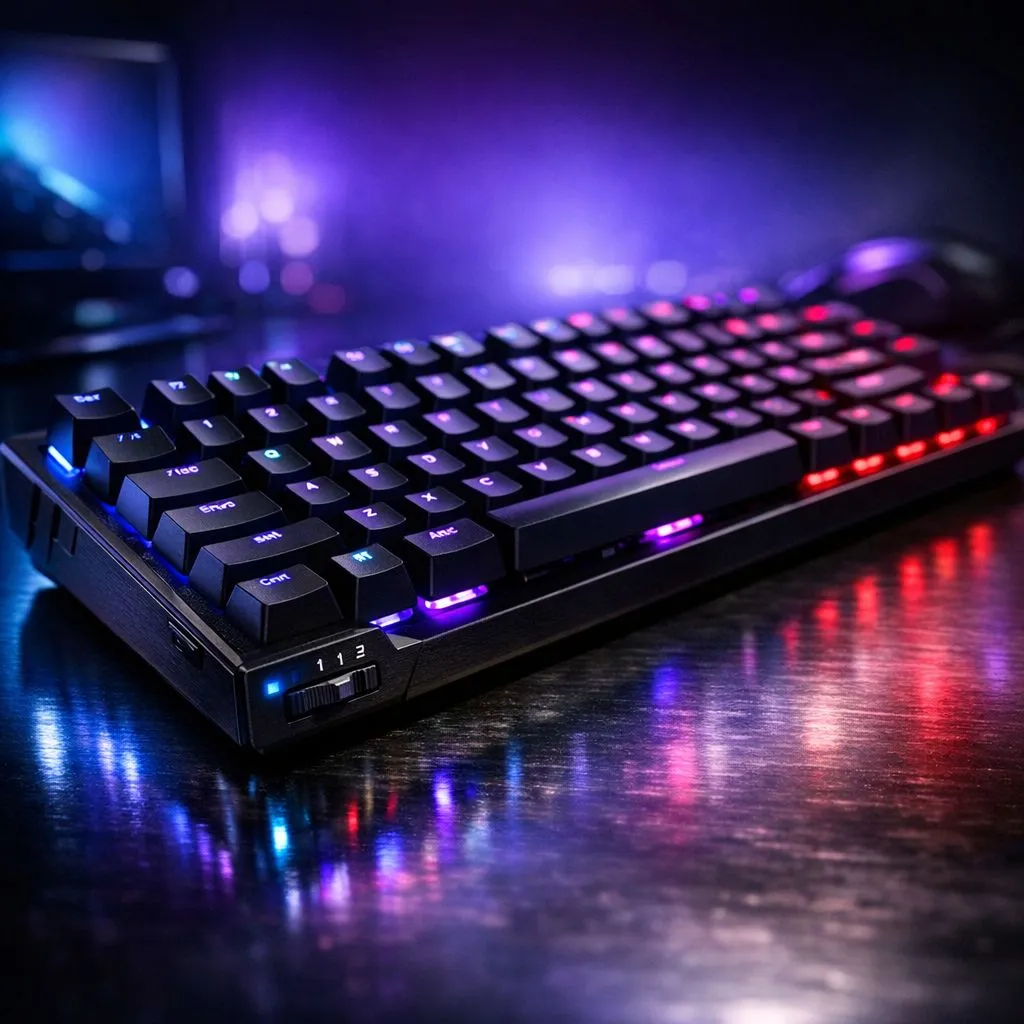
What Keyboard Actuation Depth Means for Gamers
Keyboard Actuation Depth: Settings for Every Game Genre — sounds niche, but it’s the small setting that sharpens your aim, speeds your combo and shaves milliseconds off clutch plays. Whether you’re dodging in BRs or chaining macros in MMOs, the right actuation depth helps your hands and the keyboard speak the same language. ⚡
Why actuation depth matters in playstyle
Actuation depth affects how far a key must travel before the switch registers. Lighter, shallower settings usually favour fast-twitch shooters and high-APM RTS matches, while deeper travel gives comfort for longer sessions and fewer mispresses in RPGs. Think of it as tuning sensitivity for your fingers… not the mouse.
Recommended settings by genre
- FPS: Aim for a snappy, low actuation feel to reduce input lag and double-tap mistakes.
- MOBA/MMO: Mid-travel gives a balance — quick casts plus tactile feedback for combos.
- RTS/Strategy: Slightly deeper actuation prevents accidental unit deselections during hectic moments.
- Single-player/RPG: Comfort-first; longer travel helps during marathon sessions.
How to test and tune actuation depth at home
- Use your keyboard’s software to lower or raise actuation if supported.
- Run a 60-second key repeat test and note mispresses.
- Try a single match with the new setting; comfort and consistency beat marginal speed gains. Want a hands-on test? Check Evetech’s selection for keyboards that include per-key actuation and software tuning via the best gaming keyboard deals at Evetech. 🔧 (Reference product pages on Evetech for software features and switch types.)
Buy wisely: switches, wired vs wireless, combos
If you’re shopping, decide if software-tunable actuation is a must. For pure performance, many local buyers prefer wired options for zero fuss with signal and charging — see wired options for keyboards on Evetech. For desk freedom, modern wireless keyboards can match performance — explore wireless keyboards on Evetech. If you want a budget route, the cheapest gaming keyboards in South Africa list is a good starting point. Looking to kit out a whole station? Keyboard and mouse combos often save cash and match ergonomics. ✨
Pro Tip 🚀
you play multiple genres, create two profiles: one with a shallow actuation for shooters and a deeper one for MMOs. Switch on the fly with a macro or quick profile key so you never lose a round.
Final thoughts: small tweak, big feel
Actuation depth is subtle but powerful. Test, trust your hands, and tweak in real matches. If you’re ready to try gear with adjustable actuation, browse keyboard and peripheral options and compare features before buying.











