


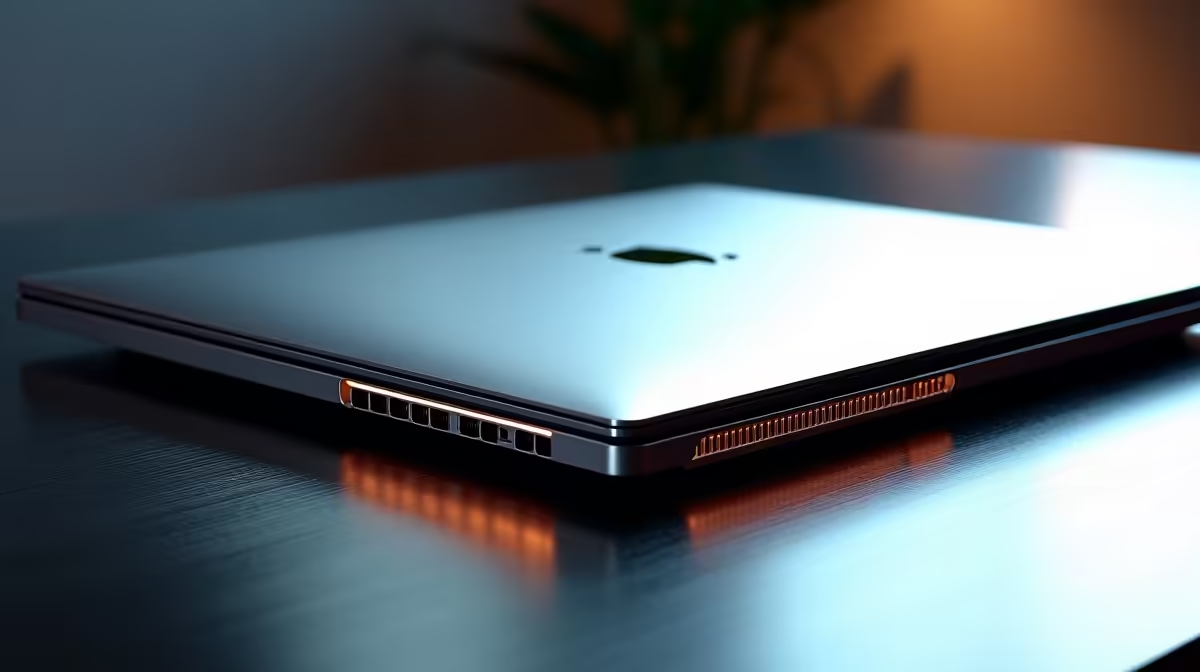
Is your laptop screaming like a jet engine every time you hit ‘render’? We’ve all been there. You’re on a tight deadline, the timeline is finally perfect, but your machine is getting hotter than a summer’s day in Durban. In South Africa, where ambient heat can be a real factor, effective laptop cooling for video editing isn’t just a luxury… it’s essential for performance, stability, and meeting your deadlines without a meltdown. ♨️
Why Your Laptop's Temperature Matters for Editing
When you're scrubbing through 4K footage or exporting a complex project, your laptop's processor (CPU) and graphics card (GPU) are working overtime. This intense effort generates a massive amount of heat. If your laptop can't get rid of that heat fast enough, it hits a safety wall called "thermal throttling."
Think of it as your laptop intentionally slowing itself down to avoid damage. The result?
- Stuttering playback in your editor.
- Painfully long render times.
- Unexpected crashes that can corrupt your project file.
Proper laptop cooling for video editing ensures your components can run at their peak speeds for longer, giving you a smoother, faster workflow from start to finish.
Understanding Modern Laptop Cooling Systems
So, what’s happening under the hood? Most high-performance laptops use a combination of copper heat pipes, heatsinks, and high-RPM fans to move hot air away from the CPU and GPU and out of the chassis. The efficiency of this system is a key differentiator between a standard notebook and a true creative powerhouse.
For instance, many of the best gaming laptop deals feature advanced thermal designs with multiple fans and large vapour chambers, making them fantastic choices for demanding video work. Whether you're looking at the latest AMD laptops with their efficient Zen architecture or powerful Intel laptops known for raw processing power, the cooling solution is what unlocks their full potential.
Practical Tips to Improve Laptop Cooling 🔧
While a laptop's built-in design is the biggest factor, you can still take steps to optimise its thermal performance. Here are a few pro tips to keep things running cool.
1. Give It Some Breathing Room
Never use your laptop on a soft surface like a bed or couch. These materials block the air intake vents, effectively suffocating your machine. Always work on a hard, flat surface. Better yet, use a laptop stand to increase airflow underneath the chassis.
2. Keep It Clean
Dust is the enemy of cool. Over time, it clogs up heatsinks and fans, trapping heat inside. Every few months, use a can of compressed air to gently blow dust out of the vents. Make sure the laptop is powered off and unplugged first!
Monitoring Pro Tip ⚡
Download a free tool like HWiNFO64 or Core Temp. These utilities let you see your CPU and GPU temperatures in real-time. If you consistently see temps hitting 95°C or higher during renders, it's a clear sign of thermal throttling. Knowledge is power!
3. Optimise Your Power Plan
In Windows, you can adjust your power settings. While you want maximum performance for rendering, you can switch to a "Balanced" plan for less intensive tasks like scripting or organising files. This reduces background power draw and lets the laptop cool down between heavy workloads.
Choosing a machine with a well-engineered thermal system from the start is the most effective strategy. A good cooling solution isn't an add-on; it's a core component that defines the laptop's real-world performance. ✨
Ready to Render Without the Racket? Don't let overheating sabotage your creative flow. A laptop built for performance comes with a cooling system to match. Explore our massive range of laptop specials and find the perfect, cool-running machine for your video editing projects.











