

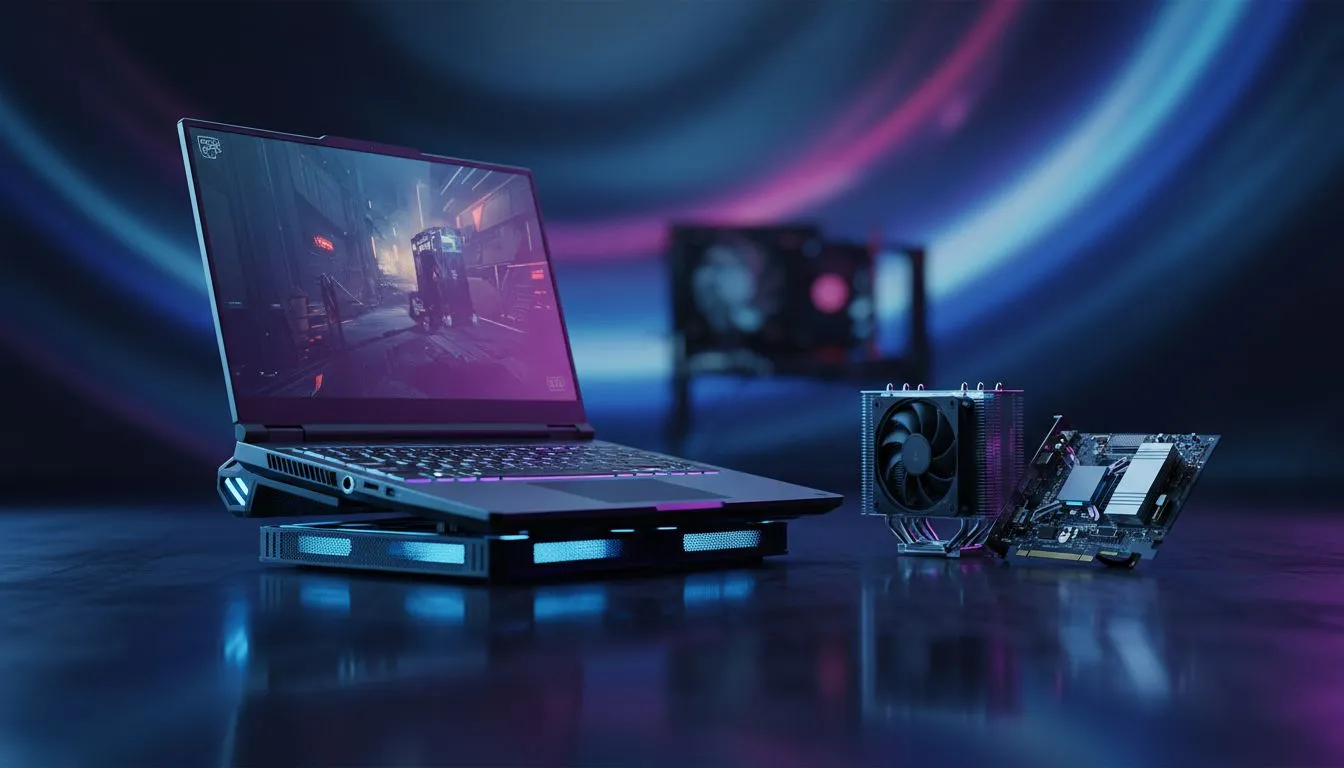
Imagine you're 1v3 in a high-stakes Rainbow Six Siege match. You peek the corner, but your frame rate suddenly tanks. In South Africa, where summer ambient temperatures can easily hit 30°C, heat management is everything. Choosing between Laptop vs Desktop Thermal Throttling: Which Is Best for Siege? determines whether you clutch the round or stare at a stuttering kill cam while your fans scream for help. 🔧
Understanding Thermal Throttling in Tactical Shooters
Thermal throttling is your hardware's emergency brake. When your CPU or GPU gets too hot, it automatically slows down to prevent permanent damage. For a fast-paced tactical shooter like Siege, this is a nightmare. You need consistent frame rates to hold tight angles. If you prefer the Blue Team’s processing power, checking out Intel laptops on special is a great starting point for high clock speeds that stay stable under pressure.
Desktop PCs generally win the raw cooling battle because of their sheer volume. They have space for massive heatsinks and multiple 120mm fans. However, modern mobile tech has closed the gap significantly. Those looking for efficiency might find better value in Ryzen laptop deals that handle multi-threaded tasks with impressive thermal management. ⚡
Why Form Factor Matters for Cooling
Laptops face a unique challenge. They pack high-end components into a chassis thinner than a slice of toast. This creates a "heat soak" effect where the body of the machine stays hot long after you close the game. For budget-conscious players, looking at gaming laptops under R20k shows that modern engineering has come a long way in managing these tight spaces.
Siege Cooling Tip ⚡
Always play on a hard, flat surface. Using a laptop on a bed or carpet chokes the intake fans, leading to immediate thermal throttling. A simple laptop stand can drop your temperatures by up to 5°C, ensuring your frames stay high during those intense overtime rounds on Bank or Clubhouse.
Optimising Your Setup for Siege Performance
To avoid the dreaded performance dip, you need hardware that can breathe. Desktops allow for liquid cooling loops, but high-end laptops now use liquid metal thermal compounds and vapour chambers. To get the most out of Nvidia’s Reflex technology... which is vital for Siege... browse these geforce rtx gaming laptops on special to ensure your latency stays low. 🚀
Finding the best gaming laptop deals often means looking for models with beefy heat pipes and dual-fan arrays. While a desktop will always have the thermal ceiling advantage, a well-cooled laptop offers the portability needed for local LANs without sacrificing your Rank. ✨
Ready to Find Your Perfect Match? The debate between portable power and desktop cooling is complex, but for maximum performance and value in South Africa, our curated range has you covered. Explore our massive range of laptop specials and find the perfect machine to conquer your world.











