

Core i9-14900K + RTX 4060 Ti Build: Bottleneck Analysis & Benchmark Results 2026
Core i9-14900K + RTX 4060 Ti Build: Bottleneck. Real-world benchmark data, FPS numbers & performance analysis. What SA gamers can actually expect.
Read moreLaptop overheating in Minecraft? Learn quick cooling fixes, airflow upgrades, repasting steps, and tuning to cut temps and stop throttling. Save performance & extend lifespan ⚙️❄️
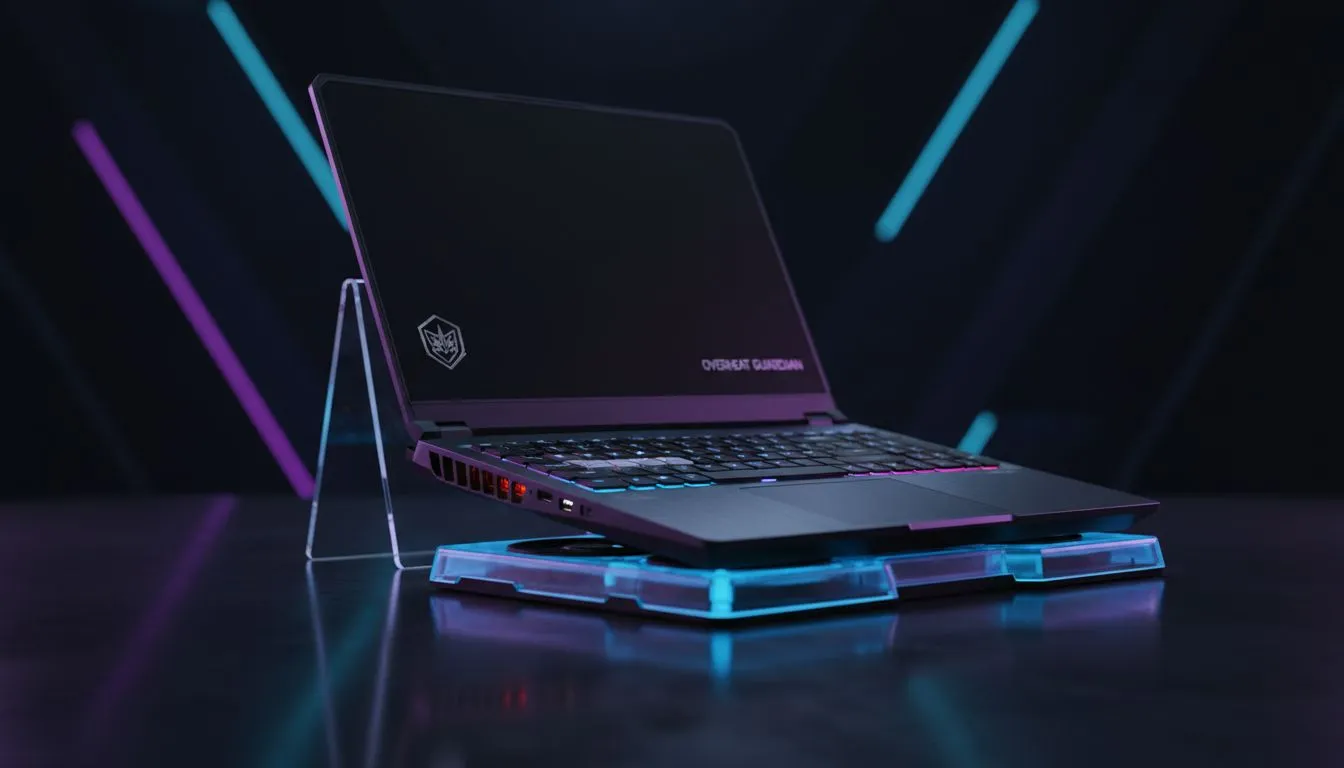
It is a scorching afternoon in Durban... you are deep in a complex Minecraft build, perhaps perfecting a massive redstone sorting system. Suddenly, your fans sound like a jet engine and your frame rate tanks. Laptop overheating in Minecraft: Cooling Tips & Thermal Fixes are essential topics for any South African gamer looking to preserve their hardware during our intense summer months. If your keyboard feels like a braai grid, it is time to take action.
Minecraft might look like simple blocks, but it is surprisingly demanding on your CPU and GPU, especially when you start adding high-resolution textures. If you are pushing visual fidelity, checking out Geforce RTX gaming laptops on special is a smart move, as these modern GPUs handle ray-tracing and shaders much more efficiently than older hardware, keeping heat levels more manageable.
Before you open up your chassis, look at your settings. Minecraft defaults to "Unlimited" framerate, which forces your laptop to work at 100% capacity even if your screen cannot display those extra frames. By capping your FPS to match your monitor's refresh rate (usually 60Hz or 144Hz), you significantly reduce the thermal load.
Always use the 'OptiFine' or 'Iris' mods to optimise your game. These mods allow for finer control over graphical settings and include 'Smart Animations' which only render what you can see, saving your CPU from unnecessary calculations and heat build-up.
The choice of processor also plays a massive role in how your machine handles these tasks. For example, those looking for high clock speeds and reliability often browse Intel laptops on special to find chips that balance performance with power draw. Conversely, many local gamers prefer the multi-threaded efficiency found in Ryzen laptop deals, which can help keep the system cooler during background multitasking while gaming.
Dust is the silent killer of gaming performance in South Africa. Our dry winters and windy coastal areas mean pet hair and particles clog up your heatsinks faster than you think. Regularly using a tin of compressed air to clear out the vents can drop your temperatures by 5 to 10 degrees.
If maintenance is not enough, it might be the chassis design itself. To avoid the frustration of thermal throttling, investing in the best gaming laptop deals ensures you get a machine with a cooling solution designed for high-performance workloads. A dedicated cooling pad is also a great investment for extra airflow... just make sure it aligns with your laptop's intake vents.
Sometimes, an old laptop simply cannot keep up with modern Minecraft updates like the "Caves & Cliffs" expansion. If your current rig is over four years old, the thermal paste may have dried out, and the components are likely working too hard for every frame.
You do not need to break the bank to get a cool-running machine. You can easily buy gaming laptops under R20k that feature modern dual-fan setups and heat-pipe designs that were once reserved for top-tier flagship models. Upgrading to a more efficient architecture is often the most permanent thermal fix available. 🔧✨
Ready to Find Your Perfect Match? The battle against heat is easier with the right hardware in your corner. For maximum power, choice, and value in South Africa, our curated selection is hard to beat. Explore our massive range of laptop specials and find the perfect machine to conquer your world.
Minecraft can max CPU/GPU usage; dust, blocked vents, old thermal paste, and high settings cause heat. Monitor temps and improve airflow to reduce temps.
Lower render distance and FPS cap, enable VSync, use a cooling pad, and undervolt or repaste the CPU/GPU to prevent throttling.
Yes. A quality cooling pad improves airflow and can lower chassis temps by several degrees under load, reducing throttling.
If temps are high after cleaning, repasting can cut temps significantly. Use quality thermal paste or have a pro reapply it.
Lower render distance, reduce particle settings, turn off fancy graphics and clouds, cap FPS, and limit background processes to drop temps.
Use tools like HWMonitor, MSI Afterburner, or HWiNFO to track CPU/GPU temps and clock speeds while gaming to spot overheating early.
External fans and cooling docks add airflow and can help, but combine them with internal maintenance for best thermal management.
Core i9-14900K + RTX 4060 Ti Build: Bottleneck. Real-world benchmark data, FPS numbers & performance analysis. What SA gamers can actually expect.
Read more
Upgrading from GTX 1070 to RX 9070 XT: Is It. Performance uplift data, SA cost analysis & whether the upgrade justifies the Rand investment.
Read more
RTX 4060 Ti Apex Legends at 1080p: FPS Benchmark. Real-world benchmark data, FPS numbers & performance analysis. What SA gamers can actually expect.
Read more
RTX 5080 FPS Benchmark: Performance in 25 Popular. Real-world benchmark data, FPS numbers & performance analysis. What SA gamers can actually expect.
Read more
RTX 4080 Super DLSS 4: Benchmark & Real-World Test. Real-world benchmark data, FPS numbers & performance analysis. What SA gamers can actually expect.
Read more
Core i5-14600K + RTX 5070 Ti Build: Bottleneck. Real-world benchmark data, FPS numbers & performance analysis. What SA gamers can actually expect.
Read more
Complete ATX Case Size Guide: Interior Dimensions. Best deals curated with real SA discounts, price history & tips on getting genuine value.

What GPU Do You Need for AI & Machine Learning. Hardware requirements breakdown with recommended specs & SA pricing for each tier.

Top Settings for RTX 4060 at Ultrawide 1440p picks evaluated on performance, value & SA availability with current Rand pricing from Evetech.

Head-to-head comparison of FreeSync vs G-Sync Explained: Which Should Gamers for SA gamers. Performance benchmarks, Rand pricing & which delivers better value.

Every spec on PCIe 5.0 explained in plain English. What matters for gaming and creator work in 2026, what's marketing fluff, and how each number translates to real-world performance.

Every spec on bios explained in plain English. What matters for gaming and creator work in 2026, what's marketing fluff, and how each number translates to real-world performance.

Every spec on gaming setups explained in plain English. What matters for gaming and creator work in 2026, what's marketing fluff, and how each number translates to real-world performance.

Every spec on cooling systems explained in plain English. What matters for gaming and creator work in 2026, what's marketing fluff, and how each number translates to real-world performance.

Every spec on understanding how much vram is needed explained in plain English. What matters for gaming and creator work in 2026, what's marketing fluff, and how each number translates to real-world.

How to pick the right PCIe 5.0 for your build in 2026: the features worth paying for, ZAR value tiers, and the trade-offs between budget, mid-range and flagship picks.

Every spec on gpu explained in plain English. What matters for gaming and creator work in 2026, what's marketing fluff, and how each number translates to real-world performance.

Every spec on gpu explained in plain English. What matters for gaming and creator work in 2026, what's marketing fluff, and how each number translates to real-world performance for SA buyers.