

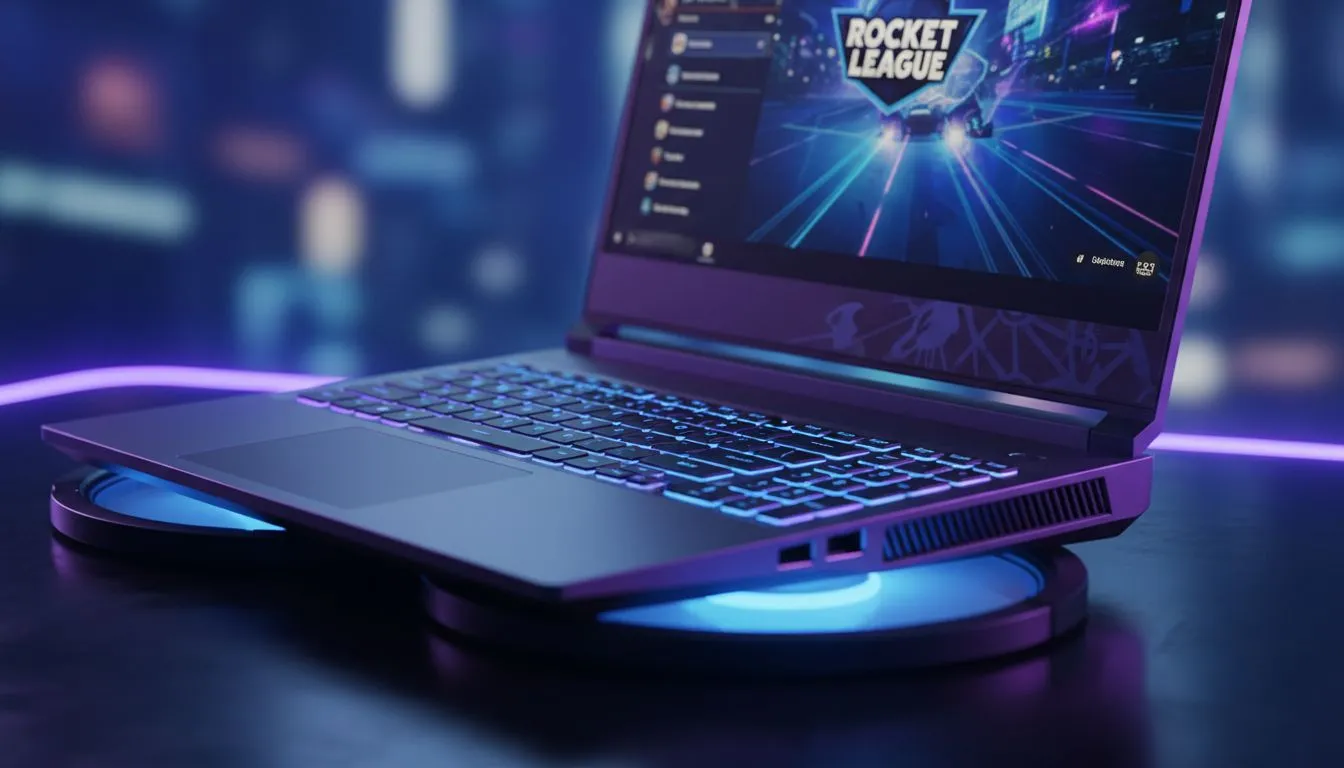
Stop Thermal Throttling in the Arena
You are mid-aerial, the ball is lined up for a double tap, and then it happens... your FPS drops to single digits and your fans sound like a jet taking off from OR Tambo. Is your laptop overheating Rocket League sessions? In South Africa’s heat, thermal throttling is a common enemy. Let's look at how to keep your temps low and your rank high. 🔧
Optimise Your Software Settings
Software bloat is often the hidden culprit behind high temperatures. Start by checking your background processes. If you are hunting for the best gaming laptop deals, you likely want a machine that handles multitasking, but even the best gear needs a breather. Close Chrome tabs and Discord streams while playing to reduce the load on your CPU.
Pro Performance Tip ⚡
Cap your Rocket League frame rate to match your monitor's refresh rate. If you have a 60Hz screen but your GPU is pushing 200 FPS, you are generating unnecessary heat for frames you cannot even see... this simple step can drop temps by 5 to 10 degrees instantly.
Adjust Power and Performance Profiles
Many users forget to check their Windows power plans. If you are using Intel laptops on special, ensure your "Power Mode" is set to Balanced rather than Best Performance. This allows the processor to downclock when the full turbo boost isn't required. Rocket League is well-optimised, so you rarely need your CPU running at 100% capacity at all times.
Leverage Modern GPU Features
Modern graphics cards have built-in features to manage heat. For those rocking GeForce RTX gaming laptops on special, use NVIDIA WhisperMode. This tool intelligently adjusts frame rates and graphics settings to keep the fans quiet and the silicon cool. It is a lifesaver for long sessions during a Highveld summer afternoon. 🚀
Physical Maintenance and Airflow
Dust is the silent killer of gaming hardware in South Africa. Use a can of compressed air to blow out your vents every few months. If your machine is still struggling, consider the surface it sits on. Never play on a bed or a carpet. If you have recently browsed Ryzen laptop deals, you will know that these efficient chips still need a hard, flat surface to breathe properly.
When It Is Time to Upgrade
Sometimes, older hardware simply cannot keep up with modern patch updates. If you have tried every trick and your laptop overheating Rocket League issues persist, the thermal paste might be dry. Alternatively, it might be time for a fresh start. You can find capable gaming laptops under R20k that feature much better cooling designs than older models. ✨
Ready to Find Your Perfect Match? Overheating shouldn't stop your climb to Grand Champion. For maximum power, choice, and value in South Africa, our curated selection is hard to beat. Explore our massive range of laptop specials and find the perfect machine to conquer your world.











