

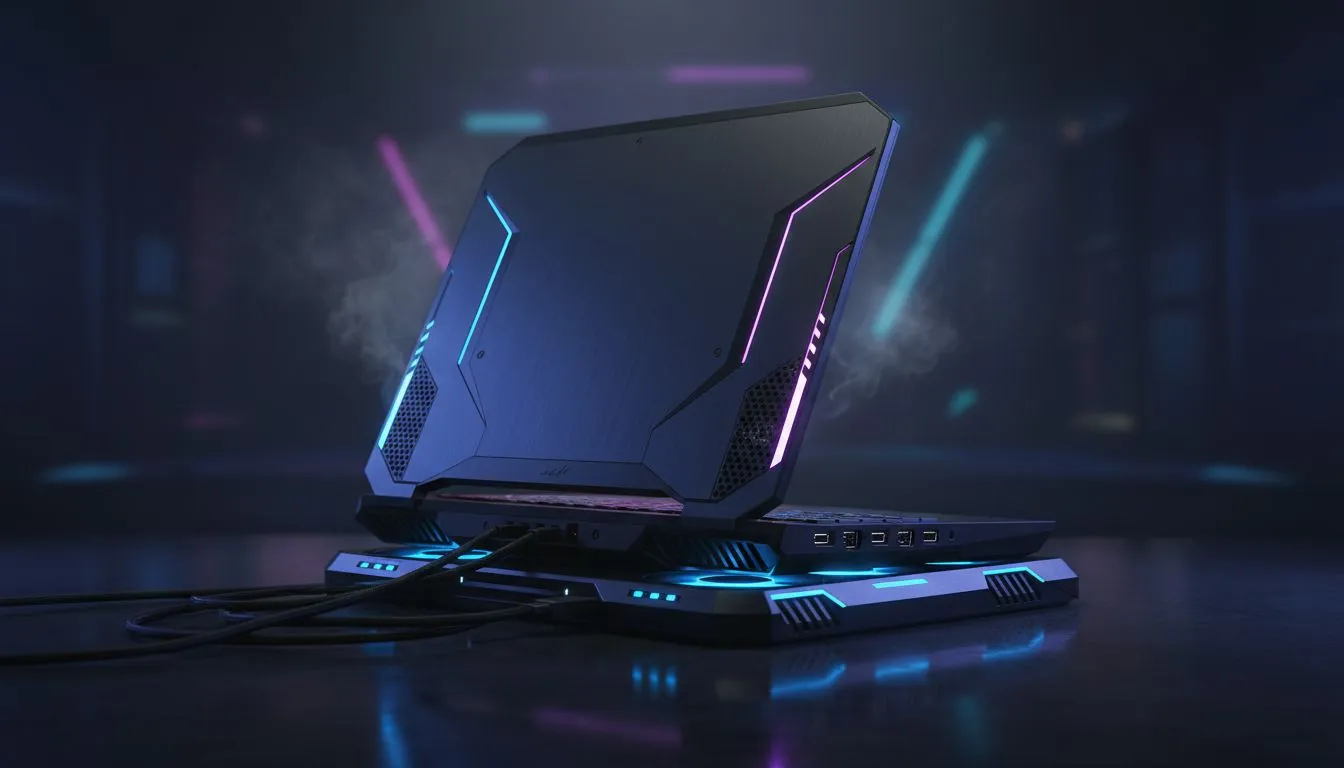
Stop the Thermal Throttling in Your Tarkov Raids
Tarkov raids are stressful enough without your hardware melting. If you've noticed your frame rates dropping mid-raid on Customs or Reserve, you are likely facing laptop overheating in Tarkov. High temperatures lead to thermal throttling... this means your CPU slows down to save itself from damage. In a game where every millisecond counts, heat is the ultimate silent killer of your gear and your progress. 🔧
Why Tarkov Pushes Your Laptop to the Limit
Escape from Tarkov is notoriously unoptimised and heavy on the CPU. While many games rely on the GPU, Tarkov demands massive processing power to handle complex ballistics and AI. This heavy load generates intense heat. If you are running high-performance Intel laptops on special, you might notice the fans ramping up immediately after loading into a map.
When the internal temperature hits a certain threshold, the system reduces clock speeds. Suddenly, your smooth 80 FPS drops to a stuttering 30 FPS. This usually happens right when you get into a firefight... the worst possible timing for a performance dip.
Physical Cooling Tips for Stable Performance
The first step to fix laptop overheating in Tarkov is ensuring proper airflow. Never play with your laptop flat on a bed or a carpet. This chokes the intake vents. Using a simple laptop stand or even propping the back up with a book can drop temperatures by 3 to 5 degrees.
For those looking for more efficient thermal management, many Ryzen laptop deals offer excellent power-to-heat ratios. However, even the most efficient chips need help in the South African summer. Consider a high-quality cooling pad with large fans to force more air through the chassis. ⚡
Maintenance Pro Tip ⚡
Use a can of compressed air to blow out your laptop vents every three months. Dust buildup acts like a blanket over your components, trapping heat inside. If you live in a dusty area or have pets, doing this more frequently will significantly extend the lifespan of your gaming machine.
Optimising Software to Reduce Heat
You can often fix laptop overheating in Tarkov by tweaking your settings. Lowering "LOD Quality" and "Overall Visibility" reduces the strain on your processor. Additionally, capping your frame rate to match your monitor's refresh rate prevents your hardware from working harder than necessary.
If your current rig is struggling to keep up with the heat, it might be time to look at the best gaming laptop deals currently available. Modern chassis designs have improved significantly, featuring larger heat pipes and more aggressive fin stacks to dissipate thermal energy faster.
Balancing Power and Temperature
Many South African gamers are looking to buy gaming laptops under R20k to get into the Tarkov world. At this price point, thermal management is crucial. Using "Balanced" power modes instead of "Turbo" can sometimes result in more consistent frame rates because the laptop avoids the "heat and throttle" cycle.
Another expert trick is using DLSS or FSR. By letting your laptop render at a lower resolution and upscaling, you reduce the total power draw. Browsing GeForce RTX gaming laptops on special will give you access to these AI-driven features, which are essential for keeping temperatures under control while maintaining visual clarity in the dark corners of Interchange. 🚀
Ready to Conquer Tarkov Without the Stutter? Don't let thermal throttling cost you your next loadout. Whether you need a cooling upgrade or a brand-new rig designed for high-pressure gaming, we have the hardware to keep you frosty. Explore our massive range of laptop specials and dominate the extraction zone today.











