

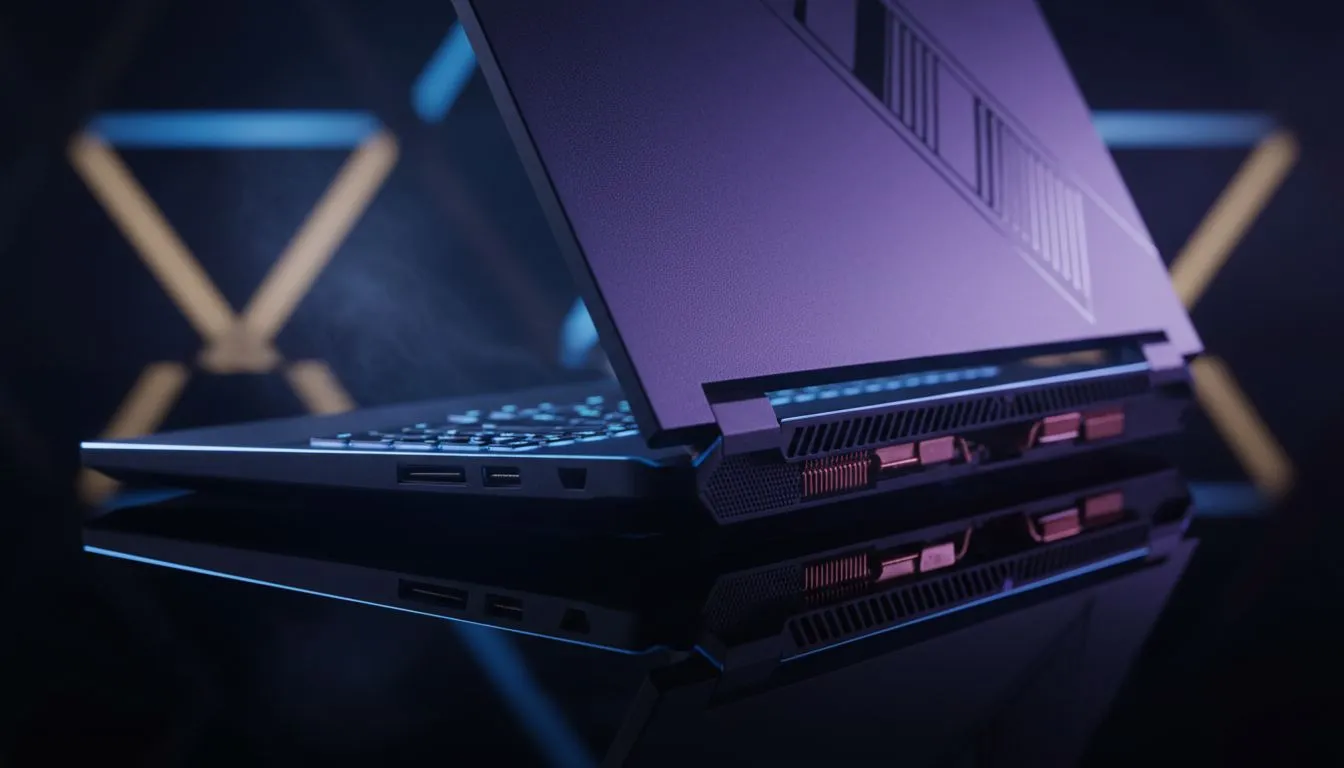
Nothing kills the vibe of a late-night gaming session like your fans sounding like a jet engine taking off from OR Tambo. If you have noticed your laptop overheating while gaming, especially with ray tracing cooling tips in mind, you are not alone. High-fidelity graphics generate massive heat... keeping your hardware cool is the only way to maintain those buttery-smooth frame rates in the heat of battle. ✨
Why Ray Tracing Increases Thermal Load
Ray tracing simulates the physical behaviour of light to bring cinematic realism to your screen. However, this process is incredibly taxing on your GPU’s RT cores. When you browse geforce rtx gaming laptops on special, you are looking at hardware designed to handle these calculations, but even the best silicon generates heat when pushed to its absolute limit.
The more complex the lighting and reflections, the harder your laptop has to work. This extra effort results in higher internal temperatures... if the heat isn't dissipated quickly, your system will throttle its clock speeds to protect itself, leading to those frustrating lag spikes.
Physical Optimisation for Better Airflow
Before diving into software tweaks, look at your physical setup. Many gamers make the mistake of playing on soft surfaces like beds or couches. This chokes the intake vents located at the bottom of the chassis. Even if you buy gaming laptops under r20k, simply elevating the rear of the device by a few centimetres can significantly improve thermal performance.
Thermal Management Pro Tip ⚡
Before you open your chassis, try undervolting your GPU using MSI Afterburner. By slightly reducing the voltage supplied to your RTX card, you can significantly drop temperatures without losing a single frame... it is often the best way to stop your laptop overheating while gaming without spending a cent.
Choosing the Right Hardware for Cool Gaming
Not all processors handle heat the same way. If you are looking for a balance between raw power and thermal efficiency, checking out the latest intel laptops on special is a great starting point. Intel’s hybrid architecture helps manage background tasks on efficient cores, leaving the performance cores dedicated to your game.
Alternatively, many local gamers swear by the efficiency of Team Red. Our current ryzen laptop deals offer incredible multi-threaded performance that often runs cooler during intensive workloads. Regardless of your preference, ensuring your laptop has a robust thermal design is non-negotiable for South African summers. 🔧
When Software Meets Hardware
Modern gaming laptops come with sophisticated software suites that allow you to control fan curves manually. Don't be afraid to set your fans to "Max" or "Turbo" mode before launching a ray-traced title. It might be louder, but it protects your investment.
If your current machine still struggles despite these tips, it might be time to look at the best gaming laptop deals featuring newer cooling technologies like liquid metal thermal compounds or expanded vapour chambers. These innovations are designed specifically to keep high-performance rigs running at peak efficiency for longer. 🚀
Ready to Keep Your Cool? Don't let thermal throttling hold back your K/D ratio. Whether you need a more efficient CPU or a chassis built for superior airflow, we have the right gear for every South African gamer. Explore our massive range of laptop specials and find a machine that stays frosty under pressure.





