

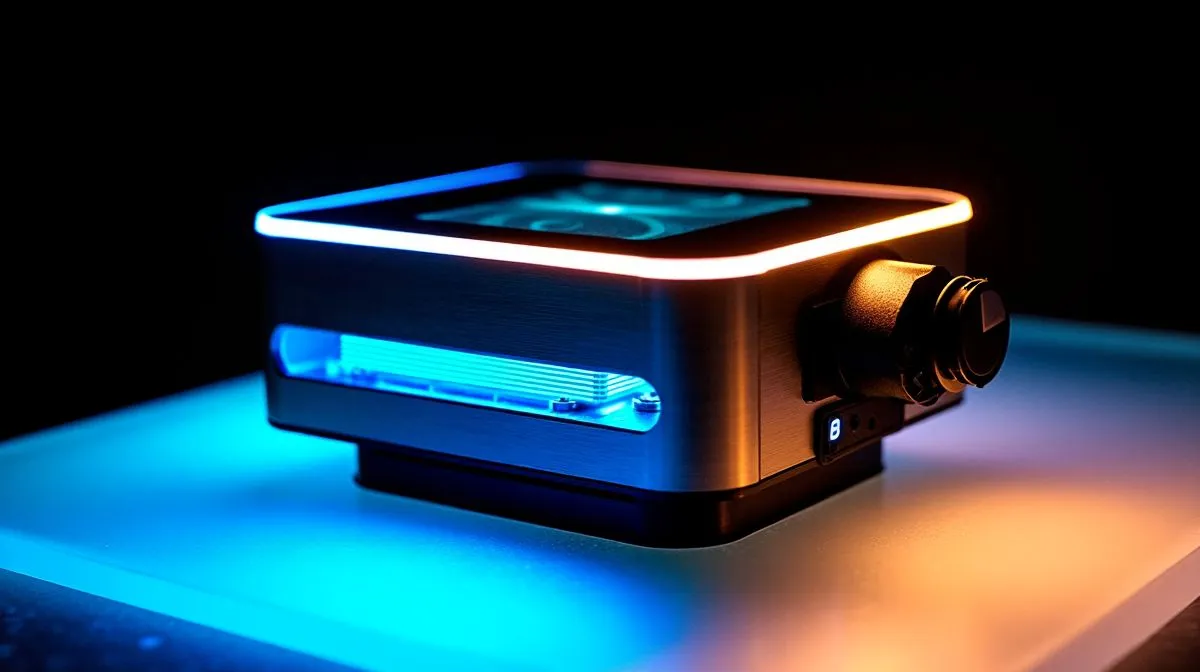
LCD Display Cooler vs Standard AIO Coolers: Do They Change Temps?
So you’re building a PC for ranked sessions and big single-player nights… and you’re staring at coolers wondering, “Will that fancy LCD screen actually drop my temps?” 🔥 It’s a fair question. LCD Display Coolers look premium, but heat control is still physics and fan curves. In this guide, we’ll compare an LCD display cooler against standard AIO coolers and help you choose based on real cooling needs, not just aesthetics. 🚀
What actually controls CPU temperatures (and where LCD fits in)
Your CPU temperature mainly depends on:
- Heat transfer from the CPU to the cold plate (thermal paste + mounting pressure)
- Radiator size and airflow (fan count, RPM, case ventilation)
- Pump speed and pump design (AIO circulation)
- Ambient room temperature and dust build-up
An LCD display typically adds:
- A small extra load from the screen power draw
- Slightly more wiring complexity
- A more “tech” look
But the LCD itself is not the cooling system. The cooler’s pump, cold plate, and radiator are.
LCD Display Coolers: benefits beyond temperature
LCD coolers mostly win on:
- Customisable fan/pump visuals (temps, gifs, or branding)
- Better “build personality” for stream setups
- The motivation factor. Let’s be honest… gamers like nice gear ✨
Standard AIO Coolers: usually simpler and often better value
A standard AIO cooler focuses on cooling performance and reliability. For many builds, you’ll get similar thermal performance for less money, especially when radiator size and fan configuration are similar.
LCD Display Cooler vs Standard AIO Coolers: practical buying tips for South Africans
Before you pick based on the screen, match your cooler to your CPU and case. A higher-end CPU under sustained load (streaming + gaming) needs strong cooling and stable airflow.
Cooling Checklist Pro Tip 🔧
Windows, use the Evetech-recommended approach: after installing your cooler, monitor temps under a real workload. Run a benchmark or game for 15–20 minutes, then check CPU temperature trends (not just the peak). If temps climb steadily, improve airflow or confirm mounting pressure and the X-pattern thermal paste apply.
Radiator size matters more than screen features
If you’re deciding between common radiator sizes, consider how much surface area you can fit in your case. For many users:
- 240mm radiators fit more cases and still perform well
- 360mm radiators typically offer more headroom for higher sustained loads
You can explore options here:
- 240mm radiator liquid coolers: 240mm radiator AIOs on Evetech
- 360mm radiator liquid coolers: 360mm radiator AIOs on Evetech
Where LCD coolers can feel “worth it” in real life
Here’s a micro-story: a mate of mine swapped from a basic AIO to an LCD AIO mainly for the look. He also cleaned the case fans at the same time and improved airflow. The temps stayed roughly the same… but the build felt more premium and his stress went down because the system was easier to understand at a glance.
That’s the key psychological win. LCDs can help you notice abnormal temps earlier. Just don’t assume the screen directly replaces cooler performance. ✅
Start your search with the right category
If you want to compare multiple models quickly, browse Evetech’s CPU cooler selection first:
Prefer brands like CORSAIR or Deepcool? You can narrow it down:
LCD Display Cooler vs Standard AIO Coolers: the bottom line on temps
Will an LCD display cooler change your CPU temps? Usually, not in any dramatic way… because cooling performance still comes from the radiator, fans, pump, and mount quality. If two coolers share similar radiator size and airflow, temps often land in the same ballpark.
So choose the LCD if:
- You want the aesthetics and quick visual monitoring
- You’re pairing it with a good radiator size and airflow setup
Choose a standard AIO if:
- You want maximum value per rand
- You’d rather spend on a better GPU, faster SSD, or more case fans (often the better temp move)
Ready to Find Your Perfect Match? The Mac vs Windows debate is complex, but for maximum power, choice, and value in South Africa, Windows is hard to beat. Explore our massive range of laptop specials and find the perfect machine to conquer your world.











