

RTX 5050 Avowed FPS: Performance Benchmark & Best Settings
RTX 5050 Avowed FPS: Performance Benchmark. Real-world benchmark data, FPS numbers & performance analysis. What SA gamers can actually expect.
Read moreLiquid cooler airflow bottlenecks can quietly kill cooling performance. Learn how to identify restricted intake/exhaust paths and verify fan direction for better temps and quieter operation ✅❄️
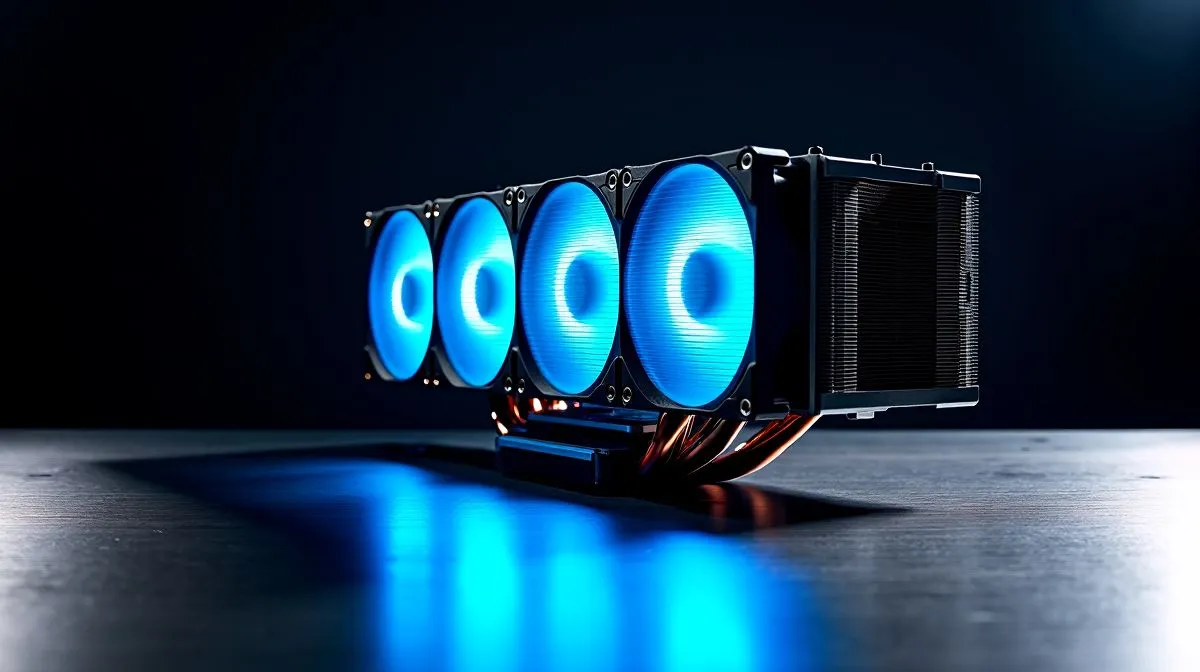
If your CPU temps spike during Apex or rendering sessions, airflow problems in an AIO are often the real culprit. South African gamers assume pumps fail, but restricted case airflow, wrong fan push/pull, or a dusty radiator usually cause poor cooling. 🔧 Start by monitoring temps, feeling airflow across the radiator, and comparing idle versus load readings.
Radiators need clear intake and exhaust. If your case fans blow against a blocked front intake, or cables sit in the airflow path, efficiency drops fast. Check Evetech's CPU coolers hub to compare layout options and ZAR prices when planning an upgrade: https://www.evetech.co.za/PC-Components/cpu-coolers-84.
Some AIOs are thicker and demand more pressure; browse the Liquid Cooler (AIO) selection and match radiators to your case clearance: https://www.evetech.co.za/PC-Components/cpu-coolers-84?attributes-coolertype=Liquid+Cooler+%28AIO%29. Fans with higher static pressure outperform generic intake fans at pushing air through dense fins.
Corsair and Deepcool offer popular designs and mounting options; sometimes swapping to a brand with optimised fans fixes turbulence without major surgery. See Corsair options here: https://www.evetech.co.za/PC-Components/cpu-coolers-84?attributes-coolertype=Liquid+Cooler+%28AIO%29&brands=CORSAIR and consider Deepcool alternatives here: https://www.evetech.co.za/PC-Components/cpu-coolers-84?attributes-coolertype=Liquid+Cooler+%28AIO%29&brands=Deepcool. ⚡
Tuning tips: set fan curves in BIOS or via motherboard software, prioritise radiator fans over exhaust, and keep pump RPM steady. Avoid 0% fan profiles on radiators... they throttle airflow just when you need it most.
Radiator length matters. A 360mm radiator gives surface area; a 240mm fits many mid cases with decent performance. Compare builds and check clearances for 360mm options: https://www.evetech.co.za/PC-Components/cpu-coolers-84?attributes-coolertype=Liquid+Cooler+%28AIO%29&attributes-coolingsize=360mm+Radiator. If case space is tight, browse 240mm AIOs instead: https://www.evetech.co.za/PC-Components/cpu-coolers-84?attributes-coolertype=Liquid+Cooler+%28AIO%29&attributes-coolingsize=240mm+Radiator. 🚀
When testing a suspected bottleneck, run a controlled stress test and swap fan headers. If temps drop significantly after changing fan curves or fan orientation, airflow, not the pump, was your issue. Keep cables tidy with zip ties to avoid flow disruption.
Use a methodical approach: visual inspection, swap fans, test curves, then consider radiator size or higher static pressure fans. Micro-story: I once fixed a colleague's 10°C delta by rotating a front fan 180 degrees... simple, cheap, effective.
Fixing airflow keeps your CPU cooler and extends component life. Start with inexpensive tweaks before replacing hardware. Need parts or a new AIO? Evetech lists full ranges and ZAR pricing so you can pick the right cooler for your case and budget.
We ship nationwide, fast and insured.
Want personalised help? Evetech's support can advise on fan swaps, radiator fitment and ZAR pricing... ideal when choosing parts that match your case, PSU, and performance goals.
Ready to Find Your Perfect Match? The Mac vs Windows debate is complex, but for maximum power, choice, and value in South Africa, Windows is hard to beat. Explore our massive range of laptop specials and find the perfect machine to conquer your world.
Watch for high CPU temps under load while pump speed is normal. Then check fan direction, radiator clearance, and whether intake/exhaust is blocked.
Your goal is consistent airflow through the radiator. Most setups use fans pulling air through the radiator toward the case exhaust, depending on layout.
Yes. Tight clearance, blocked vents, or front-to-top conflicts can restrict airflow through the radiator and cause liquid cooler airflow bottlenecks.
Common causes include misrouted fan cables, wrong fan direction, blocked radiator intakes, or tubing kinked during install. Verify airflow first.
Run short stress tests while temporarily changing fan curves and confirming RPM readings. If temps barely improve, the radiator airflow path is likely restricted.
Trapped air can reduce circulation and worsen temperatures, but it usually shows as gurgling or uneven temps. Still, airflow bottlenecks can compound it.
Look for very low pump RPM in software, rising idle temps, or rapid overheating under load. If airflow checks pass, inspect pump power and headers.
Clear obstructions, confirm correct fan direction, ensure adequate radiator clearance, and balance intake versus exhaust so the case doesn’t suffocate the AIO.
RTX 5050 Avowed FPS: Performance Benchmark. Real-world benchmark data, FPS numbers & performance analysis. What SA gamers can actually expect.
Read more
RTX 5050 Fable at 1440p: FPS Benchmark & Optimal. Real-world benchmark data, FPS numbers & performance analysis. What SA gamers can actually expect.
Read more
RX 7600 Black Myth Wukong 2 at 1080p: FPS. Real-world benchmark data, FPS numbers & performance analysis. What SA gamers can actually expect.
Read more
Head-to-head comparison of RTX 5060 vs RX 9070: Ray Tracing Performance for SA gamers. Performance benchmarks, Rand pricing & which delivers better value.
Read more
Head-to-head comparison of RX 7800 XT Mining vs Gaming: Does It Affect for SA gamers. Performance benchmarks, Rand pricing & which delivers better value.
Read more
RTX 4060 Ti Hogwarts Legacy FPS: Performance. Real-world benchmark data, FPS numbers & performance analysis. What SA gamers can actually expect.
Read more
Top Valorant Settings for RTX 5070: FPS Optimisation picks evaluated on performance, value & SA availability with current Rand pricing from Evetech.

RDNA 3.5 Graphics in Ryzen AI 400? Can You Game. Plain-English explanation of what it means, why it matters & how it affects your buying decisions in SA.

GPU Price Index : December Report. Current stock data & price tracking for SA buyers. See what is available and where prices are heading.

RX 9070 XT Elden Ring Nightreign at 4K: FPS. Real-world benchmark data, FPS numbers & performance analysis. What SA gamers can actually expect.

Core i5-14600K + B760 + RTX 5060 Build Under. Full parts list, Rand pricing & expected performance. Build confidently with SA-available components.

RX 7600 Apex Legends at 4K: FPS Benchmark. Real-world benchmark data, FPS numbers & performance analysis. What SA gamers can actually expect.

RX 7900 XTX GTA 6 at 4K: FPS Benchmark & Optimal. Real-world benchmark data, FPS numbers & performance analysis. What SA gamers can actually expect.

Head-to-head comparison of RTX 5070 vs RX 9070 XT: Gaming Performance for SA gamers. Performance benchmarks, Rand pricing & which delivers better value.

Top RTX 5070 Under R25,000 picks evaluated on performance, value & SA availability with current Rand pricing from Evetech.
Core i5-14600K + B760 + RTX 5060 Build Under. Full parts list, Rand pricing & expected performance. Build confidently with SA-available components.

Top Monitor for RX 9070: Resolution & Refresh Rate picks evaluated on performance, value & SA availability with current Rand pricing from Evetech.

Valorant Settings on RX 9060 XT: Performance. Real-world benchmark data, FPS numbers & performance analysis. What SA gamers can actually expect.