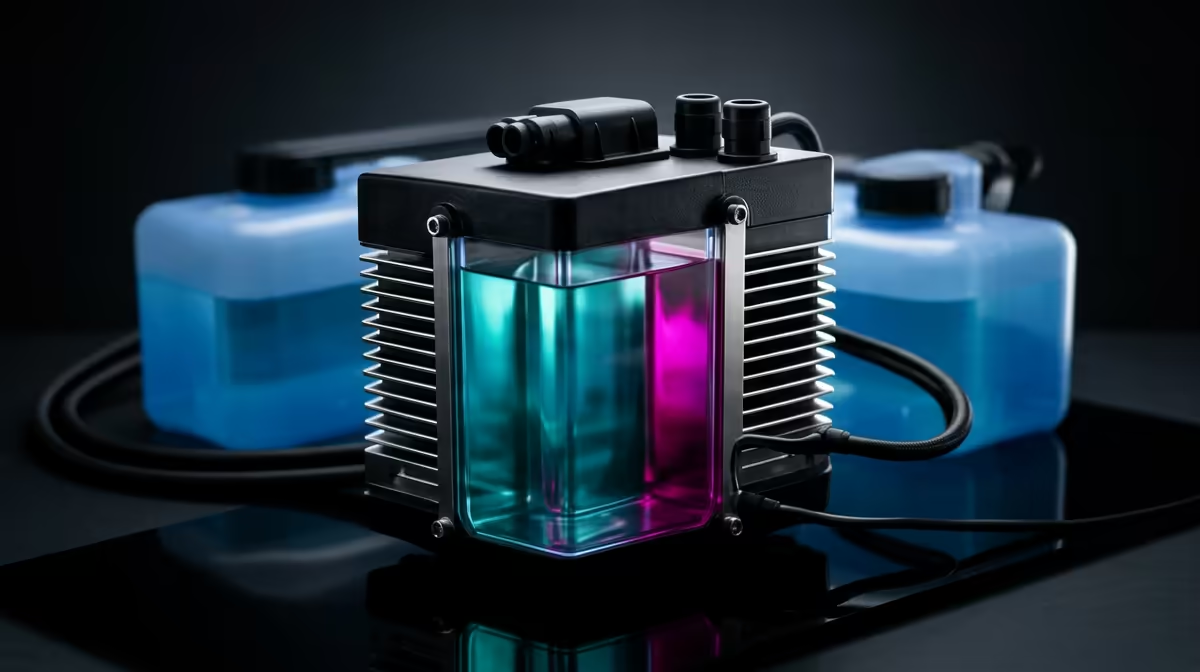
The familiar hum of your PC is the soundtrack to your gaming session... then, silence. Your UPS kicks in flawlessly, but a new worry surfaces: is your high-performance rig safe? Specifically, how does your AIO cooler handle the switch? For many South African gamers, understanding the relationship between liquid cooling during an unexpected outage is key to peace of mind and protecting their investment. Let's dive in and ensure your performance remains stable when the grid isn't.
How Your Liquid Cooler Reacts to Power Cuts
First, let's clear up a common misconception. The liquid coolant itself doesn't just "stop working." The cooling process, however, relies entirely on two powered components: the pump that circulates the liquid and the fans that dissipate heat from the radiator. When the power cuts, these stop instantly.
Without a UPS, your CPU temperature will spike rapidly. The hot liquid sits idle in the block, and with no circulation, your processor will quickly hit its thermal limit and throttle performance, or your PC will shut down to protect itself. This is where an Uninterruptible Power Supply (UPS) becomes absolutely essential for anyone running a liquid-cooled system in South Africa. It provides a seamless power transition, keeping the pump and fans spinning without interruption. ⚡
Optimising Your Setup for Uninterrupted Gaming
Simply having a UPS is the first step; optimising your setup ensures you get the most out of your battery time. The goal is to maintain stable performance without draining your UPS too quickly. Your liquid cooler's pump and fans don't draw a massive amount of power compared to a GPU under load, but every watt counts.
You can set slightly less aggressive fan curves and even a mild underclock on your CPU to reduce power draw. This ensures you can safely finish your match or save your work without pushing your components or your UPS to their limits. A stable system means all your peripherals, from your monitor to a reliable gaming keyboard, keep running smoothly. For those who demand peak responsiveness, even on backup power, some of the top-tier Glorious gaming keyboards offer a competitive edge that you won't want to lose mid-game.
UPS Sizing Pro Tip 🔋
Always check the VA (Volt-Amperes) and Wattage rating of your UPS. Add up the maximum power draw of your PC, monitor, and any other critical peripherals. Choose a UPS that offers at least 20-25% more wattage than your total load. This headroom ensures the UPS isn't stressed and provides a longer, more reliable runtime during an outage.
Reliable Everyday Performance
The cumulative stress from repeated, improper shutdowns. A sudden power loss can, in rare cases, lead to data corruption.
Protecting your investment means ensuring your entire setup is buffered from these power surges and cuts. You wouldn't want the flow of your game to be interrupted, losing that crucial kill because your system shut down. It's the same reason you invest in a responsive Razer gaming keyboard, where every keystroke matters. Imagine the settings on your favourite customisable RGB Razer keyboard resetting due to a bad shutdown... it's a small frustration that a good UPS can prevent. ✨ Ultimately, pairing your liquid cooler with a quality UPS is the definitive way to keep your PC cool, safe, and ready for action, no matter what the schedule says.
Ready to Bulletproof Your Rig?
Your PC's performance doesn't have to suffer. With the right gear, you can keep gaming through the dark. Explore our wide range of PC components, from AIO coolers to the essential UPS that backs them up, and build a rig that never quits.