

Why Power Efficiency is the New Meta in South Africa
We all know that sinking feeling when the lights flicker and the inverter starts its frantic beeping. In South Africa, a Loadshedding Gaming PC Power Efficiency Guide isn't just about saving a few Rands on your electricity bill. It is about staying in the game when the grid goes dark. If your rig pulls 600W from the wall, your battery backup will vanish before you can even finish a round of Counter-Strike.
Optimising your setup for efficiency means more than just turning down your brightness. It is about choosing the right hardware and tweaking software to ensure every watt counts. Whether you are running a high-end monster or a modest setup, understanding your power draw is the first step to beating the schedule.
Choosing Components with Loadshedding in Mind ⚡
Efficiency starts with the hardware you choose. When browsing for the best gaming PC deals, pay close attention to the TDP (Thermal Design Power) of the CPU and GPU. Modern components from NVIDIA and AMD have become significantly more efficient at delivering performance per watt.
If you are looking at budget gaming PCs, you will often find that mid-range components offer the best "sweet spot" for power consumption. These systems typically run cooler and draw less power... making them much easier to sustain on a standard 1kVA or 2kVA inverter system during Stage 4 or Stage 6.
Power Supply Ratings: Don't Skimp on Bronze or Gold
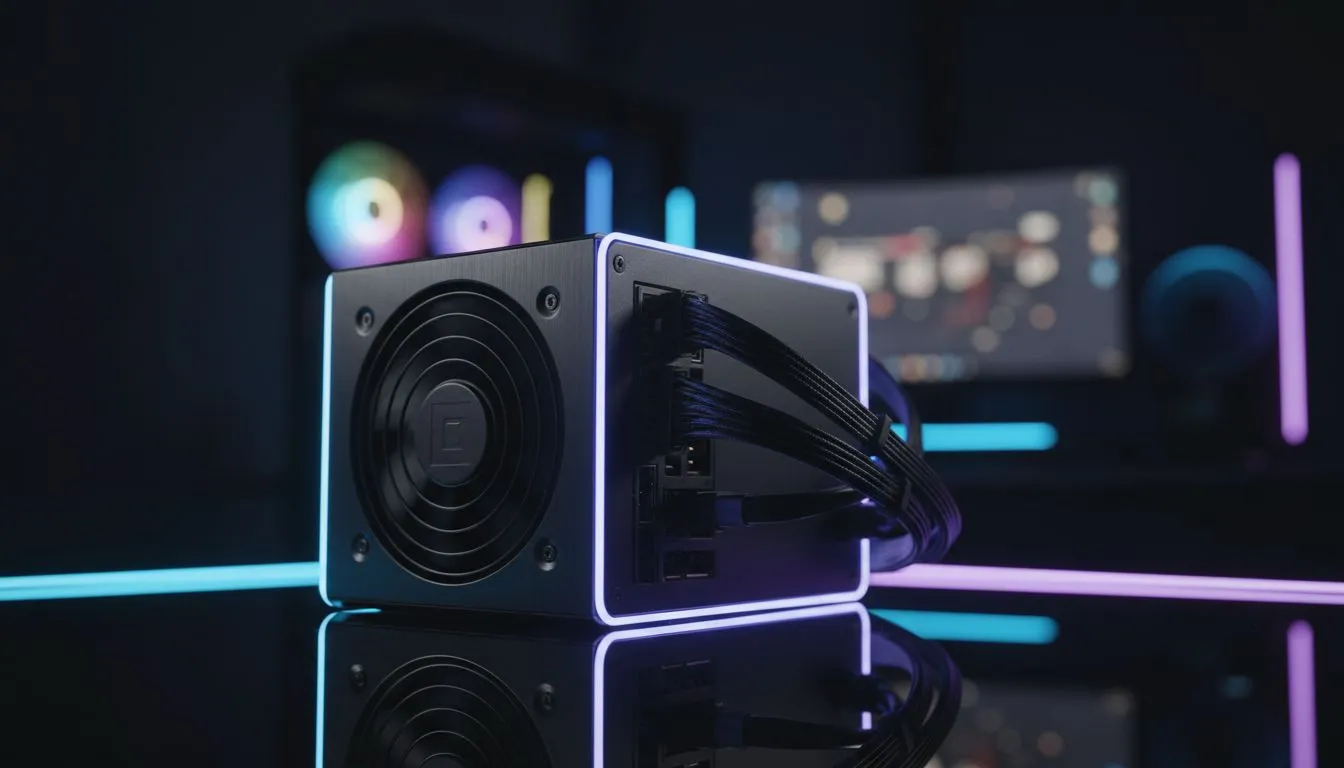
Your Power Supply Unit (PSU) is the heart of your efficiency. An 80 Plus Gold or Platinum rated PSU ensures that less energy is wasted as heat during the conversion from AC to DC. When exploring PCs above R20k, you should insist on high-efficiency power supplies.
A more efficient PSU means your fans don't have to spin as fast... which also saves a tiny bit more power and keeps your room cooler during those hot South African summers. Even for more affordable PCs under R20k, moving from a generic unit to a rated one can add valuable minutes to your UPS runtime.
Power Saving Pro Tip ⚡
On Windows, use the 'Power Saver' power plan when you are on battery or inverter. You can also use MSI Afterburner to 'undervolt' your GPU. This reduces the voltage your card uses while maintaining the same clock speeds, often cutting power draw by 20% or more without losing frames.
Balancing Performance and Battery Life 🔧
Many gamers think they need to sacrifice quality to save power. That is not necessarily true. By capping your frame rate to your monitor's refresh rate... or even to 60 FPS during loadshedding... you prevent your GPU from working harder than it needs to. This simple step can drastically reduce the load on your backup power system.
Our latest pre-built PC deals are curated to provide balanced performance. These systems are tested to ensure they provide maximum stability even when the power quality from an inverter might fluctuate. Remember to always use a high-quality surge protector to shield your efficient rig from the spikes that often happen when the grid returns.
Final Thoughts on Staying Powered Up
The goal of this Loadshedding Gaming PC Power Efficiency Guide is to help you enjoy your hobby without the constant anxiety of a dying battery. By selecting efficient parts and managing your software settings, you can keep the "Loadshedding Blues" at bay. Stay efficient, stay cool, and keep winning. 🚀
Ready to Find Your Perfect Match? Loadshedding shouldn't stop your killstreak. For maximum power efficiency, choice, and value in South Africa, our curated builds are hard to beat. Explore our massive range of gaming PC specials and find the perfect machine to conquer your world.








