

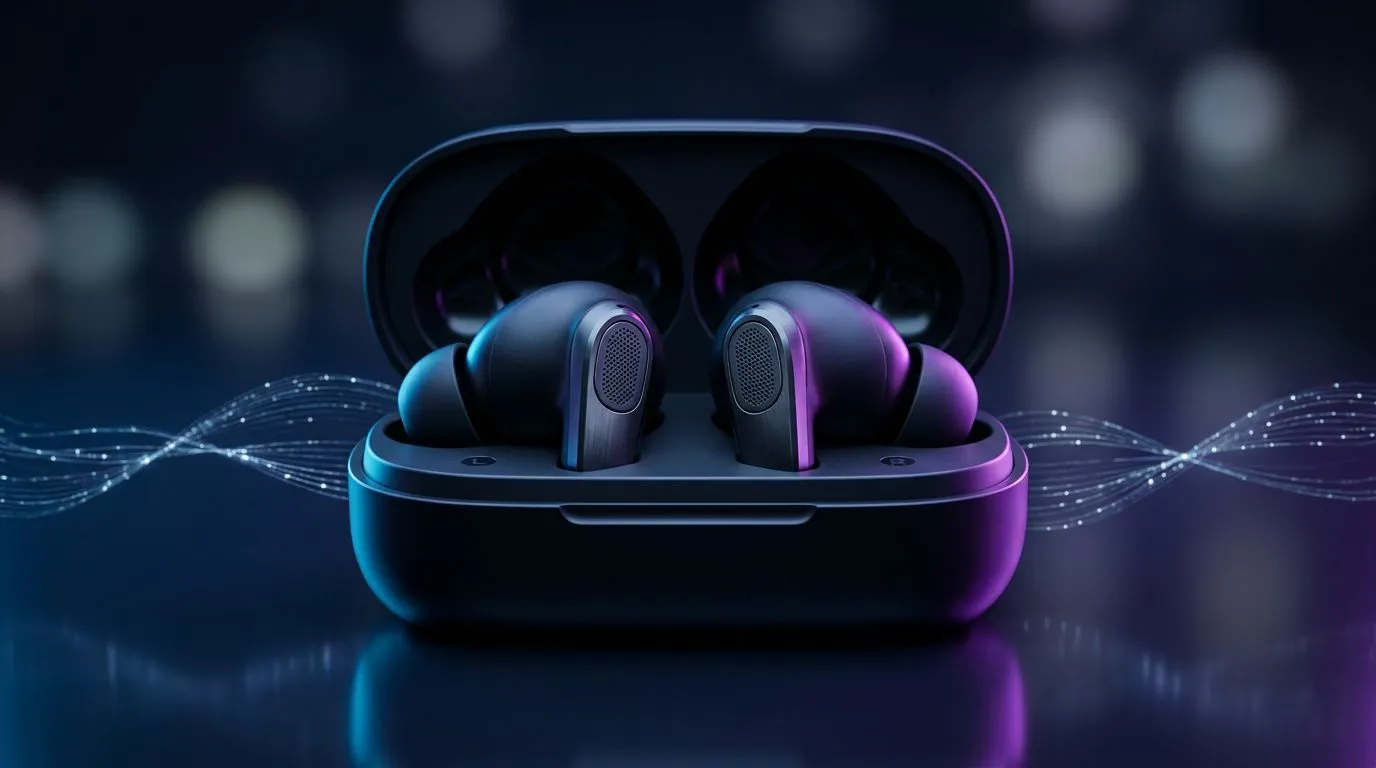
Why low latency mobile audio matters for South African gamers 🎧
Low latency mobile audio isn't just tech-speak; it decides whether your shot lines up with the sound of the muzzle. If you play on Android or iPhone during your commute or at LAN meets, a laggy soundtrack ruins timing, immersion and clutch moments. This short guide shows practical ways to reduce delay, what to look for in headsets and adaptors, and how to upgrade without breaking the bank.
Recognise the tech: codecs, dongles and real‑world latency ⚡
"Low latency mobile audio" usually comes from two things: efficient wireless codecs and dedicated wireless links. Bluetooth codecs such as aptX Low Latency help, but many mobile setups still rely on a USB dongle or a direct 2.4GHz link for sub‑competitive delay. For example, the Razer Barracuda X uses a wireless USB transceiver to prioritise speed and stable connections—check the full spec on Evetech's product page for details.
Find the Razer Barracuda X on Evetech to compare features and compatibility: Razer Barracuda X Chroma (Phantom White) best deal.
Gear choices that actually help reduce lag
Buy for the connection you use most. If you game on phone with a USB-C port, look for headsets or dongles that support direct wireless links or low‑latency Bluetooth profiles. If you switch between PC and mobile, consider multi‑platform headsets with dedicated low‑latency modes. Browse compatible Razer headphones and headsets to compare models and specs: Razer headphones & headsets collection.
Quick setup checklist
- Use wired audio when absolute precision matters.
- For wireless: prefer a dedicated dongle or aptX LL support.
- Confirm mobile OS compatibility; codec support can vary between Android and iOS.
- Keep firmware up to date; manufacturers often improve latency with updates.
Audio Setup Pro Tip 🔧
If your mobile supports a USB‑C audio accessory, test both wired and wireless modes before committing. Use a timer app and a friend to watch sync between audio cues and on‑screen actions. Small firmware updates can shave milliseconds off latency.
Small tweaks, big improvements
Close background apps, enable 'game mode' on compatible phones and headsets, and use a stable Wi‑Fi environment to avoid RF interference. For local multiplayer or tournaments, a wired connection still gives the most consistent timing. If you want a quick shopping jump, start with headphone and headset categories to filter for features you need: Headphone & headset components. 🚀
Summary — practical next steps
Low latency mobile audio transforms competitive play and everyday immersion. Focus on connection type, codec support and real‑world testing. Try a wireless transceiver headset if you need mobility without the delay, and always update firmware.
Ready to Find Your Perfect Match? The Mac vs Windows debate is complex, but for maximum power, choice, and value in South Africa, Windows is hard to beat. Explore our massive range of laptop specials and find the perfect machine to conquer your world.











