

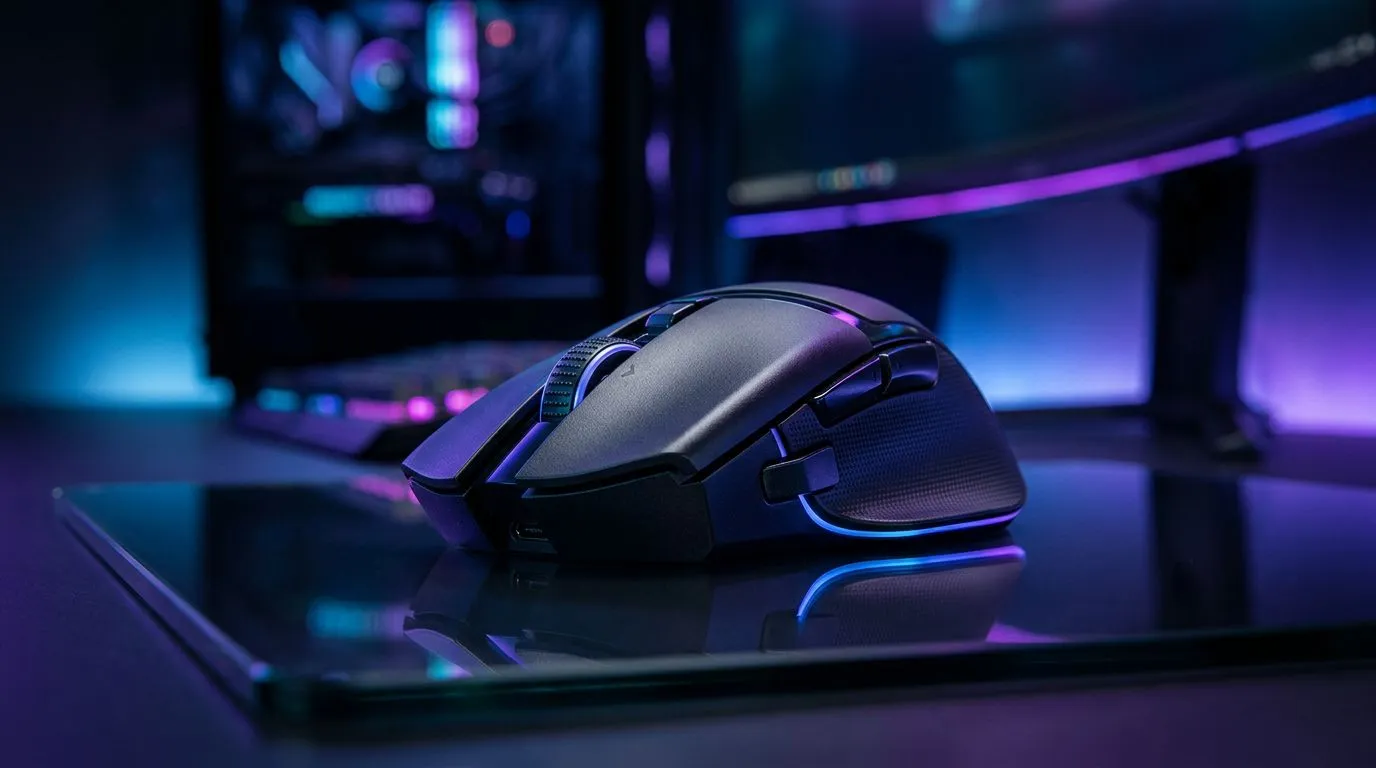
Tired of that cable drag messing up your flick shots in Valorant? You're not alone. Many South African gamers still worry that going wireless means trading freedom for lag. But what if we told you the days of laggy wireless mice are long gone? A proper low latency wireless gaming mouse setup can give you the lightning-fast response of a wired mouse, without the cord. Let's get you sorted. 🚀
Understanding Mouse Latency in Gaming
Before we dive into the setup, what exactly is latency? Think of it as the tiny delay between you moving your mouse and the cursor moving on-screen. In everyday use, a few milliseconds (ms) don't matter. But in a competitive shooter or a fast-paced MOBA, that delay can be the difference between landing a headshot and staring at a respawn screen. High latency is input lag, and it's the enemy of every serious gamer.
Modern wireless tech has made huge strides, virtually eliminating this problem. The goal of this performance guide is to ensure your gear and environment are perfectly optimised to achieve that near-instantaneous response.
Your Guide to the Perfect Low Latency Wireless Mouse Setup
Getting peak performance isn't just about buying the most expensive mouse. It's about creating a clean, interference-free signal path from your hand to your PC. A truly optimised low latency wireless gaming mouse setup relies on both hardware and environment.
Choose the Right Wireless Technology
Not all wireless is created equal. Look for mice with proprietary 2.4GHz technologies designed specifically for gaming. Brands like Razer (HyperSpeed), Logitech (LIGHTSPEED), and SteelSeries (Quantum Wireless) have invested millions in developing protocols that are often faster and more stable than traditional Bluetooth or even some budget wired mice. These technologies use techniques like frequency hopping to avoid interference, ensuring a rock-solid connection. When browsing for a new weapon, check the specs for these dedicated technologies across our full range of gaming mice.
Optimise Your Physical Environment 🔧
This is where many gamers miss out on easy performance gains. Your physical setup is critical for minimising latency.
- Dongle Placement is Key: Don't plug your wireless receiver into a USB port at the back of your PC tower, hidden under a desk. Use the included USB extender cable to place the receiver on your desk, about 15-20 cm from your mousepad. This guarantees the strongest, clearest signal.
- Avoid USB Hubs: Plug your receiver directly into a motherboard USB port (USB 2.0 is perfectly fine). Powered USB hubs can sometimes introduce their own latency, and unpowered ones often don't provide stable power.
- Clear the Airwaves: Keep other high-powered wireless devices, like routers or even your smartphone, away from your mouse and receiver to reduce potential signal interference.
Polling Rate Pro Tip ⚡
For maximum responsiveness, set your mouse's polling rate to 1000Hz or higher in its software. This tells your PC to check for mouse input 1000 times per second. Be aware that ultra-high polling rates (4000Hz+) can use more CPU resources, so ensure your system can handle it without impacting in-game FPS.
Wired vs. Wireless: Has the Debate Finally Ended?
So, is it time to throw out the cords for good? For most players, yes. The performance gap has effectively closed. A premium wireless mouse from a top brand will feel indistinguishable from its wired counterpart in terms of latency.
That said, high-end wired mice still have their place. They never need charging and are often lighter and more affordable. If you're on a tight budget or simply prefer the absolute certainty of a physical connection, a wired mouse is a fantastic, no-compromise option. But if you crave that clutter-free, unrestricted movement, the latest wireless mice are ready for the main stage.
Completing Your Performance-Focused Setup
Your mouse is just one part of the equation. To make the most of its low latency, you need a surface that allows for flawless tracking. A quality gaming mousepad provides a consistent and smooth glide, ensuring your sensor reads every micro-adjustment accurately. Upgrading your surface is one of the most cost-effective ways to improve your aim. You can browse a wide variety of mouse accessories to find the perfect match for your new mouse.
And remember, achieving a pro-level setup doesn't have to break the bank. Keep an eye out for promotions and combo offers to get the best performance for your buck. Finding the right gear at a great price is always a win, and there are always amazing gaming mouse deals to be found in South Africa. 🎯
Ready to Cut the Cord & Conquer? A flawless wireless setup gives you the ultimate freedom to dominate the competition. With the right tech and a few simple tweaks, you can achieve pro-grade, lag-free performance. Explore our massive range of wireless gaming mice and find the perfect tool to elevate your game.











