

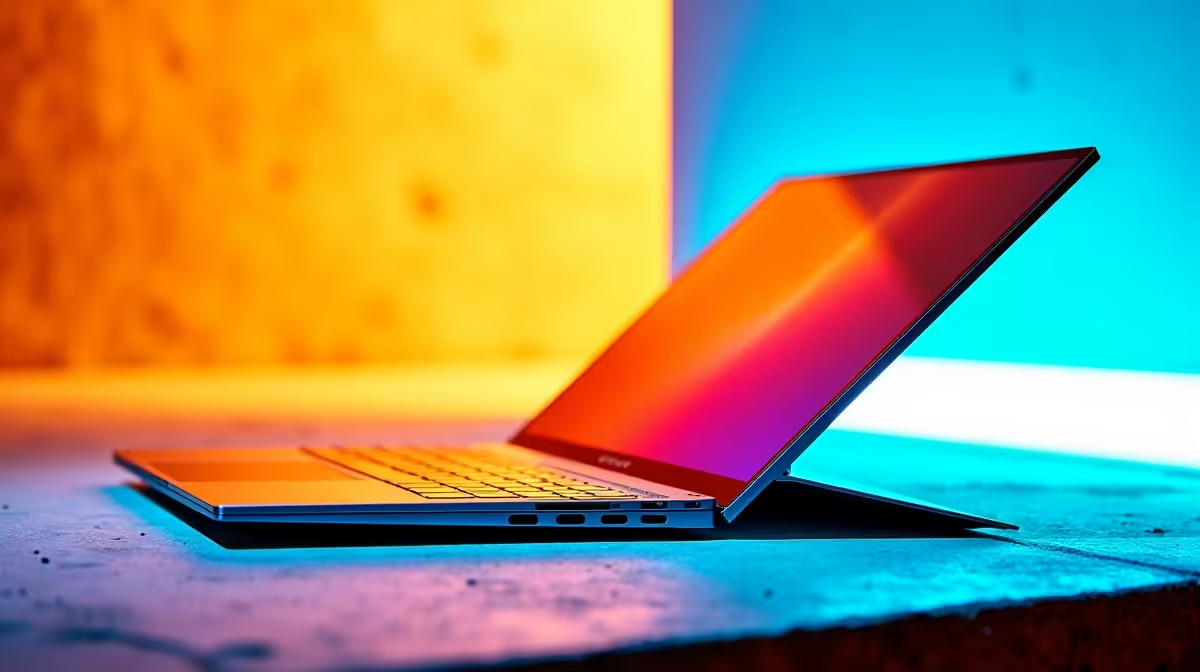
Finding the perfect ultrabook in 2026 is a tough mission. You want all-day battery life, premium build quality, and serious power. Weighing up the MacBook Air M5 vs Dell XPS 13? You are looking at peak portable computing. But which one offers the best value for your hard-earned ZAR? Let's find out.
Under the Hood: Apple Silicon vs Intel Core Ultra ⚡
The MacBook Air M5 brings Apple's newest ARM architecture to the table. It promises incredible efficiency and a sleek fanless design. Apple has refined their silicon to draw incredibly low wattage. This means you can work through prolonged power cuts without panicking.
On the Windows side, the 2026 Dell XPS 13 fights back. It uses Intel's highly optimised Core Ultra processors. This chip closes the battery gap while keeping the Windows ecosystem intact. You no longer have to sacrifice battery life to run your favourite Windows apps.
If you prefer macOS for creative work, the M5 is brilliant. However, you might need broad software compatibility. In that case, browsing premium laptops in South Africa is a smart move. The XPS 13 remains a top-tier choice for professionals.
Display Quality and Daily Use ✨
Both machines feature stunning screens. The MacBook Air M5 boasts a bright Liquid Retina display. It produces excellent colour accuracy for photo editing. The Dell XPS 13 counters with a gorgeous OLED panel. This gives you perfect blacks and vibrant contrast for media consumption.
Typing on the XPS 13 feels futuristic with its seamless glass palm rest. The MacBook Air sticks to its tried-and-tested keyboard design. Your choice depends entirely on your personal workflow preferences. Whether you are crunching spreadsheets or editing videos, both displays are spectacular. The brightness levels on both laptops make them perfect for working outdoors in the South African sun.
Gaming on Ultrabooks... Is It Possible? 🚀
Let's be honest about portable gaming. The MacBook Air M5 vs Dell XPS 13 debate often ignores gaming performance. You can run casual games, but thermals will always limit ultra-thin laptops.
If you want high framerates in AAA titles, an ultrabook will not cut it. You are much better off looking at dedicated gaming PC deals for your desk. Use your XPS 13 for campus or the office. Then keep a powerful pre-built desktop at home for serious play. This dual-device strategy gives you the ultimate balance of extreme mobility and raw graphical horsepower.
Expanding Your Setup and ZAR Value 🔧
When spending over R30,000 on a machine, flexibility matters. The Dell XPS 13 gives you access to a massive library of Windows applications. It also pairs effortlessly with standard PC peripherals.
Upgradability is a major factor for South African tech buyers. Neither of these ultrabooks allows you to add RAM or storage later. You cannot upgrade your graphics card on either of these thin laptops. What you buy on day one is what you are stuck with.
This is why desktop ecosystems remain so popular. A desktop allows you to swap parts as your needs grow over time. You can easily add more storage for your expanding game library or heavy video files. Always keep an eye on the latest tech specials before making your final call on any new system.
Battery Preservation Pro Tip 🔋
Whether you choose the MacBook Air M5 or the Dell XPS 13, cap your maximum battery charge at 80% if you keep it plugged in at your desk. This simple software tweak significantly extends the overall lifespan of your battery cells over the years.
Ready to Find Your Perfect Match? The Mac vs Windows debate is complex, but for maximum power, choice, and value in South Africa, Windows is hard to beat. Explore our massive range of laptop specials and find the perfect machine to conquer your world.











