

Is Overclocking TKL keyboard Worth It in SA?
Is Overclocking TKL keyboard Worth It in SA Detailed answer with SA data, expert analysis & practical recommendations for local buyers.
Read moreWondering about Marvel Rivals DirectX stability? 🤔 Dive into our analysis comparing DirectX 11 and DirectX 12 performance to find out which API offers the smoothest, most stable gameplay experience for Marvel Rivals. Get the insights you need to optimize your game! 🚀
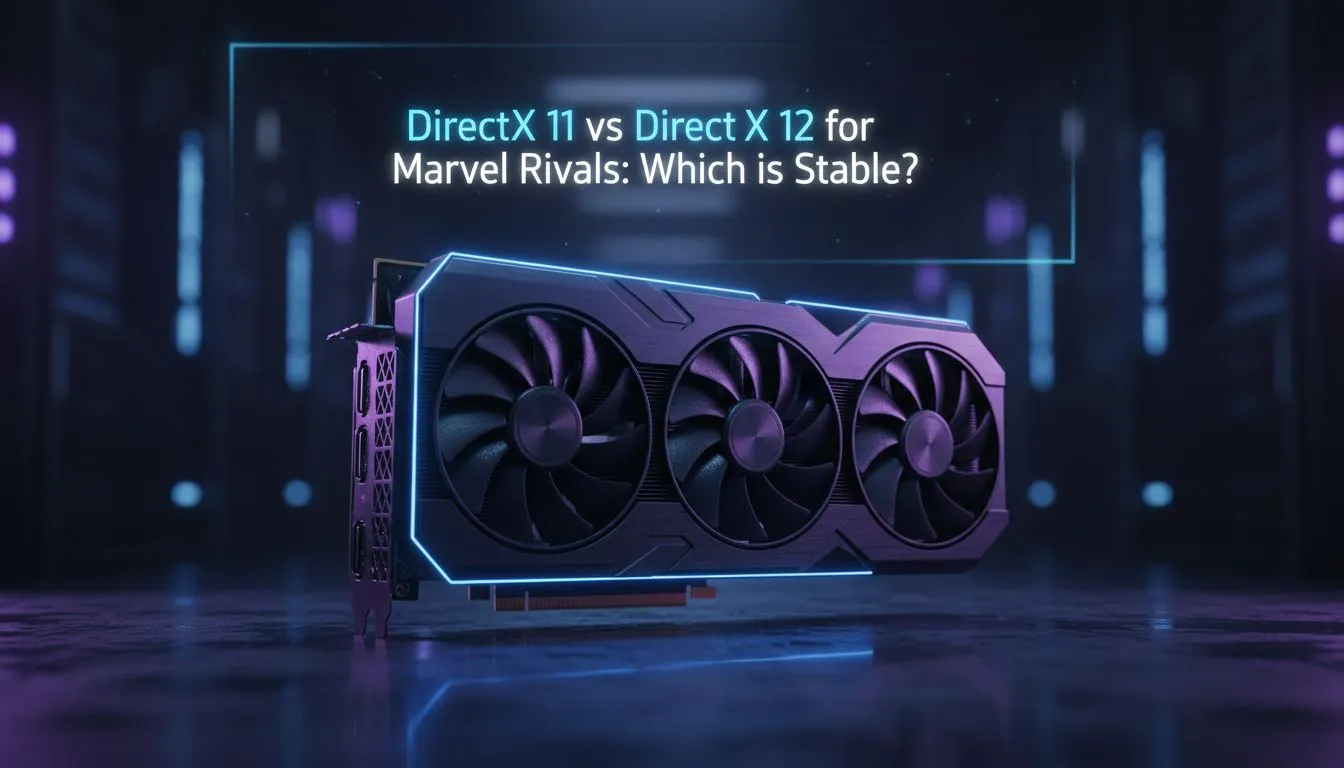
Marvel Rivals is taking the local gaming scene by storm. If you are diving into the fray, you have likely noticed the performance toggle. Choosing between DX11 and DX12 can make or break your competitive edge. Our guide on Marvel Rivals DirectX Stability: DX11 vs DX12 Performance helps you find that sweet spot for smooth, stutter-free gameplay on your South African gaming rig. 🚀
When you launch a modern hero shooter, the API you choose dictates how your hardware communicates with the game engine. DirectX 12 is designed to be more efficient with modern multi-core processors. It allows for better CPU utilisation and advanced visual features. However, many South African gamers find that DX12 can lead to "shader compilation stutter" during the first few minutes of a match.
If your current GPU is struggling to keep up with the chaos, upgrading to the latest NVIDIA and AMD graphics cards can solve most API-related bottlenecks. Modern architecture is built specifically to handle the heavy lifting of DX12 without the frame drops seen on older hardware.
DirectX 12 offers a higher performance ceiling. If you have a high-end system, this is usually the best choice for achieving maximum frame rates. It manages resources more effectively... which is vital when multiple hero abilities are exploding on screen at once. For those who swear by premium build quality and cooling, MSI graphics cards provide the thermal headroom needed to keep those DX12 clocks high and stable.
If you choose to run Marvel Rivals on DX12, spend five minutes in the practice range or a tutorial before jumping into a ranked match. This allows the game to compile necessary shaders... reducing the chance of a sudden stutter during a critical team fight.
While DX12 is technically superior, DX11 remains the king of consistency for many. It is a more mature API. This means it often provides a smoother "out of the box" experience with fewer unexpected crashes. If you value a flat frame-time graph over the highest possible peak FPS, DX11 might be your best bet.
Many players using AMD Radeon graphics cards have noted excellent results with DX11 in various competitive titles, though AMD's modern drivers have made massive strides in DX12 stability recently. It is always worth testing both on your specific setup to see which feels more responsive.
Performance isn't just about the API... it is about the synergy of your components. Newer entries into the market, such as Intel Arc graphics cards, are heavily optimised for DX12 and Vulkan. If you are running one of these, sticking to the newer API is almost always mandatory for the best results.
For users who use their machines for more than just gaming, such as rendering or 3D modelling, even our range of workstation graphics cards can handle Marvel Rivals with surprising ease... provided you choose the API that matches your driver's strengths. 🔧
For the majority of South African gamers on modern hardware, DX12 is the recommended path for Marvel Rivals DirectX Stability: DX11 vs DX12 Performance. It offers better long-term performance and supports the latest graphical enhancements. However, if you experience persistent micro-stutters that don't go away after a few matches, switching back to DX11 is a reliable quick fix to keep you in the game.
Ready to Find Your Perfect Match? The Marvel Rivals DirectX Stability: DX11 vs DX12 Performance debate is vital for victory, but your hardware is the foundation. For maximum power, choice, and value in South Africa, Evetech has you covered. Explore our massive range of graphics card specials and find the perfect GPU to dominate the arena.
While DirectX 12 often promises performance gains, many players find DirectX 11 to offer more consistent stability and fewer unexpected issues in early game launches like Marvel Rivals. It depends on your specific hardware and driver versions.
Yes, switching between DirectX 11 and DirectX 12 can significantly impact your Marvel Rivals FPS. DX12 might offer higher maximum frames on newer hardware, but DX11 can provide more stable frame rates, especially on older systems.
Common DirectX 12 stability issues in Marvel Rivals might include micro-stuttering, occasional crashes, or inconsistent frame pacing, particularly during intense combat scenarios or scene transitions. These are often driver-related or optimization challenges.
You can typically change the DirectX version for Marvel Rivals through the game's graphics settings menu. Look for an API or rendering mode option. If not available in-game, you might need to check the game launcher's settings or configuration files.
For older PCs, DirectX 11 is often the safer bet for Marvel Rivals. It generally has less CPU overhead and is more widely optimized across a range of hardware, potentially leading to better overall stability and a smoother experience.
It is highly probable that future Marvel Rivals updates will bring significant improvements to DirectX 12 stability and performance. Developers continuously optimize their games, and DX12 is the long-term standard for modern gaming.
Is Overclocking TKL keyboard Worth It in SA Detailed answer with SA data, expert analysis & practical recommendations for local buyers.
Read more
Geekbench Keyboard Benchmarks: Rankings. Real-world benchmark data, FPS numbers & performance analysis. What SA gamers can actually expect.
Read more
Head-to-head comparison of Keyboard Prices: Online vs Physical Stores for SA gamers. Performance benchmarks, Rand pricing & which delivers better value.
Read more
Head-to-head comparison of Apple Magic Keyboard vs Third-Party: Is It Worth for SA gamers. Performance benchmarks, Rand pricing & which delivers better value.
Read more
Snapdragon X2 NPU Explained: How 80 TOPS Changes. Plain-English explanation of what it means, why it matters & how it affects your buying decisions in SA.

HBM? High Bandwidth Memory Used in GPUs and AI. Plain-English explanation of what it means, why it matters & how it affects your buying decisions in SA.

How much should you spend on sim racing accessories in South Africa for a realistic setup? We break down budgets by quality tiers, so you buy smart gear and avoid overspending 🎮💸

G-Sync and FreeSync? Variable Refresh Rate. Plain-English explanation of what it means, why it matters & how it affects your buying decisions in SA.

AMD Laptop: Value. SA-focused analysis with local pricing data, real-world insights & actionable buying advice.

How MacBook Neo Handles 30+ Chrome Tabs with Only. SA-focused analysis with local pricing data, real-world insights & actionable buying advice.

Why Apple Put 8GB RAM in MacBook Neo: The A18 Pro. SA-focused analysis with local pricing data, real-world insights & actionable buying advice.

Upgrade your work laptop with a New Motherboard. Step-by-step instructions with SA-specific tips, common pitfalls to avoid & expert recommendations.

MacBook Pro 16-Inch M5 Max: Complete Specs,. Everything you need to know with SA pricing, step-by-step instructions & expert recommendations.

Travelling With a MacBook: Travellers. Everything you need to know with SA pricing, step-by-step instructions & expert recommendations.

Back-to-School Parent Guide: Laptops. Everything you need to know with SA pricing, step-by-step instructions & expert recommendations.

MacBook Air 13-Inch M5: Complete Specs, Features. Everything you need to know with SA pricing, step-by-step instructions & expert recommendations.