

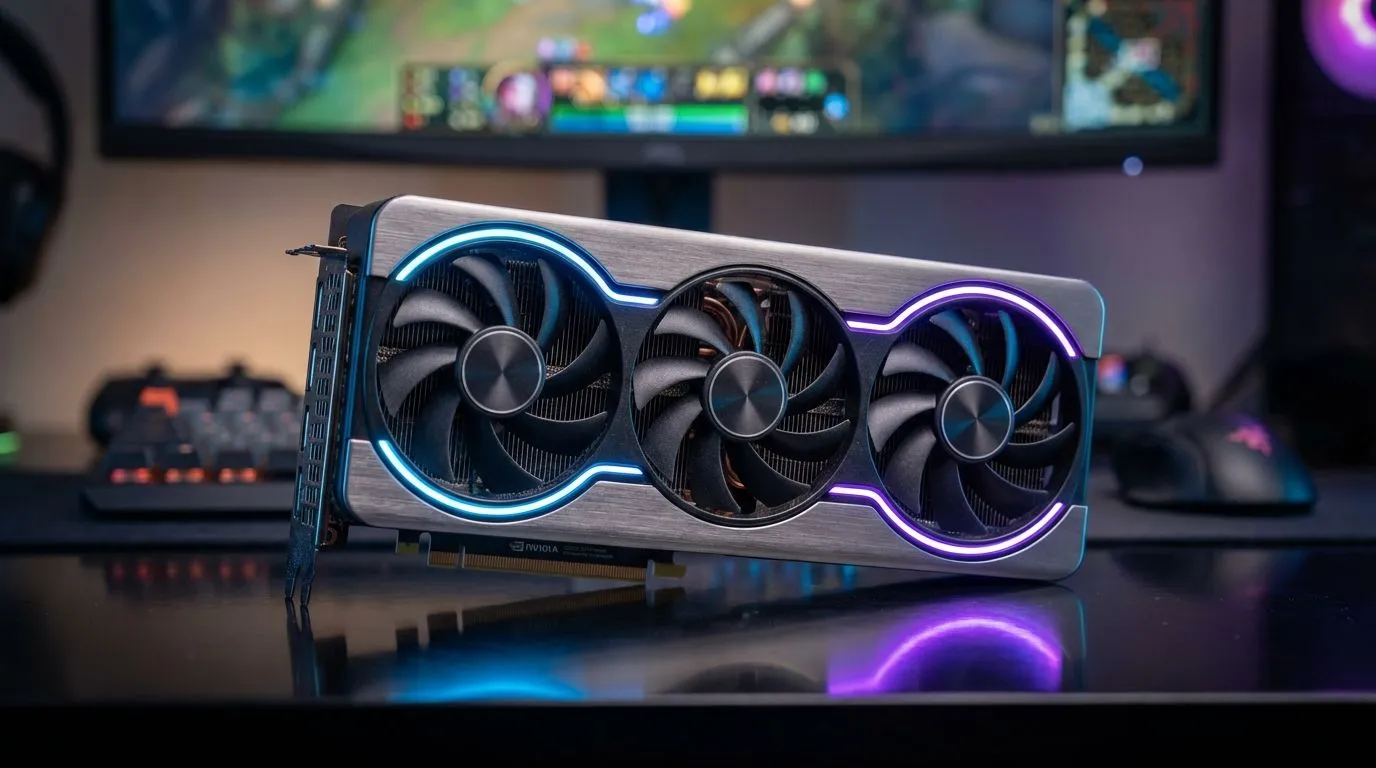
Master Your Frames with the Marvel Rivals RTX 5060 FPS Guide
Marvel Rivals is taking the South African gaming community by storm, but stuttering during a chaotic team fight is the quickest way to find yourself back at the respawn screen. If you are rocking an RTX 5060, you already have the hardware to dominate... you just need the right configuration. This Marvel Rivals RTX 5060 FPS Guide focuses on the single biggest performance killer in the game: Lumen. ⚡
Why Lumen is Killing Your Performance
Unreal Engine 5 is a technical marvel, and its global illumination system, Lumen, provides incredible lighting and reflections. However, in a fast-paced hero shooter where every millisecond counts, the resource heavy nature of Lumen can cause your frame rate to tank. For most players in South Africa looking to maintain a competitive edge on a 144Hz or 240Hz monitor, raw performance must take priority over cinematic lighting.
By disabling Lumen and opting for traditional static lighting, you can see a massive jump in stability. If you are currently building a new rig to handle these modern titles, browsing the latest NVIDIA graphics cards is the best place to start your journey toward high-refresh-rate gaming.
Optimising Settings for 200+ FPS
The RTX 5060 is a highly efficient card, but it shines best when you leverage its modern feature set. To hit that 200+ FPS target, you should set your internal resolution to 100% and use DLSS on the "Quality" or "Balanced" preset. This allows the AI to upscale your image without the blurriness associated with older tech.
Many local gamers prefer the thermal performance of MSI graphics cards because they stay cool during our hot summer months, ensuring your clocks don't throttle during intense Marvel Rivals matches. Keeping your GPU under 70 degrees Celsius is vital for maintaining those peak boost clocks.
Nvidia Reflex Pro Tip ⚡
Ensure you have Nvidia Reflex set to 'On + Boost' in the Marvel Rivals settings menu. This reduces system latency by keeping the GPU and CPU in sync, which is arguably more important than raw FPS when you are trying to land a clutch projectile shot as Iron Man or Namor.
Exploring Hardware Alternatives
While our Marvel Rivals RTX 5060 FPS Guide focuses on Nvidia's mid-range hero, it is worth noting the competition. If you are looking for pure rasterization value, AMD Radeon graphics cards often provide excellent frame-per-Rand performance in titles that don't heavily utilise ray tracing.
Similarly, the market has seen a shift with the arrival of Intel Arc graphics cards, which have improved significantly with recent driver updates. While the RTX 5060 remains the "sweet spot" for many, having options is always better for the consumer. 🚀
Professional vs Gaming Hardware
We often get asked if high-end production gear can double as a gaming rig. While workstation graphics cards are monsters at rendering 3D scenes and video encoding, their drivers aren't always optimised for the latest game releases like Marvel Rivals. For the best experience, stick to gaming-grade silicon that supports the latest Game Ready drivers.
Final Tweaks for Victory
To wrap up your optimisation, ensure your Windows Power Plan is set to "High Performance" and that you have disabled any unnecessary background recording software. In South Africa, where electricity costs are a factor, the RTX 5060 is a brilliant choice because it delivers this 200+ FPS performance while consuming significantly less power than previous generations... saving you money on your monthly bill while you climb the ranks. ✨
Ready to Boost Your FPS? Whether you are looking for the latest RTX 50 series or a budget-friendly powerhouse, we have the hardware to get you to the top of the leaderboard. Explore our massive range of graphics card specials and find the perfect machine to conquer Marvel Rivals today.











