

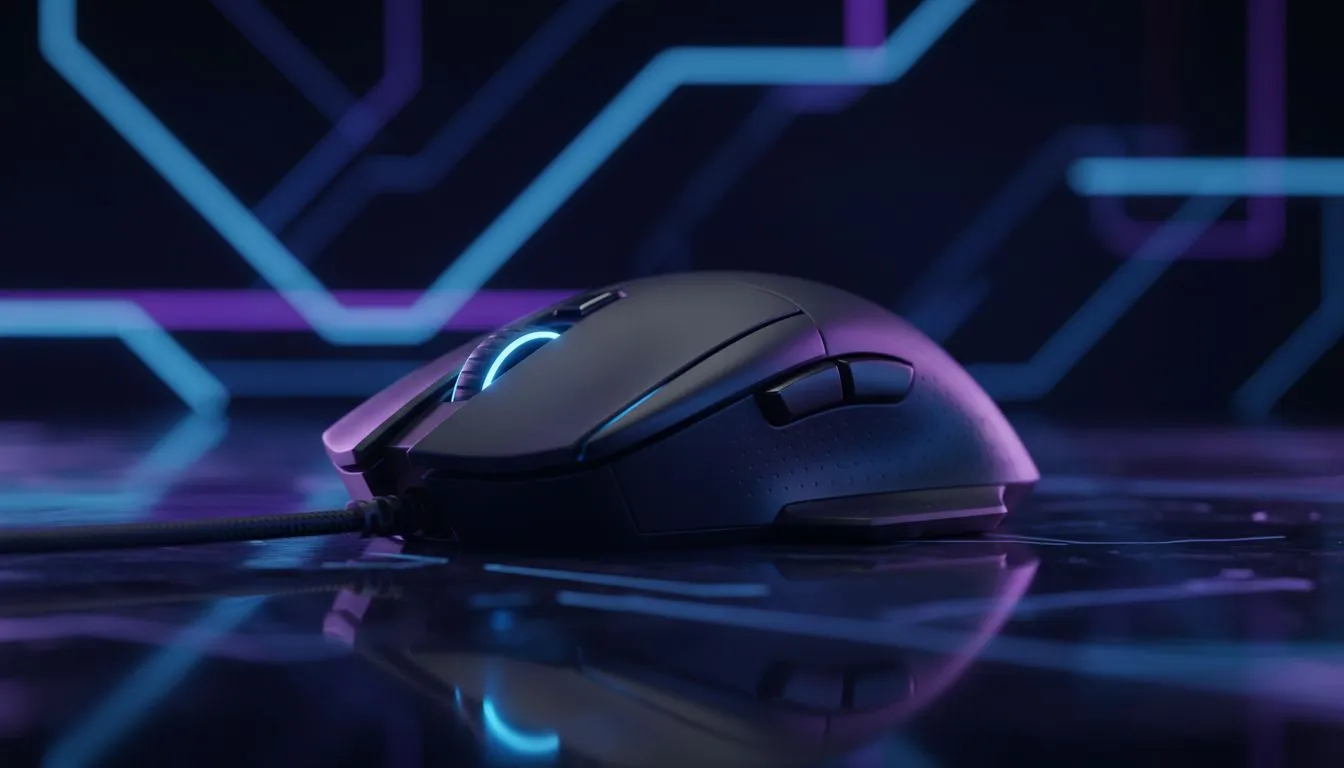
Maximising Your Reaction Speed in Competitive Shooters
Ever found yourself fumbling for the 'V' key while trying to melee in a heated Apex Legends firefight? In the high-stakes world of South African competitive gaming, every millisecond counts. Whether you are holding a long angle in CS2 or entry-fragging in Valorant, the question remains... do mouse back buttons really improve FPS performance, or are they just extra clutter for your thumb? 🚀
The Mechanical Advantage of Thumb Buttons
The primary goal of any gaming setup is to reduce the "travel time" between your brain's intent and the in-game action. Standard keyboards require your left hand to handle movement, weapon swaps, and utility usage. By offloading critical actions to mouse back buttons, you free up your movement fingers. This allows you to maintain a perfect strafe while simultaneously reloading or throwing a flashbang.
For many local players, the shift to using side buttons feels like a revelation. Instead of reaching across the keyboard, your thumb... which usually sits idle... becomes a dedicated tool for secondary actions. This split-second difference is often what separates a win from a loss when playing on high-refresh-rate monitors.
Comparing Input Efficiency Across Peripherals
While mouse enthusiasts swear by their side buttons, the concept of extra inputs is universal across high-end hardware. If you find that your thumb struggles with the small surface area of a mouse button, you might actually prefer the tactile feedback found when you buy gaming controllers designed for pro play. 🔧
The logic remains the same... keeping your primary fingers on the triggers or movement keys. Professional-grade Razer controllers have pioneered this "extra button" philosophy for years. For instance, the Razer Wolverine V3 Tournament Edition 8K uses back paddles to ensure players never have to take their thumbs off the sticks. On a mouse, those side buttons serve the exact same purpose... ensuring your "aiming hand" and "movement hand" work in perfect harmony without interference.
FPS Binding Strategy ⚡
Mapping your most frequent actions like 'Crouch' or 'Melee' to your mouse side buttons keeps your left hand focused entirely on movement. This prevents 'finger gymnastics' during intense gunfights and helps you maintain a consistent strafe pattern while returning fire.
Ergonomics and Precision in South African Gaming
Does adding buttons affect your aim? Some critics argue that pressing a side button can cause a slight "jerk" in your mouse sensor's path. However, modern gaming mice are designed with tensioned switches that require minimal force. When you optimise your grip... whether it is palm, claw, or fingertip... you can activate these buttons without shifting your aim point. ✨
In the South African scene, where competitive titles like Rainbow Six Siege and Overwatch 2 are thriving, having these macros at your fingertips is almost essential. It is not just about speed... it is about the comfort of knowing your most vital abilities are just a millimetre away from your thumb.
Ready to Find Your Perfect Match? The debate over the best input method is complex, but for maximum speed, precision, and value in South Africa, the right mouse or controller makes all the difference. Explore our massive range of gaming peripherals and find the perfect tool to conquer your next match.











