

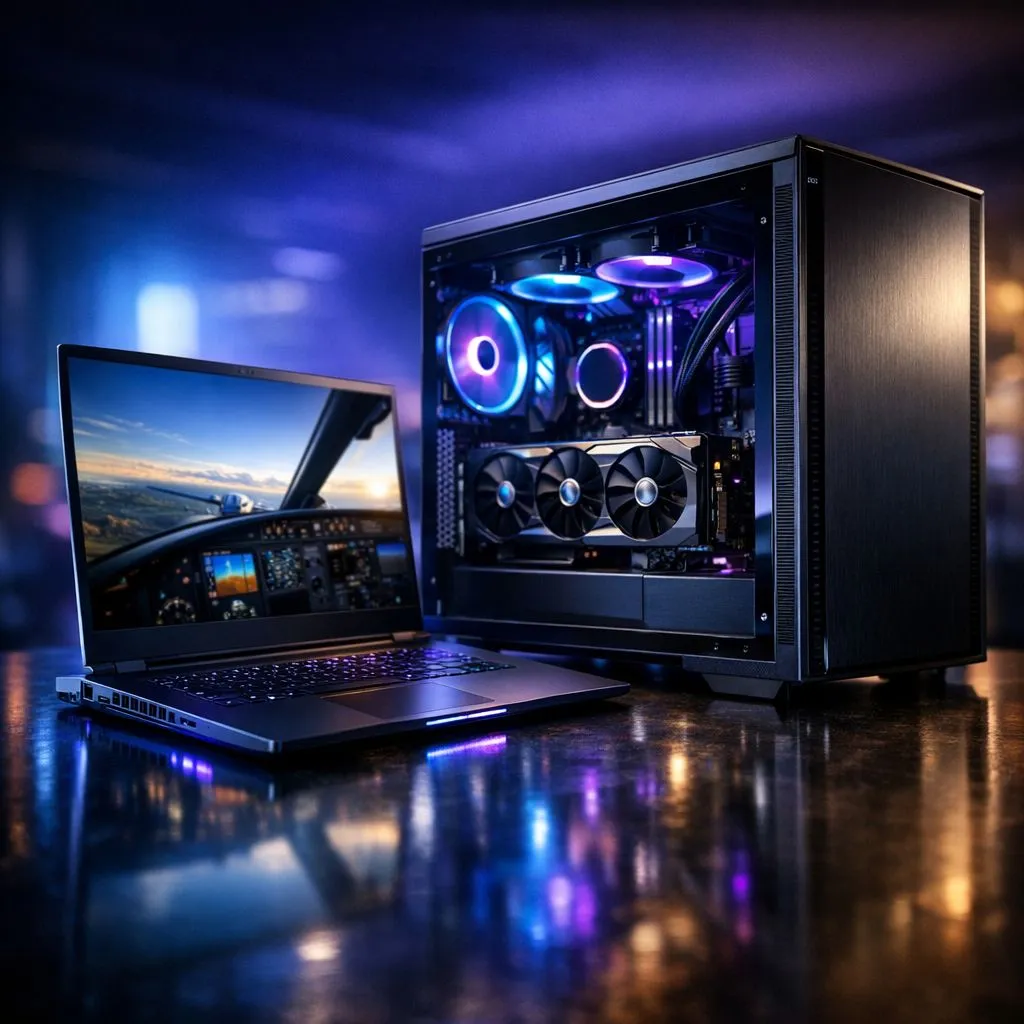
Understanding MSFS VRAM requirements: Laptop vs Desktop
Flying over the Drakensberg or landing at OR Tambo in Microsoft Flight Simulator is a visual marvel, but it demands serious hardware. If your frame rates are dropping or textures look like mud, your VRAM is likely the culprit. Understanding MSFS VRAM requirements: Laptop vs Desktop is essential before you invest your hard-earned ZAR in a new rig. Let us break down what you actually need for a smooth flight. ✈️
Why VRAM is the Gatekeeper of Flight Simulation
Microsoft Flight Simulator (MSFS) uses massive amounts of data to render the world. VRAM, or Video Random Access Memory, stores the textures and geometry your GPU needs to display. On a desktop, you often have the luxury of dedicated cards with 12GB or 16GB of VRAM. Laptops are slightly different. While a mobile GPU might share the same name as its desktop cousin, thermal limits and power draws can change the performance profile.
If you are looking for a balanced machine, many Intel laptops on special offer high clock speeds that help MSFS process complex flight physics alongside those heavy textures.
The VRAM Gap: Desktop Power vs Laptop Portability
Desktop GPUs generally offer more VRAM for the same price point compared to laptops. For example, a desktop RTX 4060 Ti comes in a 16GB flavour... a rarity in the mobile space without spending significantly more. In MSFS, more VRAM allows you to crank up the "Texture Resolution" and "Terrain Pre-caching" settings without hitting a stuttering wall.
For those who prefer Team Red, checking out Ryzen laptop deals can be a smart move. These processors are incredibly efficient, often leaving more thermal headroom for the GPU to utilise its allocated VRAM effectively during long hauls from Cape Town to London.
VRAM Management Tip ⚡
If you find yourself hitting VRAM limits on an 8GB card, try lowering your 'Off-screen Terrain Pre-caching' to Medium. This reduces the amount of data stored in the VRAM for areas you aren't currently looking at, which can stabilise your frame rates in dense cities like Johannesburg or New York.
Choosing the Right Resolution for Your Hardware
Your VRAM needs scale directly with your resolution. If you are gaming at 1080p, 8GB of VRAM is generally sufficient for High settings. However, at 1440p or 4K, you will see MSFS easily gobble up 12GB or more.
When browsing the best gaming laptop deals, keep your monitor resolution in mind. A 4K laptop screen is beautiful, but it requires a significantly beefier GPU with high VRAM capacity to stay fluid. 🔧
Performance on a Budget in South Africa
You do not always need to spend a fortune to get airborne. There are several gaming laptops under R20k that can handle MSFS at 1080p with respectable settings. The key is to look for at least 6GB of VRAM, though 8GB is the modern "safe" zone for future updates.
For the best experience with features like Frame Generation, which can effectively double your perceived smoothness, look specifically for GeForce RTX gaming laptops on special. These cards use AI to help bridge the gap between laptop and desktop performance. 🚀
Ready to Find Your Perfect Match? The MSFS VRAM requirements: Laptop vs Desktop debate is complex, but for maximum power, choice, and value in South Africa, Evetech has you covered. Explore our massive range of laptop specials and find the perfect machine to conquer the skies.





