


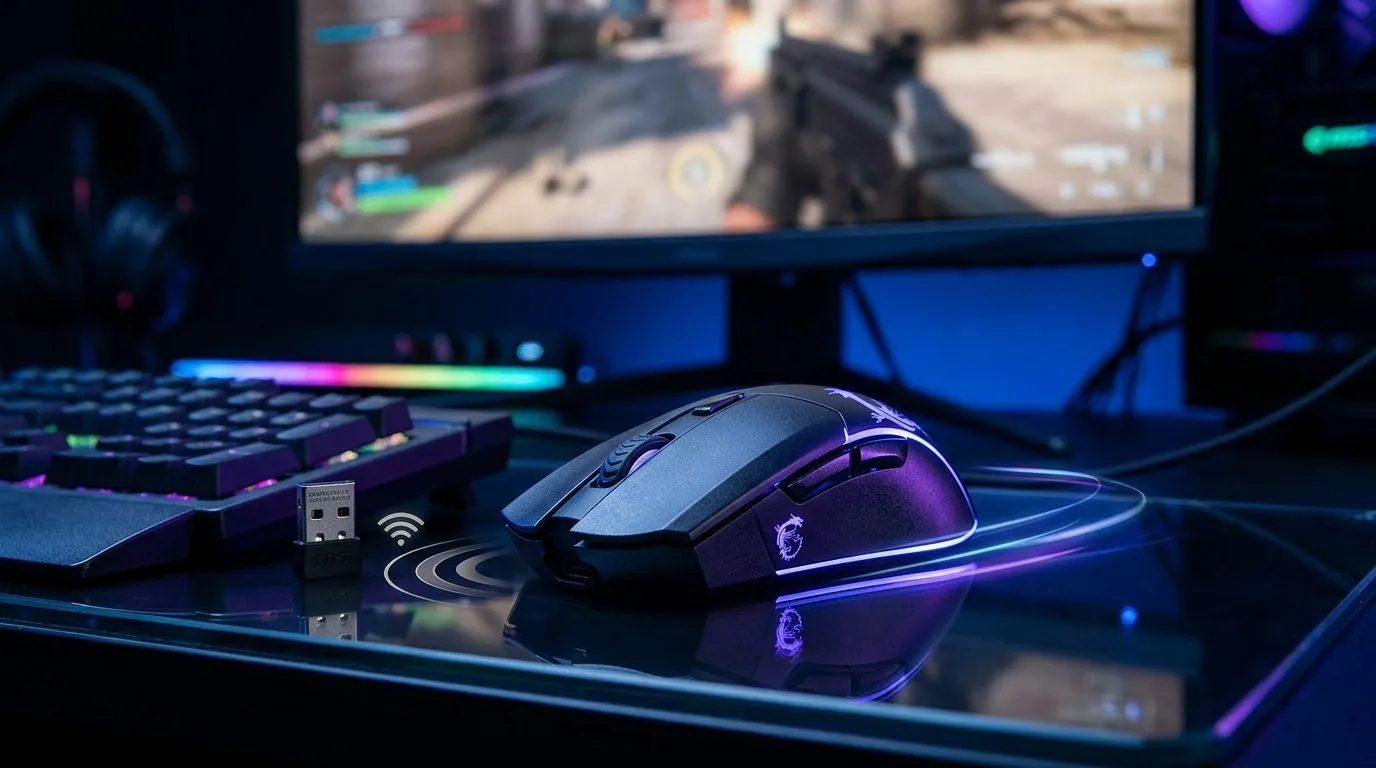
MSI SWIFTSPEED 2.4 GHz vs Bluetooth 5.3 Input Lag for Gaming
If you’ve ever lost a clutch round because your click felt a fraction late, you already know why wireless input lag matters. The difference between 2.4 GHz and Bluetooth 5.3 can feel tiny on paper… but in a competitive moment, tiny is everything. For South African gamers shopping smart, the real question is simple: which connection gives you the faster, steadier edge without wasting rands? ⚡
MSI SWIFTSPEED 2.4 GHz vs Bluetooth 5.3 input lag for gaming: what matters most
The short answer is that 2.4 GHz wireless is usually the safer pick for gaming. It uses a dedicated USB dongle, which normally gives you a more direct connection and lower latency than Bluetooth. Bluetooth 5.3 is excellent for convenience, battery efficiency, and everyday use, but it is generally not the first choice when every millisecond counts.
That doesn’t mean Bluetooth is bad. It just suits a different job. If you split time between work, study, and casual play, Bluetooth can be handy. If you’re grinding ranked matches, a 2.4 GHz mode is typically the more responsive option. For context, Evetech’s mouse categories make it easier to compare wired, wireless, and accessory options side by side... especially if you want to match performance to your budget. See the current range of mouse accessories and build around what you actually need.
MSI SWIFTSPEED 2.4 GHz vs Bluetooth 5.3 input lag for gaming: why 2.4 GHz usually wins
Most gaming mice that support 2.4 GHz do so because the connection is designed for speed and stability. Bluetooth, by comparison, was built as a general-purpose wireless standard. That makes it brilliant for keyboards, office mice, and travel setups. For shooters, MOBAs, and fast aim tracking, 2.4 GHz tends to feel snappier.
If you prefer a completely predictable setup, a wired mouse still removes wireless concerns altogether. That is worth considering if you play esports titles at home and don’t mind the cable. A wired mouse also avoids dongle placement issues, which can matter more than people admit. A poor USB port position or a crowded desk can introduce avoidable hassles.
MSI SWIFTSPEED 2.4 GHz vs Bluetooth 5.3 input lag for gaming: when Bluetooth 5.3 still makes sense
Bluetooth 5.3 is not the villain here. It’s just more of a comfort feature than a performance-first feature. It shines when you want to jump between devices, save a USB port, or carry one mouse between a laptop and tablet. It can also be very practical for everyday work, especially if you hate dongles.
If your gaming is more relaxed, Bluetooth may be enough. If you’re building a neat desk setup for mixed use, it helps to look at wireless mouse options that separate gaming performance from office convenience. The trick is knowing where you’ll feel the lag most... and paying for the right feature, not all of them.
Latency Tip ⚡
Choose 2.4 GHz for gaming sessions, then switch to Bluetooth only when you want easy multi-device pairing or better portability. If a mouse supports both, treat 2.4 GHz as your “serious play” mode.
MSI SWIFTSPEED 2.4 GHz vs Bluetooth 5.3 input lag for gaming: how to shop smarter in South Africa
Before you buy, think beyond the connection type. Sensor quality, grip shape, weight, battery life, and button feel all affect how a mouse performs in real use. A fast connection is great... but not if the mouse feels awkward in your hand.
South African buyers should also compare pricing carefully. A cheaper mouse that meets your needs is better value than a flashy one you’ll never fully use. For bargain hunters, checking best gaming mouse deals can help you spot proper value in ZAR, especially when stock and specials move quickly. If you want to browse by category first, Evetech’s gaming mouse collection is a good place to narrow your shortlist.
MSI SWIFTSPEED 2.4 GHz vs Bluetooth 5.3 input lag for gaming: the practical verdict
If gaming is your priority, go with 2.4 GHz. It is usually the better fit for lower perceived delay and a more responsive feel. If you need flexibility, Bluetooth 5.3 is still useful and refined. But for competitive play, the safest rule is easy: use the faster wireless link, or go wired if you want total simplicity.
That’s the kind of choice that saves frustration later. And once you’ve narrowed it down, the next step is finding the mouse that fits your grip, your games, and your budget... not just the spec sheet.
Ready to Find Your Perfect Match? The Mac vs Windows debate is complex, but for maximum power, choice, and value in South Africa, Windows is hard to beat. Explore our massive range of laptop specials and find the perfect machine to conquer your world.
**











