

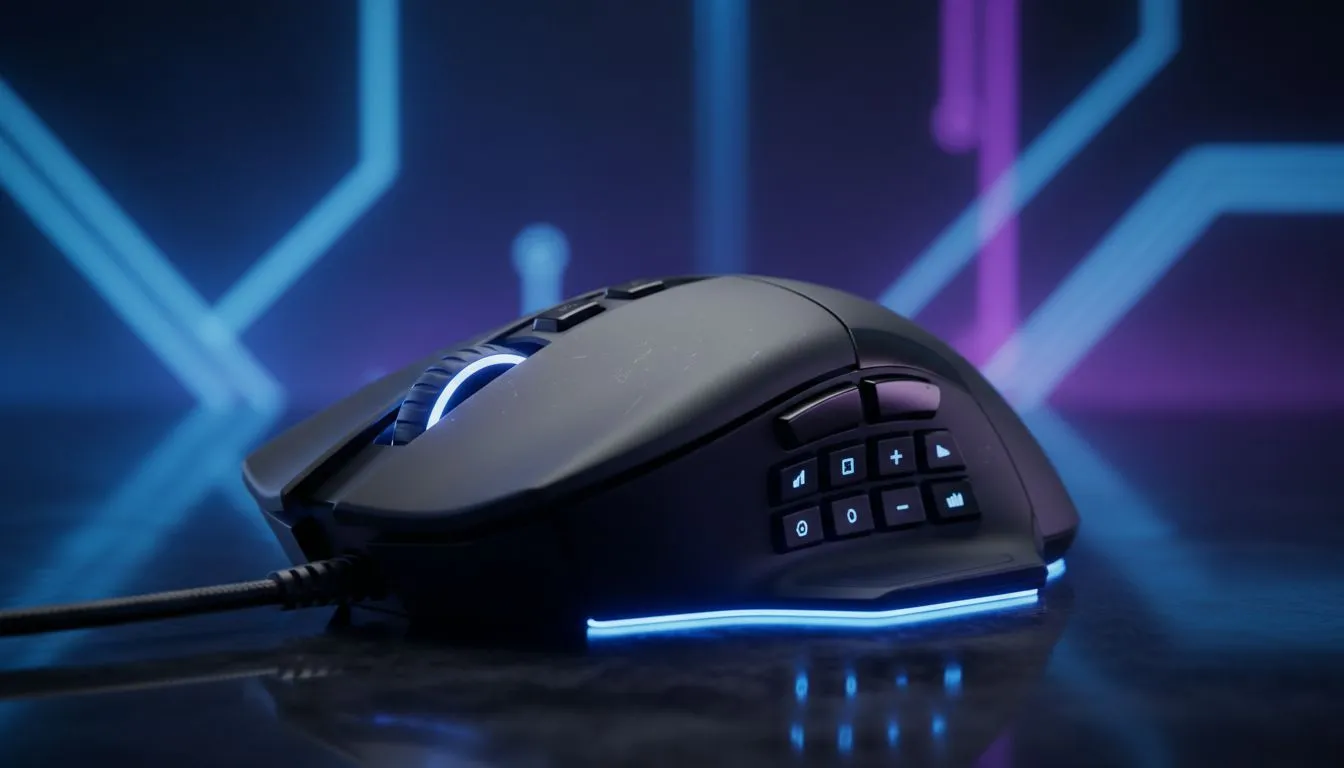
Multi-Button Gaming Mouse: Why South African strategists should care 🎯
If you play strategy titles like StarCraft II, Total War or Age of Empires, extra buttons change how you execute plans under pressure. A multi-button gaming mouse lets you bind macros and hotkeys to your fingertips, cutting reaction time and streamlining build orders. See Evetech’s core collection of gaming mice to compare models and specs for South African buyers: https://www.evetech.co.za/components/gaming-mouse-117.aspx
Multi-Button Gaming Mouse: Map your macros, not just your clicks
Start by deciding which actions you want offloaded from keyboard to thumb. Typical mappings: unit groups, camera jumps, economy toggles and commonly used abilities. If you prefer wireless freedom for LAN nights, look at dedicated wireless options and their battery life before you commit: https://www.evetech.co.za/buy-wireless-mouse/x/1597.aspx
Small story: a Cape Town clan I coach saved a crucial ranked match because their squad-leader moved rally points with a side-button combo instead of hunting keyboard shortcuts. That’s less about hardware and more about intentional mapping. For great deals that won’t break your gaming budget in ZAR, browse current specials and compare features here: https://www.evetech.co.za/best-gaming-mouse-deals/x/054.aspx ⚡
Multi-Button Gaming Mouse: Wired vs wireless, grips and accessories
Choose wired if you value absolute consistency; choose wireless if clutter-free desks help your micro. Evetech lists wired options and spec sheets if you want predictable polling and latency figures: https://www.evetech.co.za/buy-wired-mouse/x/1596.aspx. Don’t forget mouse feet, grip tape and cable clips — small upgrades that keep your muscle memory reliable: https://www.evetech.co.za/buy-mouse-accessories/x/1595.aspx ✨
Mapping Mastery ⚡
this: bind your three most-used commands to adjacent side buttons, then practise a focused 15-minute session of pure repetition. Muscle memory forms fast when mappings sit naturally under your thumb.
Multi-Button Gaming Mouse: Final setup checklist for strategy wins
- Start with default DPI and polling from the manufacturer, then fine-tune in-game.
- Use per-game profiles so your macro layout switches automatically.
- Back up settings to the cloud or a profile file; reinstalling Windows should not mean re-learning your setup.
Ready to Find Your Perfect Match? Multi-button mice often make the difference in tight strategy matches. Explore our massive range of gaming mice and specials and find the perfect tool to sharpen your play.











