

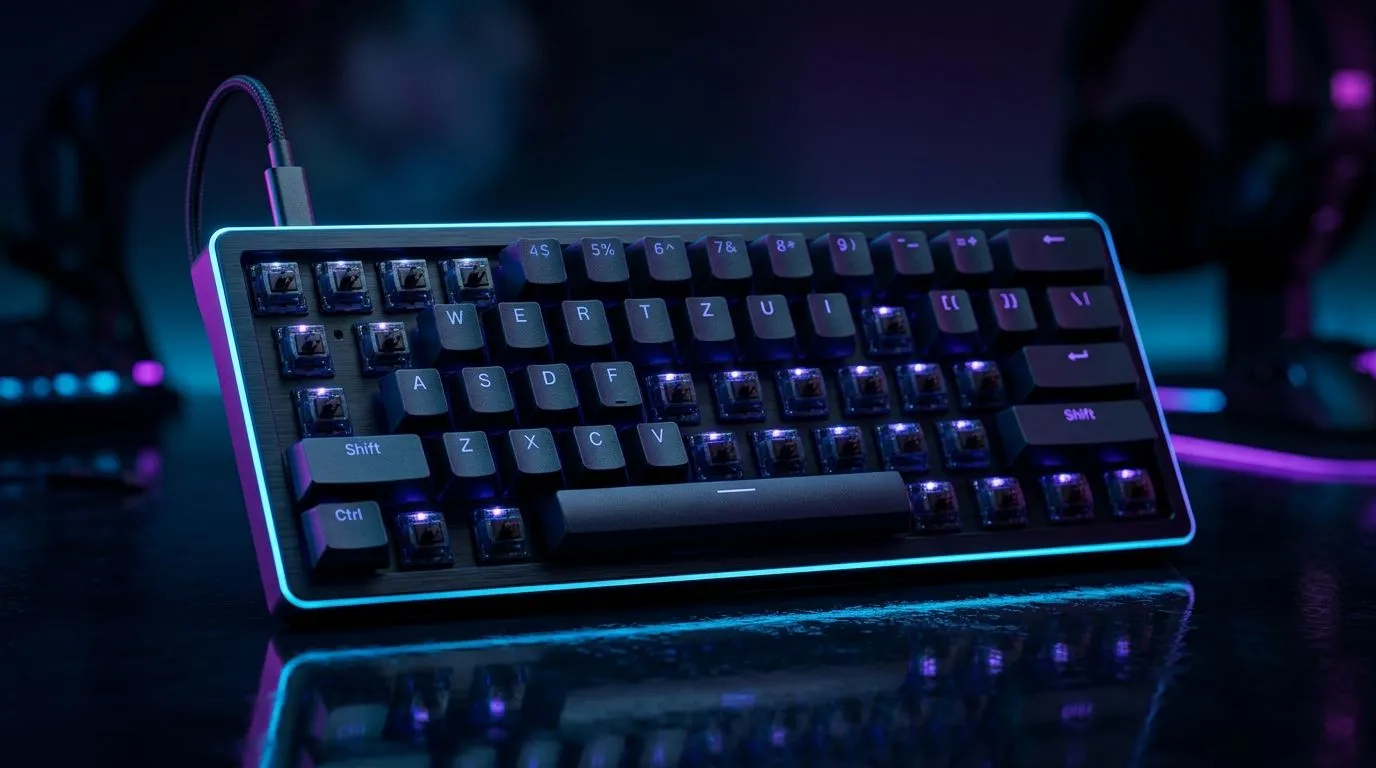
N-Key Rollover and Anti-Ghosting Settings for Competitive Gaming: the setup that keeps your aim honest ⚡
Ever had your keyboard miss a key press right when you need it most? In South Africa’s weekend scrims and late-night ranked grind, that tiny delay can feel huge. The good news? You can reduce “ghosting” and improve input reliability with the right keyboard settings. Let’s break down N-Key Rollover, anti-ghosting, and what to check before you spend your hard-earned ZAR on upgrades.
N-Key Rollover and Anti-Ghosting Settings for Competitive Gaming: what they actually do 🔧
Ghosting happens when the keyboard can’t uniquely detect multiple key presses at once. Instead, it may register the wrong combination, or “drop” keys. Anti-ghosting is the broader idea of preventing that, while N-Key Rollover (NKRO) is the gold-standard mode where your keyboard can register many keys simultaneously.
In competitive play, NKRO matters for:
- Movement plus combat binds at the same time
- Multi-button combos during strafes
- Consistent inputs during high APM (actions per minute) moments
Most gaming keyboards have these features as hardware capabilities. That means you’re not just changing a “feel” setting; you’re enabling the keyboard’s ability to detect overlapping signals reliably.
N-Key Rollover and Anti-Ghosting Settings for Competitive Gaming: how to enable the right mode ⚙️
Before you chase RGB effects, open your keyboard software (or firmware menu) and look for terms like:
- NKRO (enable/disable)
- Anti-Ghosting
- Full Key Rollover
- Gaming Mode
Some keyboards offer NKRO only in a particular connection mode. For example, wired support is commonly more straightforward for high-speed polling and full key detection. If your keyboard supports wireless, the feature may be present but sometimes behaves differently depending on power modes and connection profiles.
Here’s a practical workflow you can do in 5 minutes:
- Plug in via USB (wired) and enable NKRO in software.
- Launch your favourite aim training map and do a repeatable input sequence (move, strafe, shoot, ability key).
- If you play wireless often, repeat the test on wireless mode and compare.
Quick keyboard picks for competitive reliability (South Africa) 🚀
If you’re buying new hardware, start with a keyboard that clearly supports competitive key detection and choose your connection style based on your setup.
- Want to browse options first? Check out Evetech’s best gaming keyboard deals: best gaming keyboard deals
- Need a direct wireless or wired comparison for your desk? You can shop by connectivity here: wired gaming keyboards
- Or go the wireless route and see what fits your latency expectations: wireless gaming keyboards
N-Key Rollover and Anti-Ghosting Settings for Competitive Gaming: test like a pro (not a guess) ✨
Specs are great, but your play style is the real test. Use a consistent method so you can trust the results.
A simple “ghosting check” you can do at home
- Pick 3 to 5 keys you frequently press together (example: W + Shift + Space + ability).
- Hold the primary movement key.
- Add the other keys one by one, then press multiple together.
- Watch if any input “sticks” or fails.
If you notice dropped keys, do two things:
- Verify NKRO is enabled in the keyboard software.
- Ensure you’re using the connection mode that supports your keyboard’s full rollover features.
Productivity Pro Tip ⚡
Productivity Pro Tip ⚡
On Windows, use a dedicated keyboard test or “key viewer” tool to confirm every key registers while NKRO is enabled. Then map the same keys in your game’s settings and test again in a training range. This two-step check helps you separate software remapping issues from true keyboard detection limits.
N-Key Rollover and Anti-Ghosting Settings for Competitive Gaming: your final checklist before you queue 🎯
Before your next match, run this quick checklist:
- NKRO enabled in keyboard software (if available)
- Gaming mode on
- Correct connection type for your keyboard’s best rollover behaviour
- Clear keybind conflicts (some games or overlays remap keys)
And if you want less friction from day one, consider a bundled setup so you’re not guessing what pairs well with your keyboard. keyboard and mouse combos
Ready to lock in inputs that don’t lie
If you’re still weighing options, start by narrowing down wired vs wireless for your own setup, then pick a keyboard that supports NKRO-style detection. For broader browsing, here’s another helpful starting point: cheapest gaming keyboards in South Africa
Ready to Find Your Perfect Match? The Mac vs Windows debate is complex, but for maximum power, choice, and value in South Africa, Windows is hard to beat. Explore our massive range of laptop specials and find the perfect machine to conquer your world.











