

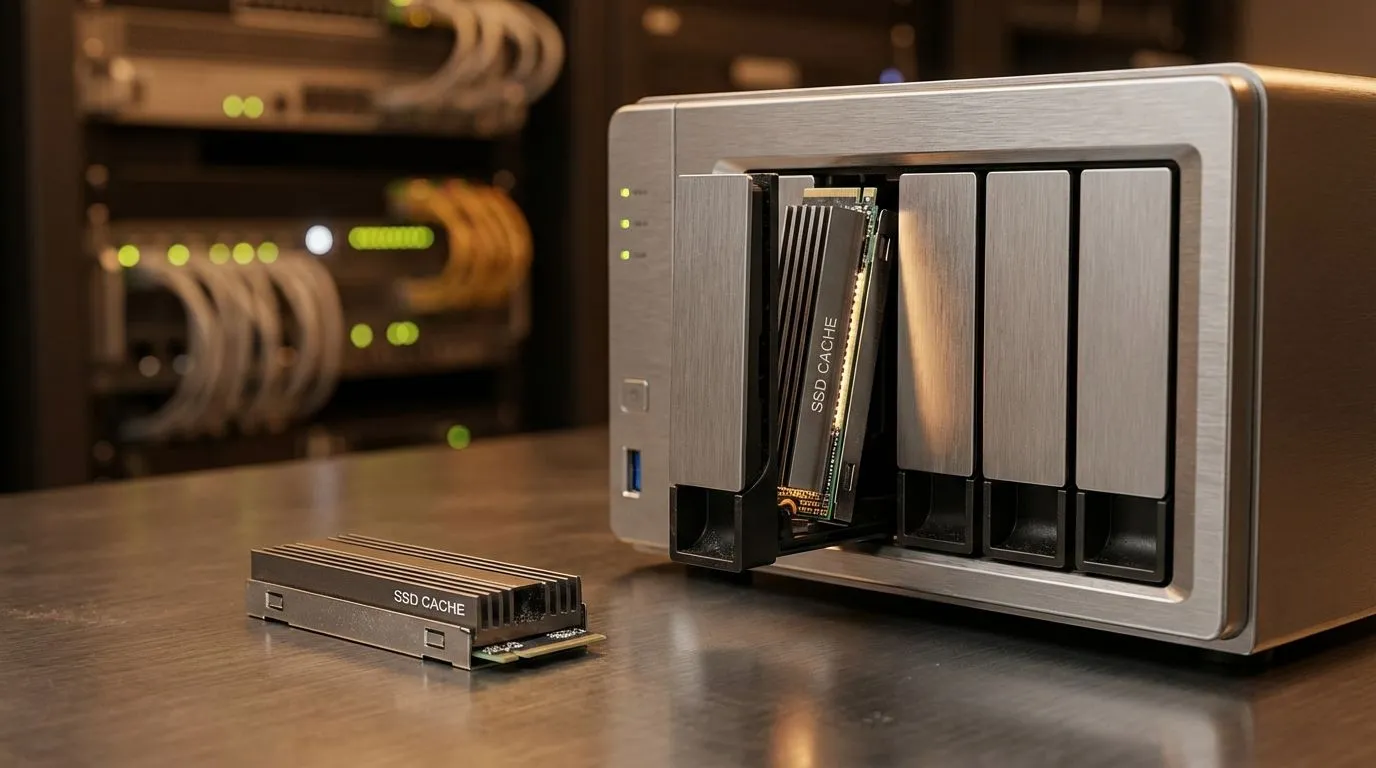
Tired of seeing the buffering wheel while trying to watch your 4K media collection in Johannesburg? Setting up a NAS SSD Cache for Plex: Speed Up Streaming Without Waste is the ultimate way to stop hard drives from grinding. It makes your library feel snappy. Let’s look at how to do it right without blowing your budget on unnecessary hardware... ensuring every movie night is seamless. 🔧
Why a NAS SSD Cache for Plex Matters
Most South African home servers rely on high-capacity mechanical hard drives. These are great for bulk storage but slow at fetching metadata. When you scroll through Plex, those posters and descriptions take time to load. By adding one of our solid state drives, you create a high-speed lane for frequently accessed data.
This setup doesn't just help with loading posters. It significantly reduces the "time to play" when you hit start on a heavy 4K file. If you are running a portable setup, you might even consider a buy external SSD for quick media transfers before you head off on holiday.
Plex Performance Tip ⚡
Focus on a 'Read Cache' if your primary goal is speeding up the Plex UI. A 'Write Cache' helps with file transfers but carries a higher risk of data loss during load shedding if you do not have a UPS. For most users, a single NVMe drive for read caching is the most cost-effective upgrade.
Choosing the Right Drive for Your Setup
Not all drives are created equal when it comes to 24/7 NAS workloads. You need something durable. We often recommend Western Digital drives for their proven reliability in server environments. If you are looking for high performance at a great price point, ADATA SSDs offer fantastic value for ZAR.
For those using modern enclosures that support the external form factor, ensure your USB or Thunderbolt port can handle the throughput. Inside the NAS, Kingston storage solutions provide the stability needed to keep your database indexed and ready for multiple simultaneous streams. ✨
Future-Proofing with High-Speed Interfaces
If your NAS supports M.2 slots, you should definitely opt for PCI Express (NVMe) drives. The latency difference compared to old SATA drives is massive. While Plex doesn't necessarily need the extreme speeds of Gen 5 (NVME) yet, having that overhead ensures your server won't bottleneck when more users connect. 🚀
Investing in a proper cache means less wear on your expensive mechanical drives... and a much quieter living room. No more clicking sounds while the NAS struggles to find the right thumbnail!
Ready to Find Your Perfect Match? A NAS SSD Cache for Plex is the smartest upgrade for any media enthusiast. For maximum power, choice, and value in South Africa, Evetech has the hardware you need. Explore our massive range of SSD deals and find the perfect drive to supercharge your streaming experience.











