Staring down a boss in Nioh 3 requires frame-perfect timing and zero input lag. But as South African gamers, we face a unique choice. Do you lock yourself to a desk with a massive tower, or do you grab a machine that survives the next stage of load shedding? Deciding between a Nioh 3 laptop vs desktop isn't just about raw power... it's about how you live your life.
The Performance Gap in Nioh 3
Team Ninja titles are notorious for demanding consistent frame rates. When comparing a Nioh 3 laptop vs desktop, the desktop usually wins on raw thermal headroom. A desktop GPU can draw more power and stay cooler during intense boss fights. However, modern mobile chips have narrowed this gap significantly. If you want the latest ray-tracing effects without the bulk, checking out geforce-rtx-gaming-laptops-on-special is a great place to start your journey.
Desktops allow for easy component swaps... but they don't handle power cuts well without a massive UPS. Laptops offer a built-in battery that acts as a bridge during those dreaded Eskom switch-overs. This ensures your progress in a difficult mission isn't wiped out by a sudden blackout.
Portability vs Pure Power
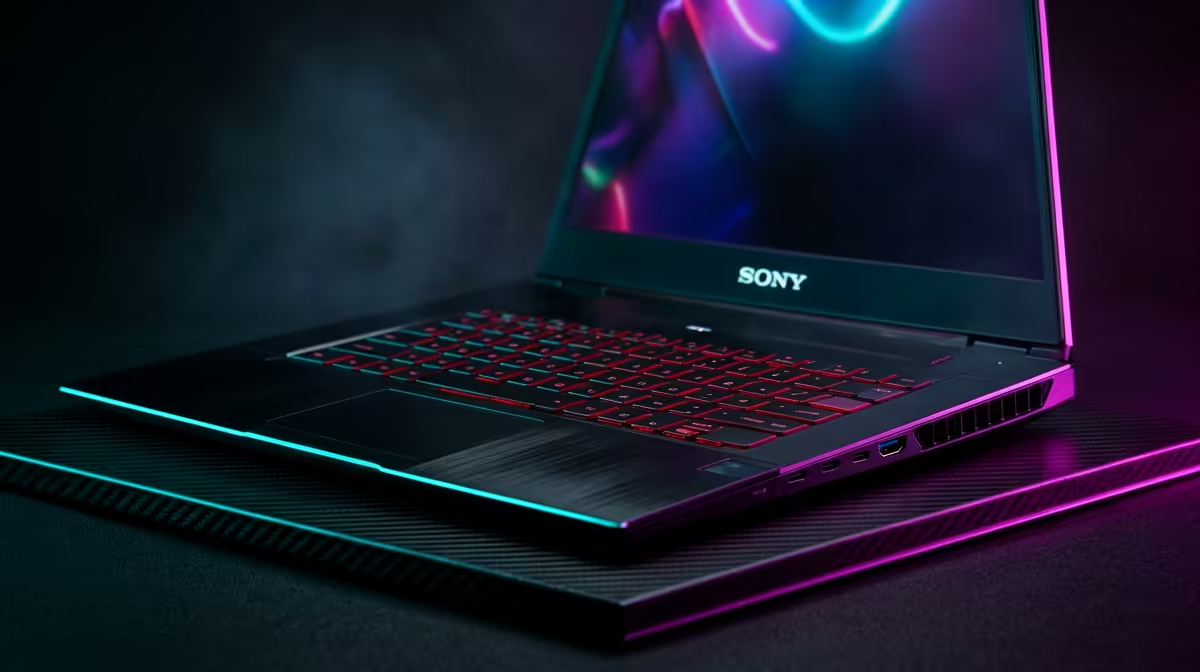
Is the ability to move worth the slight dip in performance? For many South Africans, the answer is yes. Being able to take your rig to a mate's house or simply moving to a different room makes a huge difference. You can find some of the best gaming laptop deals that offer high-refresh screens, which are essential for the fast-paced combat of Nioh 3.
Choosing the Right Processor
The heart of your machine determines how well it handles the complex AI and physics of Nioh 3. Intel has long been a favourite for high clock speeds. You can browse various intel-laptops-on-special to see how they fit into your budget.
On the other hand, many gamers prefer the efficiency and multi-core performance of Team Red. If you lean that way, looking through ryzen-laptop-deals might reveal the perfect balance of price and power for your setup.
Optimise Your Frame Rate ⚡
To get the best out of Nioh 3 on a laptop, always ensure your device is plugged into a power source and set to 'Best Performance' mode in Windows. Using a cooling pad can also prevent thermal throttling during long sessions, keeping your frames stable when the action gets intense.
Balancing the Budget in ZAR
The financial side of the Nioh 3 laptop vs desktop debate is often the deciding factor. While a desktop might offer more frames per Rand, the cost of a monitor, keyboard, and mouse adds up quickly. A laptop is an all-in-one solution that is ready to go out of the box.
If you are working with a specific budget, you might be surprised at what you can get for your money. There are excellent options if you buy-gaming-laptops-under-r20k that still pack enough punch to handle modern titles at decent settings.
Final Verdict for South African Gamers
If you have a dedicated gaming room and a solid power backup, the desktop is king. But for the average player who needs flexibility and protection against load shedding, the laptop is the smarter play. The tech has evolved so much that you no longer sacrifice the soul of the game for the sake of portability.
Ready to Find Your Perfect Match? The Nioh 3 laptop vs desktop debate is complex, but for maximum power, choice, and value in South Africa, a modern gaming laptop is hard to beat. Explore our massive range of laptop specials and find the perfect machine to conquer your world.