

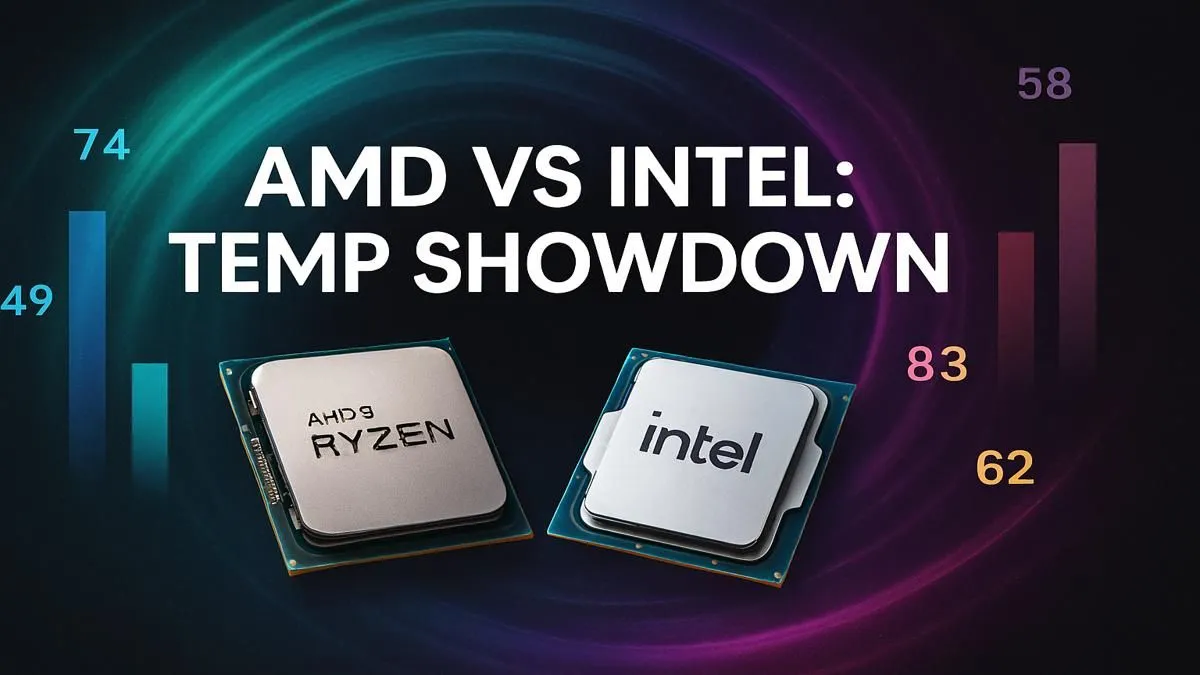
Is your PC sounding like a jet engine during a heated Warzone match? We've all been there. You're focused on the win, but a nagging thought creeps in: "Is my CPU about to melt?" In the South African heat, keeping your components cool is crucial. But what exactly is a normal CPU temp for gaming? Let's break down the safe zones for both Team Red and Team Blue so you can game with peace of mind.
Understanding CPU Temperature Basics 🌡️
Before we compare AMD and Intel, let's get the language right. You'll generally see three key temperature states:
- Idle Temp: The temperature of your CPU when your PC is just sitting on the desktop, doing nothing intensive. This should ideally be between 30°C and 50°C.
- Load Temp: This is the big one. It's the temperature your CPU hits while under heavy load, like gaming, rendering video, or running benchmarks. This is the number we're most interested in.
- TjMax (Tjunction Max): The maximum safe operating temperature specified by the manufacturer. If a CPU hits this temp, it will "thermal throttle"—automatically reducing its speed to prevent damage.
A good rule of thumb is to keep your load temps at least 10-15°C below your CPU's TjMax.
What's a Normal Intel CPU Temp for Gaming?
For years, Intel has set the standard for thermal expectations. Generally, a normal Intel CPU temp for gaming should hover between 65°C and 80°C under load. Newer, high-end chips like the Core i9 series can push into the 85°C range, especially with stock coolers.
If you're seeing temperatures consistently above 90°C, it's a sign you might need to look at your cooling solution. While the CPU will protect itself by throttling, you'll be leaving performance on the table. For gamers looking for consistent power, exploring the range of latest Intel Core CPUs can offer a significant boost in both performance and thermal efficiency.
What's a Normal AMD CPU Temp for Gaming?
This is where things get interesting. If you've just upgraded to a newer Ryzen chip, you might be shocked to see temps hitting 90°C or even 95°C during intense gaming sessions. Don't panic! 🔥
According to AMD, this is often by design. Modern Ryzen CPUs use technologies like Precision Boost 2 to aggressively increase clock speeds until they approach their thermal limit (TjMax, which is often 90-95°C on high-end models). They are built to operate safely at these temperatures to squeeze out every last drop of performance. So, a normal AMD CPU temp for gaming can safely reach 80°C to 95°C for recent Ryzen chips.
Of course, cooler is always better. If you want more thermal headroom for overclocking or just prefer a quieter system, pairing these powerful modern AMD Ryzen processors with a capable aftermarket cooler is a smart move.
Cooling Pro Tip ❄️
Is your CPU running hotter than you'd like? Before you buy a new cooler, check your PC's airflow! Ensure your case fans are configured for a clear intake (usually front bottom) and exhaust (back top) path. Even a simple clean-out of dust from filters and heatsinks can drop your temperatures by several degrees.
AMD vs. Intel: A Quick Temperature Showdown ✨
So, which approach is better? Neither—they're just different.
- Intel's Philosophy: Generally, Intel CPUs are designed to operate well below their thermal limits. They aim for a cooler baseline, and thermal throttling is seen more as a last-resort safety feature if cooling is inadequate. This gives users a clear signal when something is wrong.
- AMD's Philosophy (Modern Ryzen): AMD has engineered its recent chips to be more opportunistic. They will use every bit of available thermal and power headroom to boost performance. Hitting 95°C on a new Ryzen 9 isn't a sign of a problem; it's a sign the CPU is doing its job exactly as intended.
Ultimately, the most important thing is that your CPU operates within its specified safe range. As long as you aren't constantly hitting TjMax and throttling, you're getting the performance you paid for.
How to Check and Improve Your CPU Temps
Knowledge is power. You can easily monitor your CPU's temperature using free and trusted software like HWMonitor or Core Temp. These tools give you a real-time look at your idle and load temps, helping you spot any potential issues.
If your temperatures are consistently high (pushing past 95°C on either brand), it's time to take action. Common culprits include:
- Old, dried-out thermal paste.
- A dusty CPU cooler or case.
- Poor case airflow.
- A stock cooler that can't handle a high-end CPU.
Sometimes, the best solution is an upgrade. A better cooler can work wonders, but if your processor is a few years old, investing in a powerful new CPU often brings massive gains in both performance and thermal efficiency, giving you a cooler, quieter, and faster gaming experience.
Ready for a Cooler, Faster PC? Whether you're Team Red or Team Blue, managing your CPU temperature is key to unlocking maximum performance. If your current chip is running too hot or holding you back, it might be time for an upgrade. Explore our massive range of CPUs and find the perfect processor to keep your gaming rig cool and dominant.











