

Master Your Reaction Time with NVIDIA Reflex LoL
In the high-stakes world of League of Legends, a single millisecond determines whether you land that game-winning Charm or end up staring at a grey screen. For South African summoners, latency is the ultimate boss fight. While we cannot always fix our distance from servers, we can control our hardware. This guide shows you how to use NVIDIA Reflex LoL to reduce click delay and sharpen your play ⚡.
Why System Latency is the Secret Rank Killer
System latency... often called "click-to-display" delay... is the time it takes for your mouse click to actually result in an action on your monitor. In a fast-paced teamfight at Dragon, high latency makes your champion feel heavy. You might feel like you reacted in time, but the game engine simply did not receive the instruction fast enough.
By optimising your setup, you ensure that your mechanical skill is not being held back by your PC. Whether you are spending R4,000 or R40,000 on your build, ensuring your software and hardware talk to each other efficiently is vital.
How to Enable NVIDIA Reflex in League of Legends
Enabling this feature is straightforward. NVIDIA has worked closely with Riot Games to integrate this technology directly into the game engine.
- Open League of Legends and enter a match or practice tool.
- Press 'Esc' to open the Settings menu.
- Navigate to the 'Video' tab.
- Scroll down to find the 'NVIDIA Reflex Low Latency' option.
- Select 'On' or 'On + Boost'.
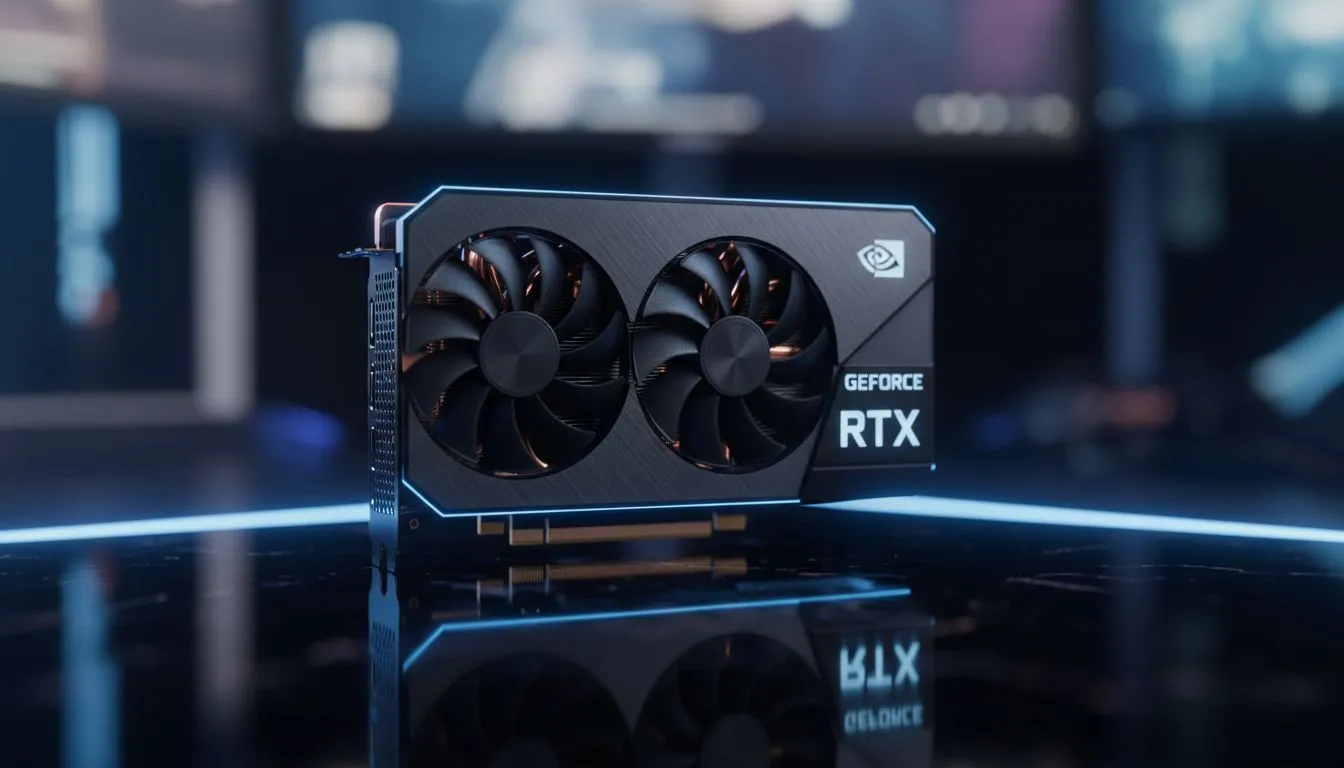
To get the best results, you need the right hardware. Our latest range of NVIDIA graphics cards provides the necessary support for Reflex technology. If you are looking for premium cooling and performance for your local build, the MSI NVIDIA GPUs are a top choice for South African gamers.
Reflex Boost Mode ⚡
Selecting 'On + Boost' keeps your GPU clock speeds higher for longer. This is particularly useful in CPU-bound scenarios like League of Legends, as it further reduces the time it takes for your processor to submit frames to the graphics card.
Comparing Your Hardware Options
While NVIDIA leads the way in low-latency tech, it is worth knowing the landscape. Some users might consider Intel Arc graphics cards for entry-level gaming, though they lack the specific Reflex integration found in GeForce cards.
Similarly, while workstation graphics cards are incredible for 3D rendering and professional tasks, they are not prioritised for gaming latency features. Even when compared to AMD Radeon graphics cards and their Anti-Lag software, NVIDIA Reflex remains the most robust solution for competitive LoL players because it synchronises the CPU and GPU perfectly 🚀.
Final Steps for a Lag-Free Experience
Once enabled, you should notice that your champion feels more responsive. Last-hitting minions becomes more intuitive... and dodging skillshots feels more natural. Remember to keep your drivers updated via GeForce Experience to ensure the latest optimisations for Riot's patches ✨.
Ready to Dominate the Rift? Reducing click delay is the first step toward climbing the ranks. For the best performance and lowest latency in South Africa, upgrade your rig today. Check out our latest graphics card deals and experience League of Legends like never before.











